
Easy Red 2 Unlock All Missions: Skip Campaign Locks
Easy Red 2 unlock all missions guide: learn the keyboard shortcut, how campaign progress saves, and which settings to watch before your achievement run.
Jump to

How to Unlock Campaign Missions
A lost battle can leave the next mission locked, even after a strong individual performance. The Easy Red 2 unlock all missions shortcut lets you move past that campaign roadblock. On keyboard, use G to access the mission-unlock shortcut.
Use this sequence when you want to reach later battles:
- Use G, then check the campaign’s mission list for access to later missions.
- Select the battle you want to play and complete it.
- Repeat the shortcut after restarting the game if you need access to missions you haven’t completed.
The shortcut needs to be repeated each time you launch the game, while completed missions remain available. Keep that distinction in mind when returning for another session: temporary mission access and completed campaign progress behave differently.
Official page: Easy Red 2 (easyred2.com)
Progressing Through Missions Normally
Without the shortcut, campaign progression requires winning the current mission with your selected faction. A high kill count or several destroyed tanks won’t advance the campaign if your side loses.
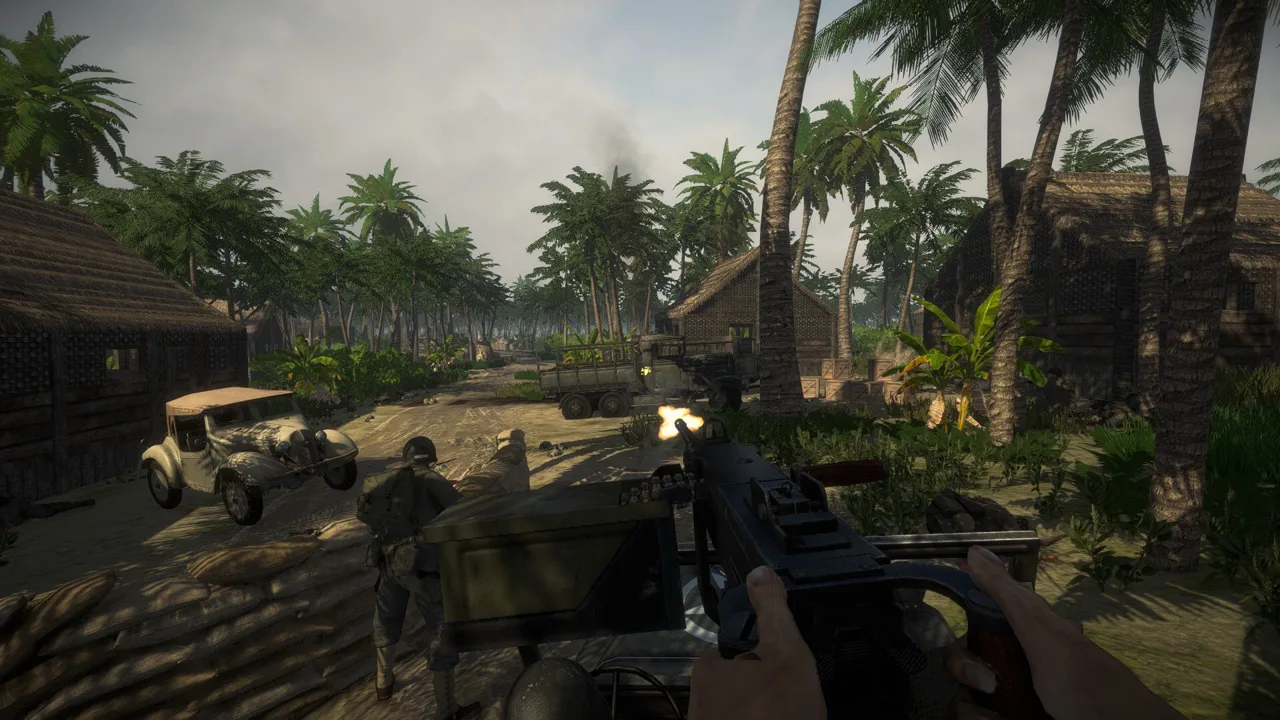 Image: Steam / Marco Amadei
If you want to progress through victories, work through the battle this way:
- Check which side you’re playing. Attackers push through objectives across the map; defenders try to stop them.
- Prioritize the victory condition. Capturing all objectives wins the battle for attackers, while exhausting attacking troops gives defenders the victory.
- Switch factions before another attempt if you want a different route through the battle. Winning from the other side can move campaign progression forward.
Historical scenarios can put one faction under heavy pressure. Use the shortcut when you want to see the next mission without repeating that matchup, or switch sides when you still want to earn the win.
During another attempt, use cover and flanking routes to approach objectives. Keep your radio operator close when relying on squad-leader support abilities; those abilities depend on having the radio operator available.
Use training mode to practice movement, shooting, and equipment handling before replaying a difficult mission. Infantry roles include squad leader, radio man, sapper, Marksman, heavy mg, medic, and Rifleman. Practice the medic’s tools for treating downed soldiers, or learn the sapper’s explosive equipment for objectives that call for it.
Coordinate suppression and movement instead of exposing the whole squad at once. Keep one soldier firing while another advances, then trade those jobs once the advancing soldier reaches cover. Use that covering fire to work around an enemy’s flank. Check the map during the push and use forests or buildings to set up ambushes.
Keep Achievement Settings in Mind
Easy Red 2 has 36 Steam achievements, so check achievement eligibility before starting a dedicated run.
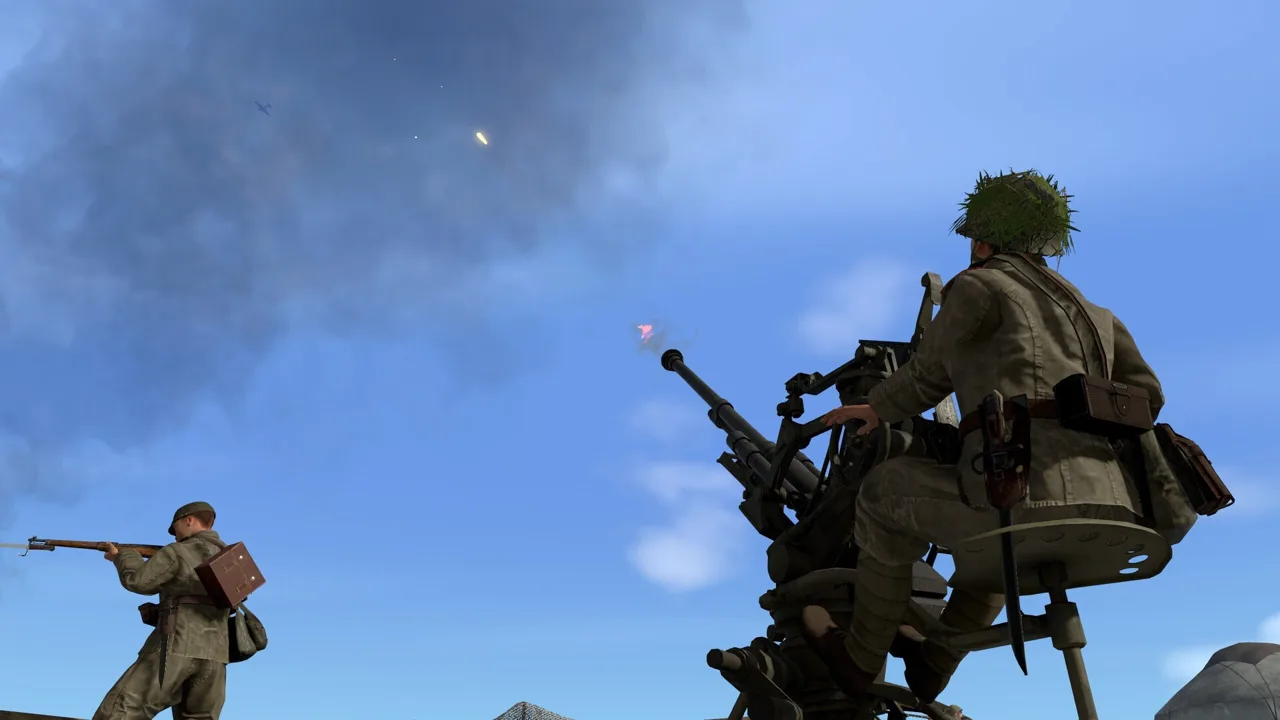 Image: Steam / Marco Amadei
Custom difficulty changes can disable achievements even when they make combat harder. Increasing AI accuracy or raising damage received by the player can trigger the warning; tougher settings don’t automatically preserve eligibility.
Before committing to a long battle:
- Check whether the game displays an achievement warning.
- Restore achievement-compatible settings if earning achievements is your goal.
- Check the requirements of the specific achievement you’re pursuing.
Surviving Campaign Achievement Runs
For campaign survival achievements such as A Day Survival in Anzio, the critical failure point is being returned to the respawn selection screen. Losing an individual soldier doesn’t necessarily end the attempt if you can continue through squad members.
 Image: Steam / Marco Amadei
Keep friendly infantry nearby. When every other member of your squad is dead, approaching another friendly infantry squad lets you automatically join it and gain access to its members. This automatic merging doesn’t extend to tank, aircraft, or artillery crews.
Choose a marksman role to reduce your exposure to close combat, and stay near friendly fire teams so you have options when your squad takes losses. When playing the attacking side, avoid unnecessary frontline risks while your forces push the objectives.
Continue with
 Easy Red 2 Gold Dog Tags: Locations and Loadout GuideFind Easy Red 2 gold dog tags with mission and phase locations, learn how to collect them correctly, and equip special soldier loadouts in singleplayer.
Continue exploring
Join the community
Official channels for news, updates and player help: