
Easy Red 2 How to Repair Vehicles: Tanks and Planes
Easy Red 2 how to repair vehicles: learn to use toolboxes, fix damaged tracks, resupply at repair stations, and repair and rearm planes without landing.
Jump to
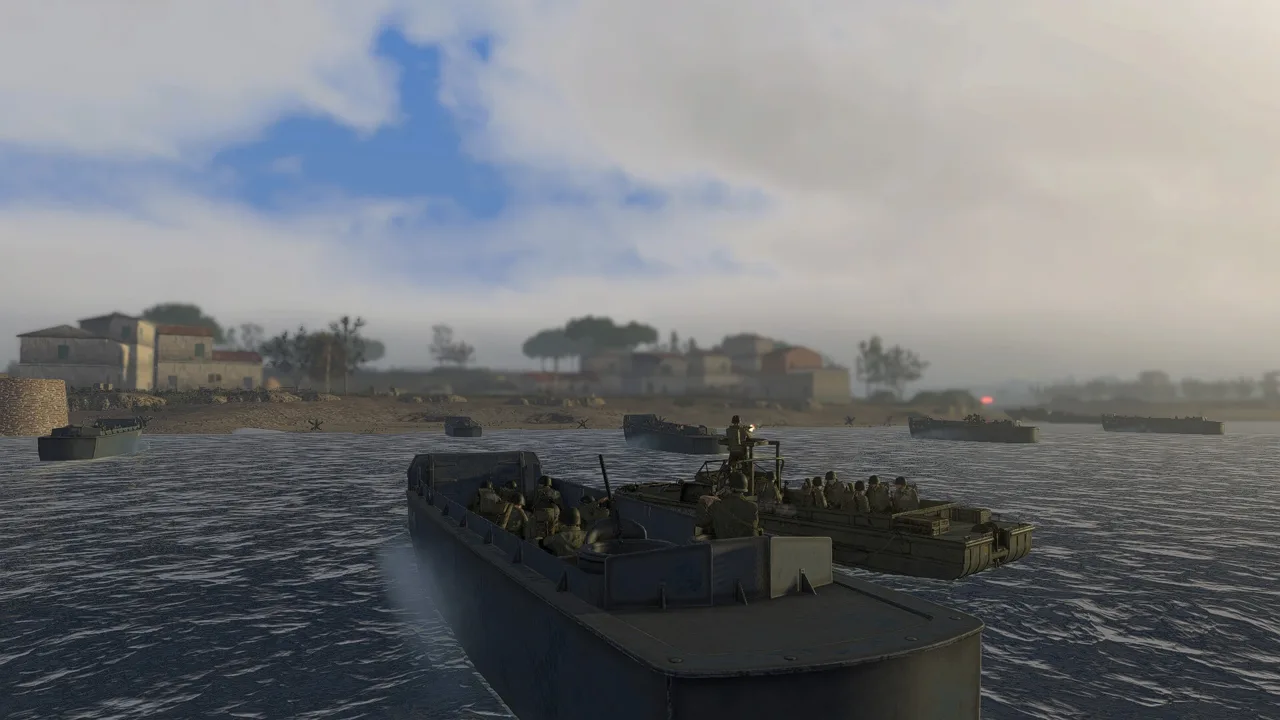
How to Repair Vehicles With a Toolbox
A broken track can leave your tank stranded under fire. This Easy Red 2 how to repair vehicles guide covers the toolbox interaction that gets damaged vehicles working again, plus repair stations for ground vehicles and aircraft.
To perform a field repair, approach a damaged vehicle with a toolbox, hold F on the default keyboard controls, and select the repair option. Let the short repair animation finish.
Here’s the process when you’re operating a tank:
- Check your soldier’s inventory. Tank crews and engineers carry toolboxes, but you still need an available repair kit.
- Exit the vehicle when it’s safe. Toolbox repairs require a soldier to approach from outside.
- Move close to the damaged vehicle. Destroyed tracks or wheels are common reasons to use a field repair while the vehicle is otherwise operational.
- Hold F to open the interaction options. This key is customizable, so use your assigned binding if you changed it.
- Choose the repair option and wait for the animation to finish.
- Return to the vehicle once the repair is complete.
An engineer outside the tank can also repair it while the crew stays aboard. Coordinate with a nearby teammate carrying a toolbox to avoid exposing a crew member unnecessarily.
On PC, version 2.1.1 adds an in-game reference guide to the pause menu. It displays articles tied to the mission you’re playing, including its vehicles, weapons, guns, map, mission, and campaign. Open that menu when you want to look up the particular vehicle involved in your mission.
Repair Kit Limits
A vehicle can receive multiple repairs as long as it hasn’t suffered fatal damage. The limit is your equipment: each soldier usually carries only one repair kit.
Check your inventory before leaving cover, and save the kit for damage that needs attention. A toolbox cannot recover a vehicle that has taken fatal damage. If approaching the tank puts you beside a vehicle about to explode, back away.
Official page: Easy Red 2 (easyred2.com)
Using Land Vehicle Repair Stations
When your vehicle can still move, bring it to a repair station if one is available on the map. These stations handle both damage and ammunition.
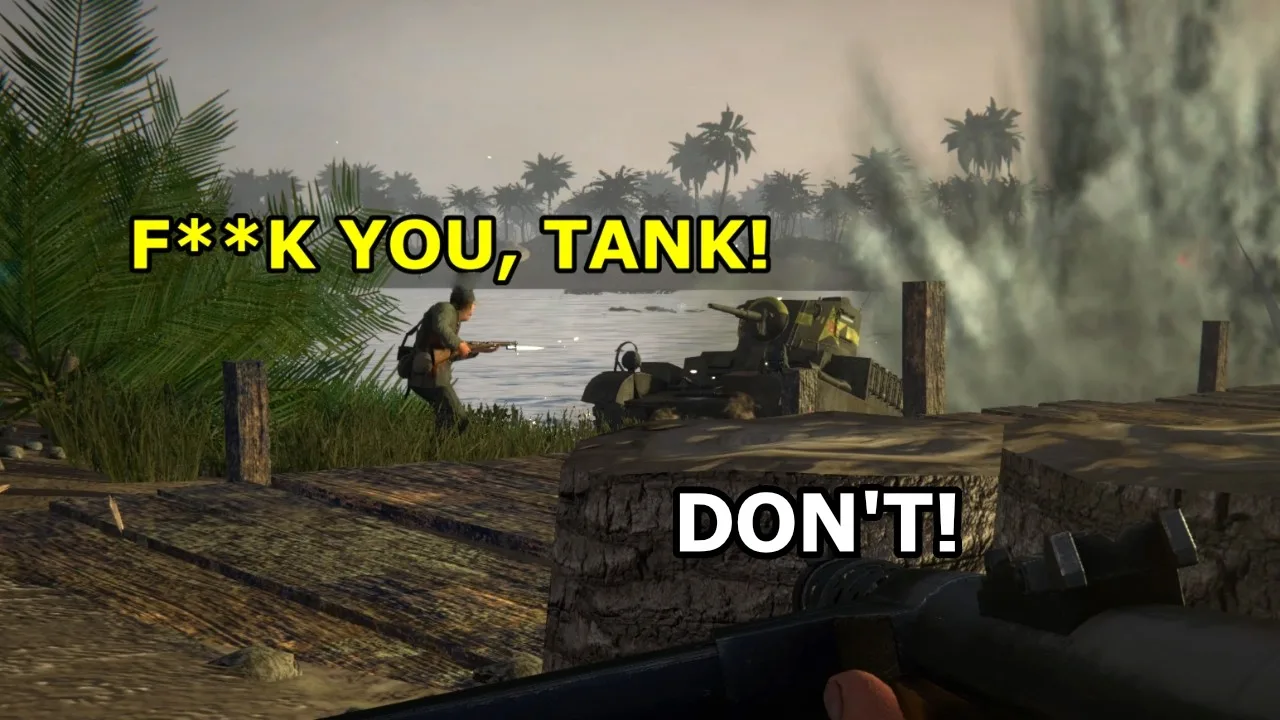
Once positioned at the station:
- Ammunition refills immediately.
- Repairs happen gradually while the vehicle remains stationary.
Stop and give the repairs time to work. Receiving ammunition doesn’t mean the repair process has finished.
For an immobilized tank, use a toolbox to address the damaged tracks before attempting the trip. If the vehicle is mobile but running low on ammunition, head for a station to handle resupply and repairs together.
Ground repair stations serve land vehicles. Aircraft use a separate service point in the air.
How to Repair and Rearm Planes
Look for the airplane-and-repair-tool marker while flying. Passing through this airborne service area repairs your plane and replenishes its ammunition, including bombs.
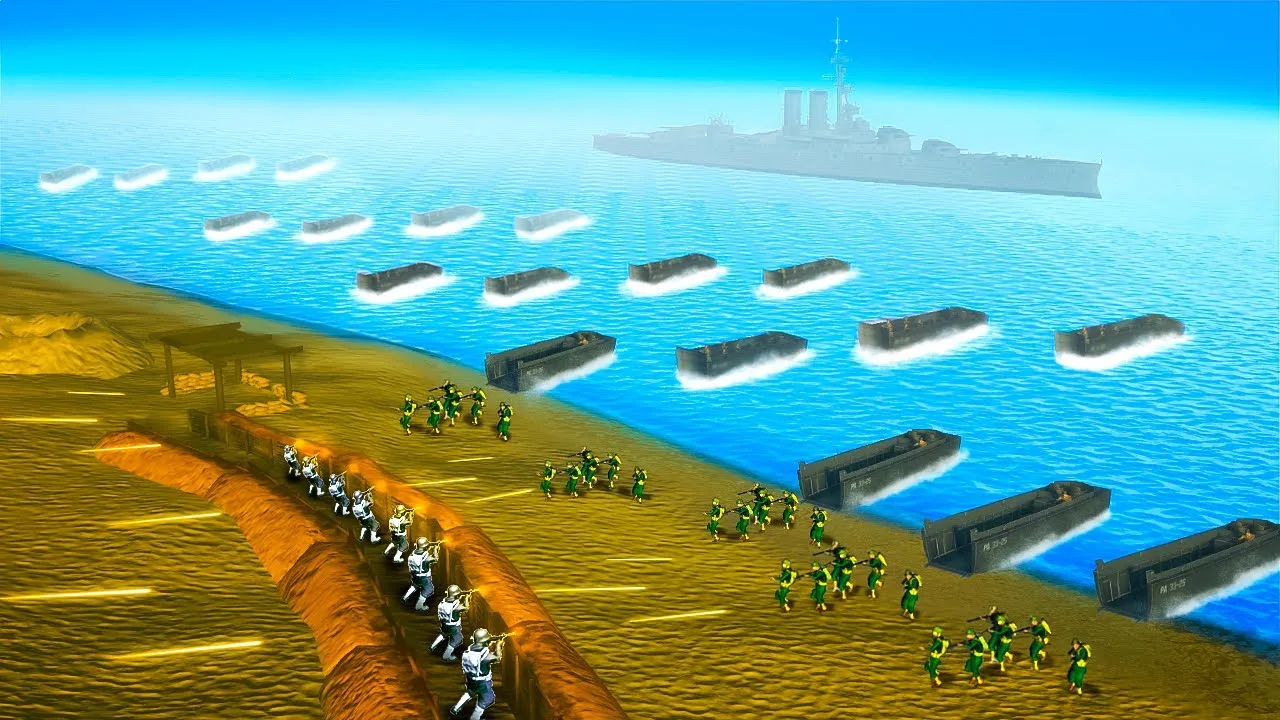
The Spitfire carries a couple of bombs for bombing runs, and the airborne service point replenishes those after you drop them. The marker can be out to sea, so look beyond the immediate battlefield when searching for the aircraft repair area.
You don’t need to land on a carrier to use this system:
- Locate the aircraft service marker. On some maps, it sits well away from the fighting.
- Slow down and fly through the marked area.
- Make another pass if necessary. Some approaches require a slower pass or another attempt before servicing takes effect.
- Check your ammunition before returning to combat.
Keep the aircraft under control as you reduce speed. If the first pass doesn’t replenish your weapons, circle back toward the marker instead of attempting a carrier landing just to reload.
Continue exploring
Easy Red 2 Gold Dog Tags: Locations and Loadout Guide
Find Easy Red 2 gold dog tags with mission and phase locations, learn how to collect them correctly, and equip special soldier loadouts in singleplayer.
Easy Red 2 Unlock All Missions: Skip Campaign Locks
Easy Red 2 unlock all missions guide: learn the keyboard shortcut, how campaign progress saves, and which settings to watch before your achievement run.
Join the community
Official channels for news, updates and player help: