
Easy Red 2 Maps: Campaigns, DLC, and Custom Battlefields
Explore Easy Red 2 maps across Tunisia, the Pacific, and Europe. Compare campaign DLC, discover Khalkhin Gol, and start building your own battlefields.
Jump to
What Maps Are in Easy Red 2?
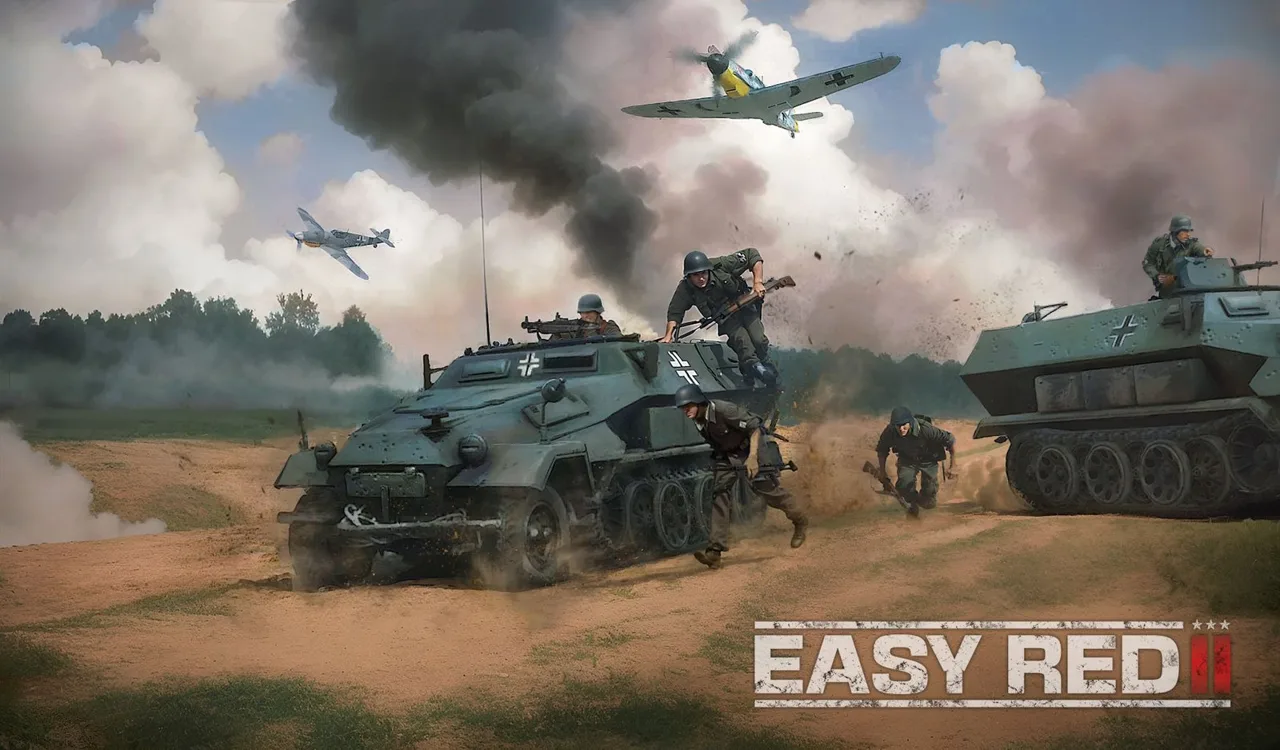
A landing beach, a ruined city, and an open steppe demand different decisions. Easy Red 2 maps cover North Africa, Pacific islands, European battlefields, China, and Mongolia, giving each campaign a distinct setting. Check the base-game locations and expansion breakdown below to find the battles you want to play.
The base game's campaign locations include:
- Tunisia: Northern Operations and Southern Operations, covering separate North African campaigns.
- Italy: Anzio and Cassino, with fighting around settlements, open terrain, and the slopes surrounding Monte Cassino.
- The Pacific: Kwajalein, Roi-Namur, and Makin.
- The Aegean: Kos.
Aberdeen / Shooting range is a separate training location.
Map names and campaign names sometimes differ. Cassino, for example, is the battlefield name associated with the Monte Cassino campaign. That distinction helps when matching a location to the campaign menu.
The game also includes expansion battlefields and the Khalkhin Gol campaign introduced in version 2.1.1. The advertised 150+ missions describe individual battles across the game, rather than 150 separate maps.
DLC Maps and the Campaigns They Add
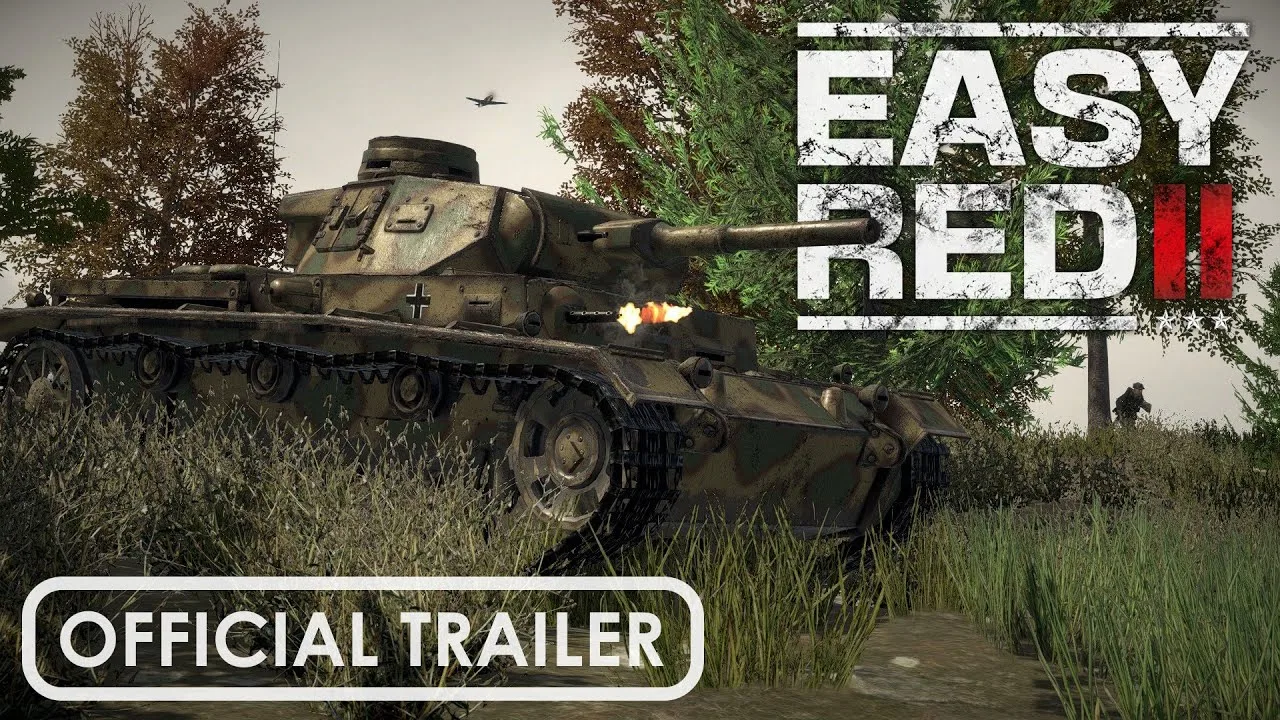
The expansions add historical campaigns alongside their own weapons, uniforms, vehicles, and factions. Choose by the operations you want to experience, and check the package contents for your platform before buying.
| Expansion | Maps or regions | Campaign coverage |
|---|---|---|
| Normandy | Normandy beaches and inland battlefields | D-Day landings and the subsequent advance into France |
| Stalingrad | Stalingrad, its suburbs, and surrounding countryside | Fighting around the Volga and the city during winter 1942–43 |
| Ardennes 1940 & 1944 | French Ardennes and Bastogne | The Battle of Stonne during the invasion of France and the Battle of the Bulge |
| Shanghai - Nanking | Shanghai and Nanking | Battles in China during 1937 |
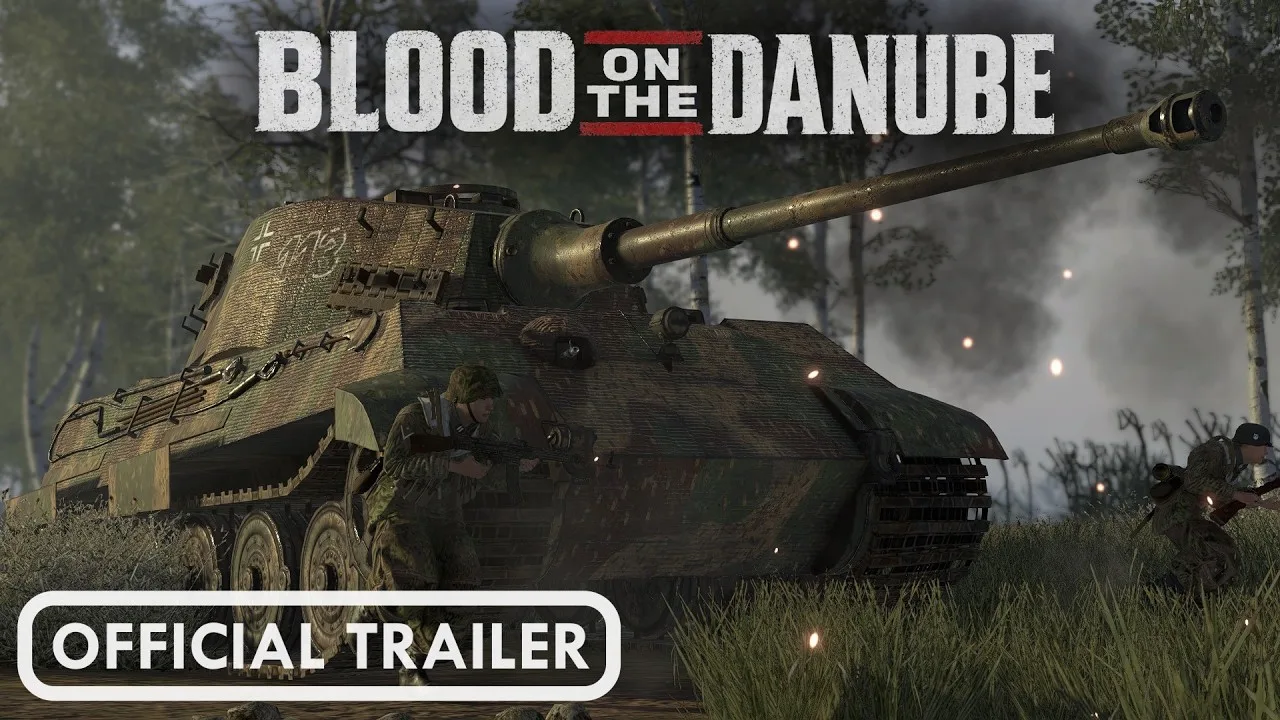
| Blood on the Danube | Budapest and Lake Balaton | The Siege of Budapest, Operation Konrad, and Operation Spring Awakening |
Normandy: Beaches and the Inland Advance
Normandy extends beyond a single beach assault. Its campaign includes Omaha, Utah, Sword, Juno, and Gold, plus Pointe du Hoc and the push toward Carentan, Caen, and Saint-Lô.
That range matters if you want more than repeated shoreline fighting. The campaign follows the invasion from its landing areas into inland locations, with infantry and vehicles participating in the broader battle.
Stalingrad: City Fighting and Armored Battles
Stalingrad includes crossing the Volga, fighting through the devastated city, and armored engagements in the suburbs and surrounding countryside.
Expect the campaign's setting to change the available space around you. Use squad orders to coordinate movement through built-up areas, and watch the approaches beyond the immediate objective when fighting moves into more open ground.
Ardennes: Two Separate Historical Campaigns
Ardennes 1940 & 1944 covers two different periods: the 1940 Battle of Stonne and the 1944 Battle of the Bulge.
The French Ardennes and Bastogne belong to this expansion's battlefield lineup. Choose the corresponding campaign when you want either the invasion of France or the later winter offensive.
Shanghai, Nanking, and Hungary
Shanghai - Nanking takes the fighting to China in 1937, with additional equipment and missions built around those battles.
Blood on the Danube shifts to late-war Hungary. Budapest provides the setting for the siege, while the expansion also covers the Konrad relief offensives and Operation Spring Awakening across Budapest and the Lake Balaton region.
What Does All Fronts Include?
The Steam All Fronts bundle includes the base game and all five expansions in the table above.
The Xbox All Fronts package includes the base game, Normandy, Stalingrad, Ardennes 1940 & 1944, and Blood on the Danube. Compare the included products on your platform, particularly if Shanghai - Nanking is on your shopping list.
You can view the Easy Red 2: All Fronts bundle on Steam or the Xbox All Fronts package.
Khalkhin Gol Adds Nine Missions in Version 2.1.1
Version 2.1.1, “Cold Steel,” introduces the Battles of Khalkhin Gol with 9 unique missions. The campaign follows the 1939 conflict across Mongolia's grasslands, moving from border clashes into large armored offensives.
The fighting includes engagements around Bain-Tsagan Hill, Soviet counteroffensives, and the encirclement and retreat of Japanese forces. Mongolia and Manchukuo join as represented factions with their own voices, uniforms, weapons, and equipment.
This is a different setting from the dense urban fronts: the campaign emphasizes broad stretches of steppe and armored warfare. Plan movement around the open terrain, and coordinate your squad before advancing across exposed ground.
Khalkhin Gol is released content in version 2.1.1; Iwo Jima remains a separate upcoming campaign.
How Campaign Battles Use the Terrain
Campaigns consist of missions based on historical battles and operations. Within those missions, objectives move the fighting across sections of a larger battlefield.
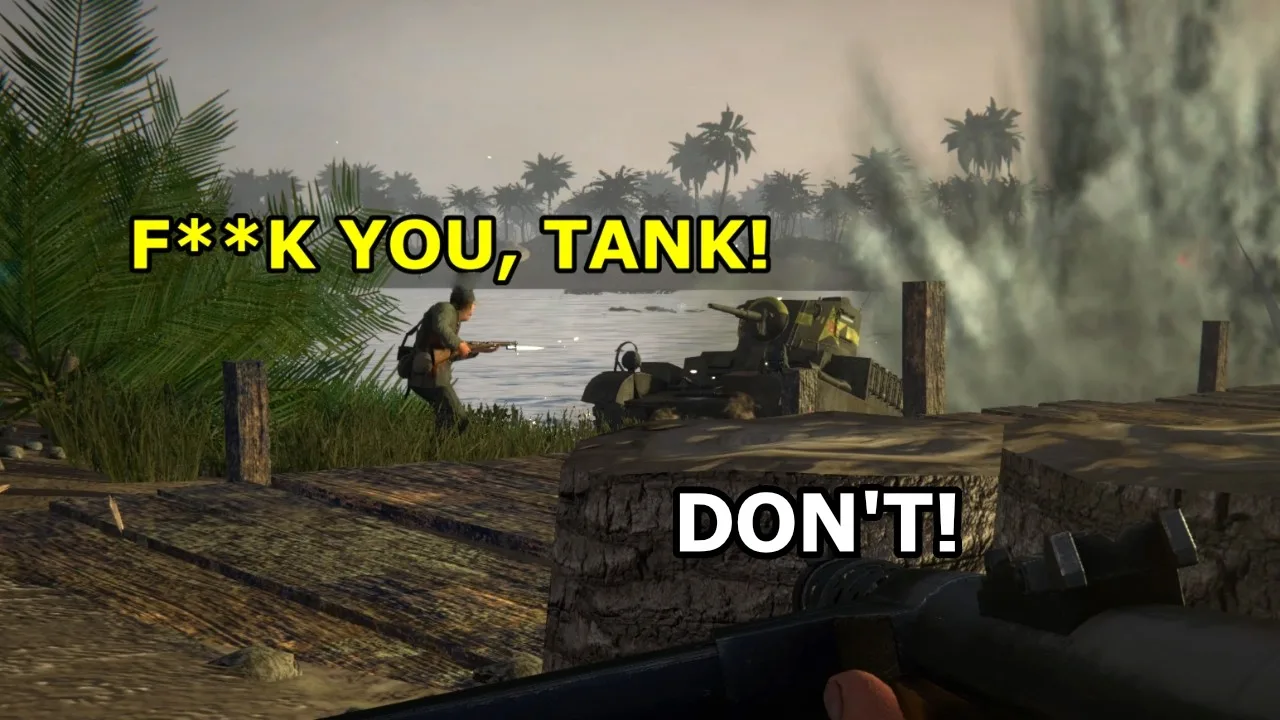
In the standard attacking-and-defending format, attackers capture strongpoints to advance. Taking the current objectives reveals the next goals; defenders try to exhaust the attackers' manpower before the assault succeeds.
Use that structure to guide your movement:
- Check the next objective after a capture. Redirect your squad toward the new position rather than continuing to fight around a completed one.
- Move between cover on exposed approaches. Cassino includes steep, rocky slopes as well as villages, towns, and vineyards.
- Reassess damaged cover. Destructible buildings and battlefield objects can change the protection a position provides.
- Choose an available role that fits the immediate fight. Depending on the mission, respawning can put you back into infantry, an armored vehicle, or an aircraft.
Campaigns support single-player combat as well as PvP and co-op. The battlefield remains a combined-arms space, so an infantry objective can still sit within reach of tanks, artillery, or aircraft.
Dynamic Operations Changes the Battle Setup
Version 2.1.1 also adds a Dynamic Operations prototype. Its seed-based generation changes the battle setup between runs while allowing a particular setup to be reproduced with the same seed.
Capturing zones earns victory points and reinforcement tickets. Those tickets can be spent on better-equipped units to strengthen your forces.
Keep a seed when you want to replay a particular setup, and prioritize zone captures to build your reinforcement options.
Creating Custom Maps and Missions on PC
Map creation and modding are PC-exclusive features. The tools separate the battlefield itself from the mission played on it: terrain and scenery form the map, while objectives, squads, vehicles, and battle settings shape the mission.
Start with a small playable scenario before decorating a large battlefield.
- Create a map and choose its size. Give it a name, then establish the broad terrain layout.
- Shape the ground. Use raising, lowering, flattening, and smoothing tools to build elevations and approaches.
- Paint terrain and place scenery. Add surface textures, vegetation, rocks, buildings, and other props.
- Create a mission using that map. Place objectives and adjust their capture area and capture time.
- Add the opposing forces. Choose squads, loadouts, AI behavior, vehicles, and waypoints.
- Set the battle conditions and test. Adjust weather, season, tickets, and active-unit limits, then play through the scenario.
The editor also supports custom squads, allowing you to configure uniforms, weapons, and inventory contents. Add ammunition for the weapons you assign before testing the loadout.
Test Movement Before Adding Dense Scenery
Terrain that looks convincing can still cause problems for soldiers and vehicles. Test trench spacing, elevation changes, and routes between objectives early.
Keep these checks practical:
- Widen trenches if AI soldiers struggle to move through them.
- Adjust long sightlines if squads remain distant instead of pushing into the fight.
- Add foliage gradually and check performance as density increases.
- Test objective progression for enemies stuck behind terrain or scenery.
- Check DLC dependencies before sharing the finished scenario.
Version 2.1.1 adds soldier scale references for map makers, rectangular objectives, and an option to keep selected objects from being destructible. It also skips editor items from DLC you do not own, displaying a message in the F3 console.
Iwo Jima Is Scheduled for December 2026
Iwo Jima is scheduled for December 2026 and remains in development. Its planned battlefield shifts toward close infantry fighting among black sand, volcanic rocks, and extensive tunnels.
Named locations include Hills 362A, B and C, Charlie Dog Ridge, The Bloody Gorge, Cushmans' Pocket, and Hill 165.
Mount Suribachi is planned with a tunnel system connecting sea level to the summit. Those underground routes are part of the upcoming island battlefield; choose the existing Pacific campaigns at Kwajalein, Roi-Namur, or Makin if you want island combat now.
Continue with
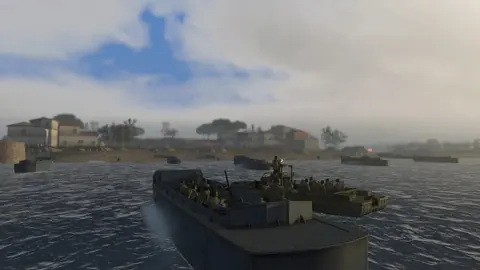 Easy Red 2 Normandy: Missions, Beaches, and DLC GuideExplore Easy Red 2 Normandy's 20 missions, D-Day beaches, Pointe du Hoc hooks, and uniforms, plus DLC requirements and platform details before you play.
More in Campaigns & DLC
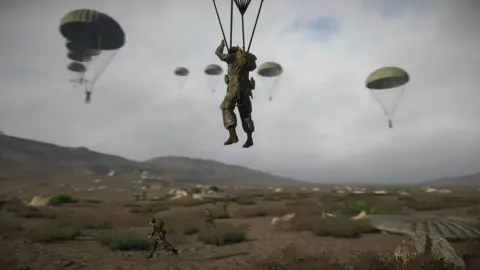
Easy Red 2 Blood on the Danube: Campaign and DLC Guide
Explore Easy Red 2 Blood on the Danube, with three campaigns, 30+ missions, new factions, heavy tanks, and night vision gear. Plan your return to Hungary.
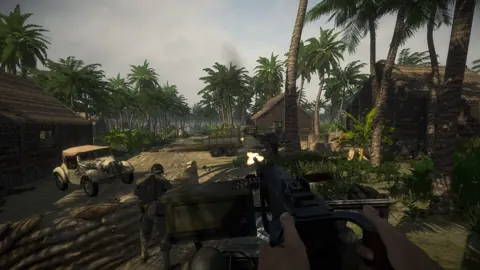
Easy Red 2 DLC Guide: Campaigns, Prices, and Updates
Explore Easy Red 2 DLC campaigns, compare Steam prices, and find out what Stalingrad, Normandy, Ardennes, Shanghai-Nanking, and Blood on the Danube add.
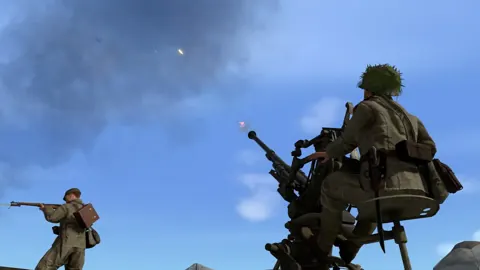
Easy Red 2 Shanghai Nanking: Campaign and DLC Guide
Explore Easy Red 2 Shanghai Nanking with campaign details, Chinese weapons, vehicles, platform differences, and practical tips for fighting through China.
Easy Red 2 Stalingrad: Campaign, Weapons & DLC Guide
Explore Easy Red 2 Stalingrad with a campaign guide covering Soviet weapons, vehicles, combat tips, DLC requirements, and platform options before you play.
Join the community
Official channels for news, updates and player help: