
Easy Red 2 Xbox: Price, Crossplay, and Console Guide
Easy Red 2 Xbox supports solo battles, online co-op, and crossplay. Explore console compatibility, pricing, DLC, controls, performance, and beta access.
Jump to
Is Easy Red 2 Available on Xbox?
Easy Red 2 Xbox brings large WWII battles to Xbox One and Xbox Series X|S, with offline single-player, online co-op, and competitive multiplayer. Its mix of infantry, tanks, artillery, and aircraft gives you several ways to tackle an objective. You can fight alongside AI soldiers without waiting for a multiplayer lobby or take those battles online with friends.
The Xbox release date is February 16, 2024. The game supports Smart Delivery and is optimized for Xbox Series X|S, with Xbox One X enhancements also available.
Other console features include:
- Xbox achievements
- Xbox cloud saves
- Console keyboard and mouse support
- Cross-generation multiplayer
- Cross-platform multiplayer and co-op
The game carries a Mature 17+ rating for blood and violence. You can buy Easy Red 2 for Xbox and choose between the standalone game and the All Fronts bundle.
Price, Editions, and Campaign DLC
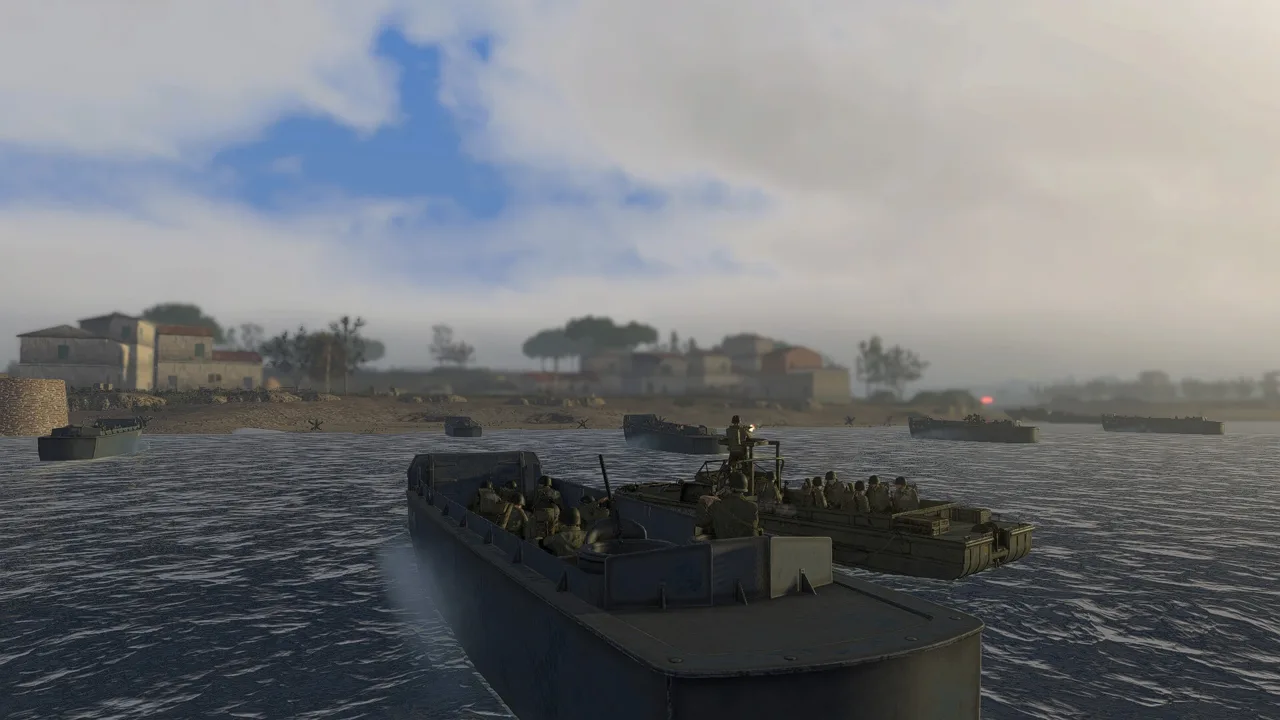
The standalone game costs $8.99 in the U.S., while Easy Red 2: All Fronts costs $32.99. The bundle includes the base game and five campaign add-ons.
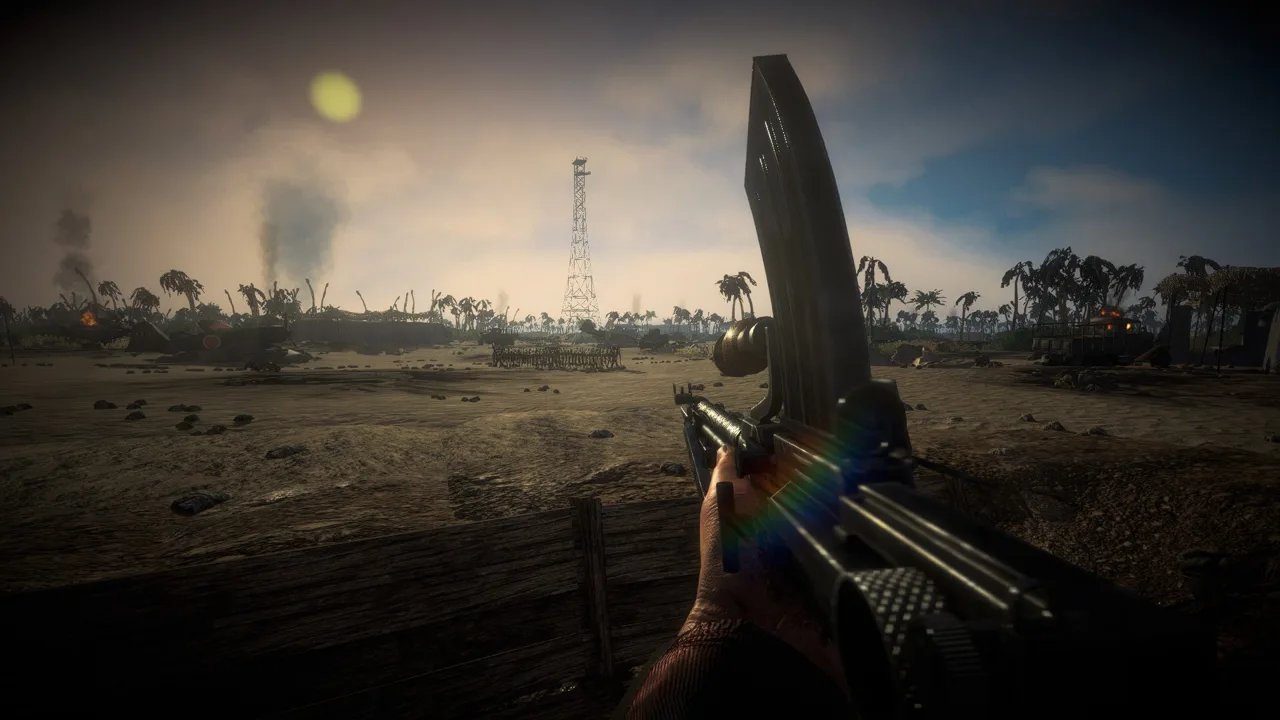 Image: Steam / Marco Amadei
| Edition | U.S. price | Included content |
|---|---|---|
| Easy Red 2 | $8.99 | Base game |
| Easy Red 2: All Fronts | $32.99 | Base game, Ardennes, Blood on the Danube, Shanghai - Nanking, Normandy, and Stalingrad |
Individual expansions are also available. Normandy costs $5.99, and Blood on the Danube costs $7.99.
These expansions broaden the settings you can fight through. Shanghai - Nanking covers Chinese and Japanese forces, while Blood on the Danube takes the fighting to Hungary during the closing months of the war.
Start with the base game if you want to learn the combat before choosing more campaigns. Compare the bundle’s included add-ons with anything you already own before buying it.
Offline Battles, Co-op, and Crossplay
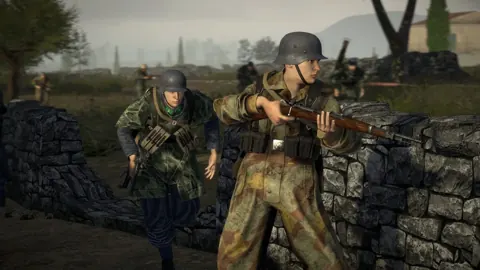
Single-player puts you into large battles with AI forces handling infantry and vehicles around you. These campaigns center on battlefield objectives and changing front lines, with room to choose different units and approaches.
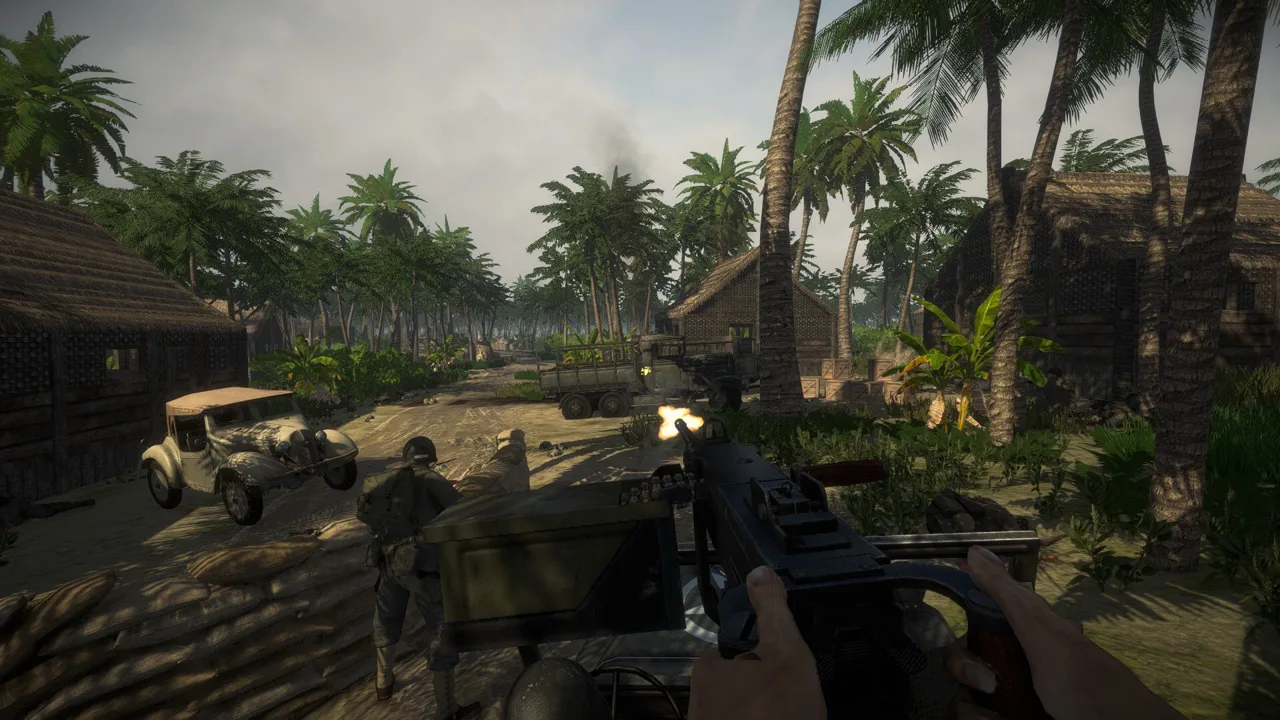 Image: Steam / Marco Amadei
Online play supports:
- Co-op for up to 20 players: Fight AI forces together and coordinate movement, vehicles, and objectives.
- Multiplayer for up to 20 players: Compete against opposing players across large battlefield maps.
- Cross-platform multiplayer and co-op: Play through the game’s supported crossplay features.
- Cross-generation multiplayer: Xbox One and Xbox Series X|S players can participate together.
The 20-player limit refers to online players. AI soldiers also populate battles, helping create the larger engagements that define the game.
Console online multiplayer requires Xbox Game Pass Essential, Premium, or Ultimate, sold separately. Cloud play also requires one of those subscriptions and ownership of the game. A subscription alone does not provide access to this title.
For co-op, divide responsibilities around the mission’s available units. Coordinate an infantry advance with armored support, or have teammates focus on helping wounded soldiers while others push toward the objective.
How the Combat Works
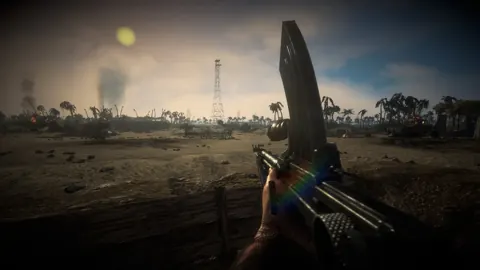
The game combines weapon handling, equipment management, squad orders, and vehicle combat. You can switch soldiers or units during missions, giving you more options than staying with a single infantry role.
 Image: Steam / Marco Amadei
Available equipment depends on the battle and the historical units involved. A mission with tanks or aircraft offers different tactical possibilities from one built around infantry.
Start with the training campaign to learn the mechanics before entering frontline missions. Then focus on a few habits:
- Use squad orders. Coordinate your soldiers around the objective instead of advancing alone.
- Loot useful supplies. Recover ammunition, grenades, and bandages from fallen soldiers when you need them.
- Approach trenches carefully in vehicles. Tanks can get stuck on terrain and obstacles.
- Plan aircraft attacks around ammunition. Return to base to resupply when your aircraft runs low.
The appeal comes from having several tools available within the same battle. You might begin on foot, switch to another soldier, or take a vehicle role when the mission offers one.
Xbox Controls and Series X Performance
Both controllers and keyboard-and-mouse input are supported on Xbox. Choose the input method you prefer, then spend time learning equipment interactions and squad commands in training.
Adjustable options include field of view, inverted controls, post-processing, gun-sight blur, and VSync. Use those settings to tune visibility and control comfort before increasing the scale of your battles.
On Xbox Series X, the game offers a 4K, 60 fps setup, with an uncapped option through VSync for play at up to 120 fps on a compatible display. Higher AI quantities increase the performance load, so frame rate depends partly on how many soldiers you put into a mission.
Begin with the normal troop quantity and increase it gradually. If a crowded battle becomes less smooth, lower the troop quantity before your next attempt. The extra soldiers can make a beach landing feel much larger, but they also demand more from the console.
Xbox Updates, Mods, and Version Differences
Xbox receives ongoing gameplay updates, including changes to AI, vehicles, weapons, and missions. Console releases pass through platform approval, which can take weeks, so update timing differs from PC.
Use your installed version when following instructions for newly added mechanics. Older Xbox version numbers from early discussions describe earlier builds, rather than the game’s current update schedule.
The PC version’s 2.1.1 “Cold Steel” update introduces several substantial additions:
- Khalkhin Gol: A campaign with 9 missions covering the 1939 conflict.
- Mongolia and Manchukuo: Newly represented factions with their own uniforms, equipment, and voices.
- Dynamic Operations: A prototype mode using seeds to generate reproducible battles, with capture zones providing victory points and reinforcement tickets.
- An in-hand melee system: Bayonets and selected melee weapons gain dedicated attacks and animations.
- AI changes: Soldiers can draw bayonets when encountering enemies with empty guns, and retreating crews continue withdrawing without stopping to fight.
AI development and mission scripting serve different purposes. General AI changes affect how soldiers and vehicles behave, while scripting lets mission designers create specific behaviors and objectives.
Steam Workshop mods and the PC map editor belong to the PC feature set. The Xbox release does not provide the same user-generated content access. Buy the console version for its campaigns and combat features rather than expecting access to a Steam Workshop library.
How to Join the Xbox Beta
Owners can request beta access through the Easy Red 2 beta registration page. Registration uses your console’s Xbox network device ID, which is different from its serial number and console ID.
To register:
- Open Profile & system on your Xbox.
- Go to Settings › System › Console info.
- Find the Xbox network device ID.
- Enter that 16-character value in the Xbox beta panel.
- Allow a few days for the device list to be updated manually.
The same panel lets you check your console’s registration status or leave the program.
Beta builds are intended for testing and can be less stable than public releases. They are not always ahead of the public version. Keep your complete device ID private: anyone who knows it can manage that console’s beta registration.
Continue exploring
Easy Red 2 Multiplayer: Co-Op, PvP, and Crossplay Guide
Explore Easy Red 2 multiplayer with a guide to co-op, PvP, Xbox player limits, bots, and squad tactics. Plan your battle with friends on the front lines.
Easy Red 2 Unlock All Missions: Skip Campaign Locks
Easy Red 2 unlock all missions guide: learn the keyboard shortcut, how campaign progress saves, and which settings to watch before your achievement run.
Join the community
Official channels for news, updates and player help: