
Easy Red 2 Multiplayer: Co-Op, PvP, and Crossplay Guide
Explore Easy Red 2 multiplayer with a guide to co-op, PvP, Xbox player limits, bots, and squad tactics. Plan your battle with friends on the front lines.
Jump to
Does Easy Red 2 Have Multiplayer?
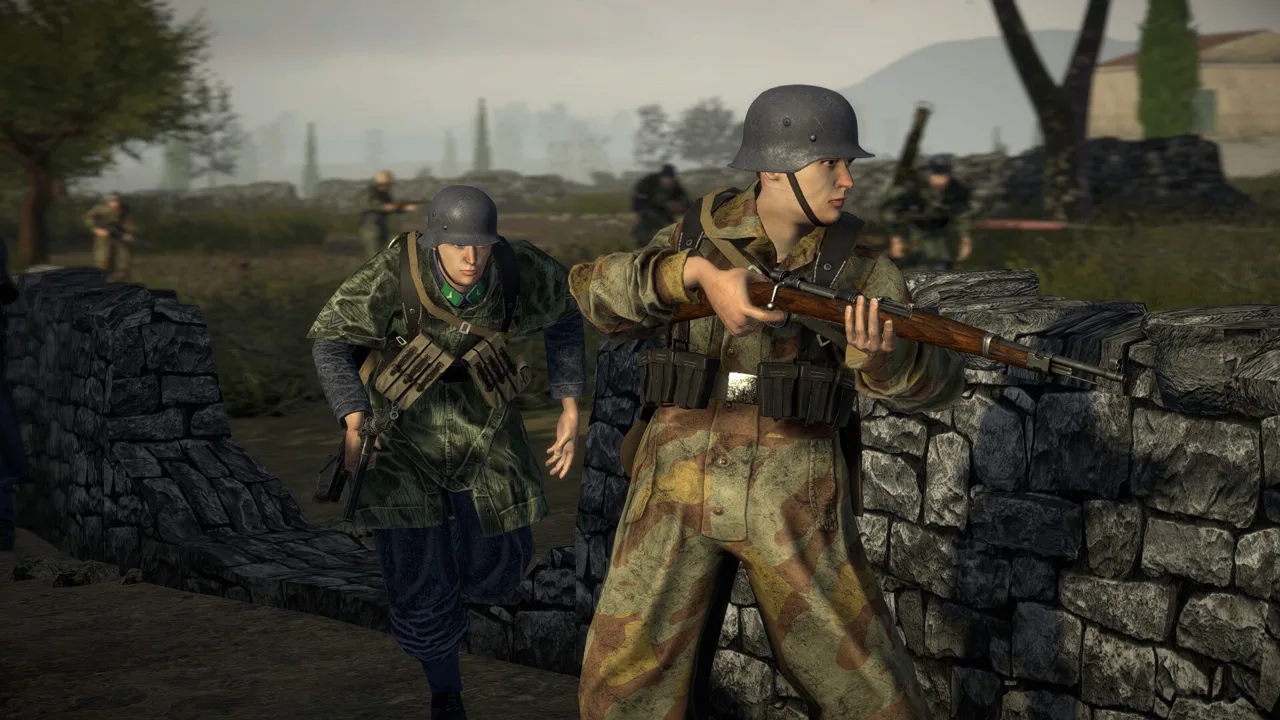
Easy Red 2 multiplayer puts you and your friends into sprawling WWII battles with infantry, tanks, artillery, and aircraft. You can fight together against AI in online co-op or face opposing players in PvP. The appeal is having several ways to influence the same battle, from leading an infantry squad toward an objective to supporting an advance with armor.
The fighting uses the same large battlefields found in single-player missions. Objectives give each engagement direction, while destructible buildings, squad orders, and vehicle combat create room for different tactics.
Co-op: Fight AI Together
Cooperative play lets multiple players tackle missions against AI-controlled forces. Infantry movement, vehicle support, and objective completion all contribute to the battle.
Coordinate your roles around the immediate obstacle. Bring infantry forward to capture a position, and use available armor or support weapons to engage threats blocking the approach. If you choose a squad leader, use orders to keep your AI comrades involved in the push.
The campaign format centers on historical engagements rather than a continuous character-driven story. Expect a sequence of battlefield objectives, with the action moving across towns, hills, trenches, and open ground.
PvP: Compete Across Large Battlefields
Competitive matches put opposing teams into objective-based combat with infantry and available vehicles. Tanks and aircraft expand the fighting beyond the ground immediately surrounding a capture point.
Online battles can include bots alongside human players. That distinction matters: a battlefield crowded with soldiers does not necessarily contain an equally large human population.
For a session centered on playing with friends, arrange the group beforehand. AI participation can keep the fighting busy, but human teammates add coordination that changes how an attack develops.
Player Limits and Cross-Platform Features
The PC version supports Windows, macOS, and Linux, with online co-op, online PvP, and full controller support. Xbox supports online co-op and online multiplayer.
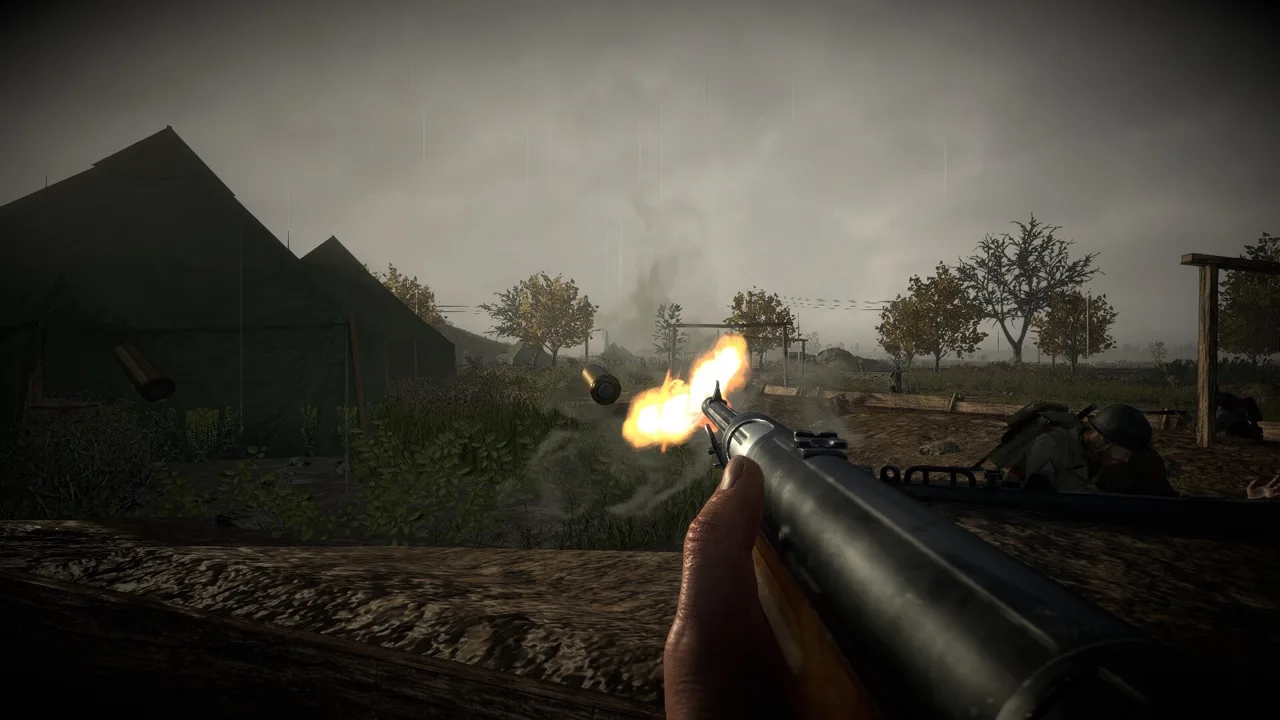 Image: Steam / Marco Amadei
| Feature | PC through Steam | Xbox |
|---|---|---|
| Cooperative play | Online Co-op | Online co-op (2-20) |
| Competitive or online multiplayer | Online PvP | Online multiplayer (2-20) |
| Cross-platform features | Cross-Platform Multiplayer | Xbox cross-platform multiplayer, Xbox cross-platform co-op, Xbox cross-gen multiplayer |
| Controls | Full controller support | Controller, mouse and keyboard |
Easy Red 2 is also available on PlayStation and Nintendo Switch. When organizing a group, match your purchase to the platform and features your friends plan to use.
For Xbox sessions, consider the session’s human-player capacity when organizing your group. Keep that human-player capacity separate from the larger sense of scale created by AI soldiers and vehicles.
You can find the game through the Easy Red 2 Steam store page or Easy Red 2 on Xbox.
Squad and Vehicle Tactics for Playing Together
Large maps give you room to maneuver, but crossing open ground without a plan can leave your group exposed. Build your teamwork around objectives and the equipment available in the mission.
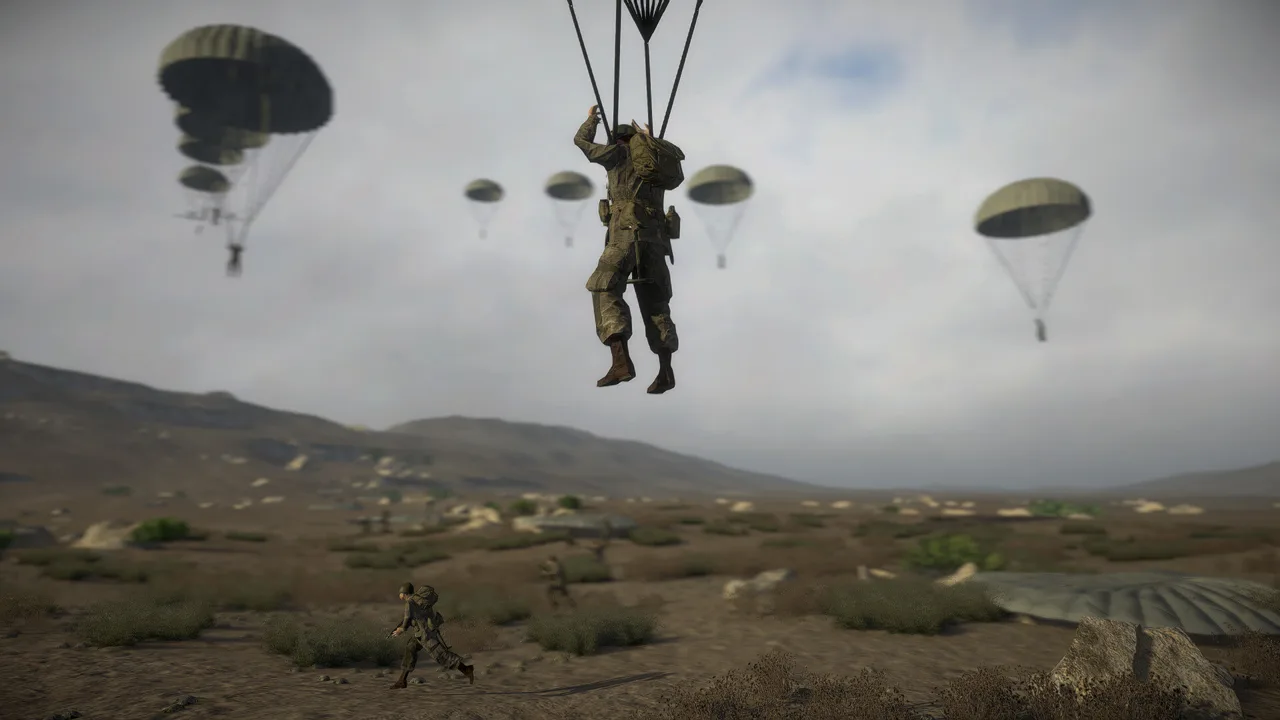 Image: Steam / Marco Amadei
- Call out the next objective. Mission goals advance across the battlefield. Keep everyone focused on the active position when the fighting shifts.
- Use squad orders when leading AI. Direct your squad instead of leaving its contribution to chance while you fight alone.
- Combine infantry and armor. Move infantry toward capture positions while available tanks engage threats along the approach.
- Reassess cover after explosions. Destructible buildings can change sightlines. Check your surroundings before relying on the same position again.
- Make use of abandoned equipment. Undamaged weapons, unattended vehicles, and usable gun emplacements can provide another way to deal with an obstacle.
Vehicle damage also creates tactical opportunities. A tank can lose mobility while retaining the ability to fire, and crews can repair damaged tracks.
Keep a disabled enemy vehicle in mind even after it stops moving. Against an immobilized friendly tank, cover the crew while repairs are underway. Stopping a vehicle and removing its firepower are separate problems.
Aircraft offer another way to participate, but learn their controls before relying on them during a coordinated attack. Use the training campaign to get comfortable with the game’s mechanics before taking on frontline missions.
What the Cold Steel Update Adds
Update 2.1.1, Cold Steel, introduces the Battles of Khalkhin Gol campaign with 9 unique missions. Its setting shifts the action to the 1939 conflict across Mongolia’s grasslands, including armored engagements around Bain-Tsagan Hill. Mongolia and Manchukuo join the represented factions with their own uniforms, equipment, and voices.
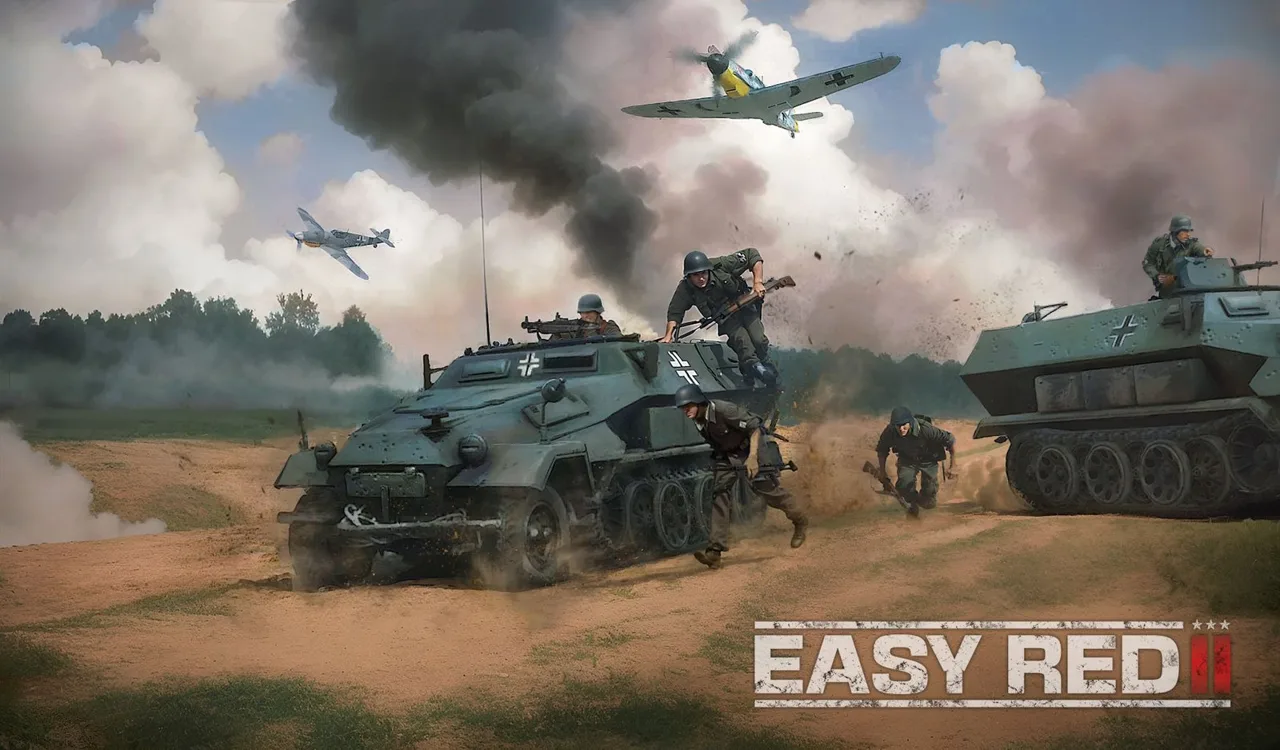 Image: easyred2.com
The update also adds a new melee system. Selected bayonets can be held as knives, and AI soldiers can draw melee weapons at close range, including when their firearms are empty.
Keep some distance from an enemy whose gun has run dry. An empty rifle no longer means the soldier has stopped being dangerous.
Japanese forces gain the Type 89 Grenade Discharger, with adjustable firing range. Dedicated Japanese grenadier squads contain 3 grenadiers, each carrying 8 Type 91 grenades. AI grenadiers can respond to artillery orders from their squad leader or engage spotted enemies outside their direct line of fire.
Cold Steel also introduces a Dynamic Operations prototype. It uses seeds to generate battles, with captured zones providing victory points and reinforcement tickets for calling in better-equipped units.
For players building custom scenarios on PC, the update adds online synchronization improvements for spawned items and vehicle cargo. PC-exclusive map editing and modding provide room to create additional battles around the game’s infantry, vehicle, and mission systems.
Continue exploring
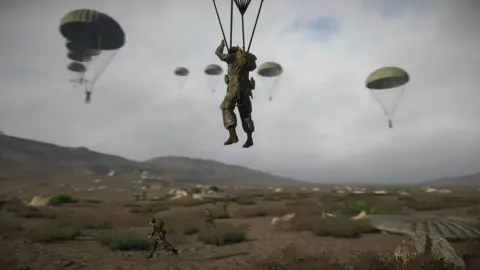
Easy Red 2 Blood on the Danube: Campaign and DLC Guide
Explore Easy Red 2 Blood on the Danube, with three campaigns, 30+ missions, new factions, heavy tanks, and night vision gear. Plan your return to Hungary.
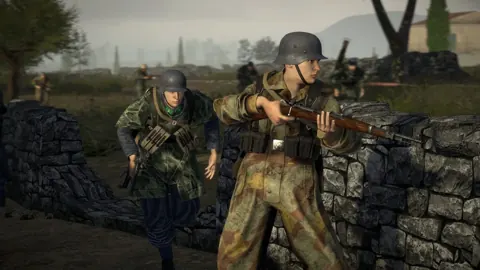
Easy Red 2 Stalingrad: Campaign, Weapons & DLC Guide
Explore Easy Red 2 Stalingrad with a campaign guide covering Soviet weapons, vehicles, combat tips, DLC requirements, and platform options before you play.
Join the community
Official channels for news, updates and player help: