
Easy Red 2 BloodWorks Mod: Install Guide and Fixes
Get the Easy Red 2 bloodworks mod with BepInEx, explore wound decals and ragdoll changes, and find fixes for blurry uniforms and missing impact effects.
Jump to
What Does BloodWorks Change?
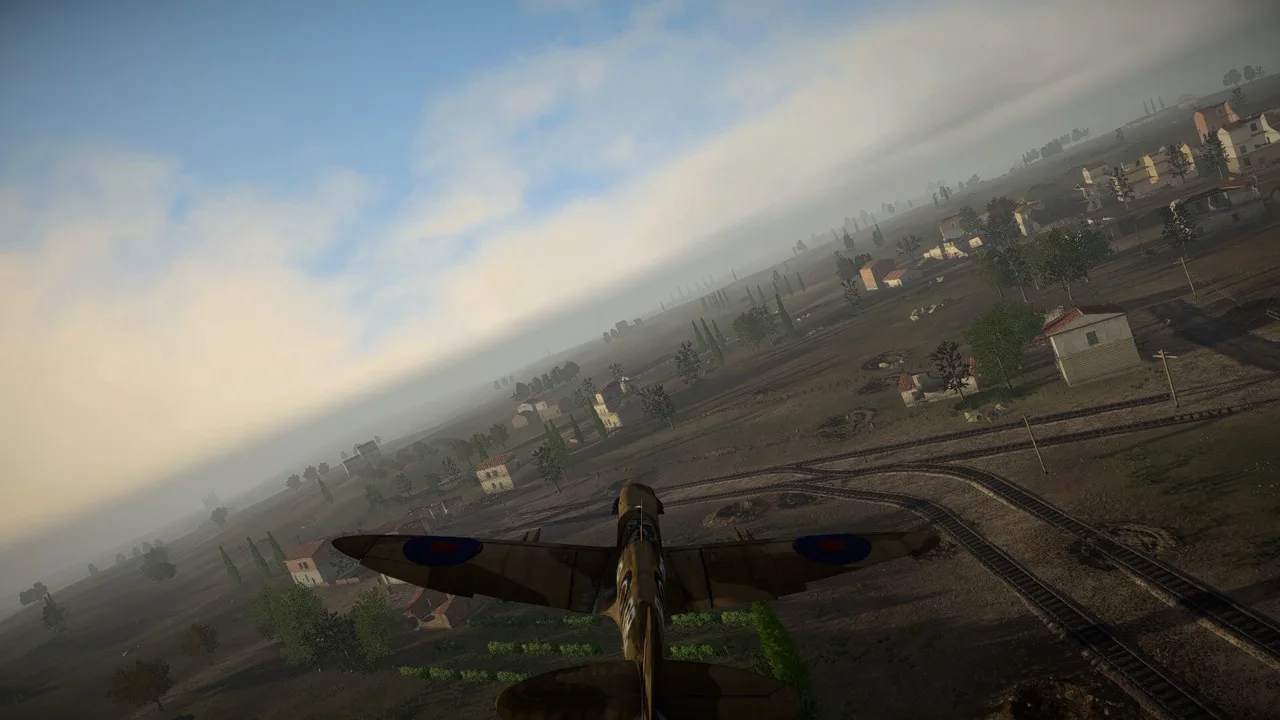
Gunfire gets a more visible impact with the Easy Red 2 bloodworks mod. It adds entry and exit wound decals, revised flesh impact effects, and more reactive ragdolls, giving infantry combat a more brutal appearance. Installation uses BepInEx, with configuration options generated when you launch the game.
BloodWorks focuses on wounds, impact visuals, and body reactions. Its main features include:
- Gunshot wound decals: Visible marks from bullet impacts, including entry and exit wounds.
- Reworked flesh impact effects: Impact spray and a wider variety of decals.
- More reactive ragdolls: Revised body reactions during combat.
- Longer effect visibility: An increased rendering range for impact VFX.
- Blood staining options: Controls for uniform staining, including behavior tied to explosion damage.
Version 1.0.4, released September 5, 2026, includes a blurry uniform fix, changes to blood stain removal, and performance optimizations.
Official page: Easy Red 2 (easyred2.com)
How to Install BloodWorks
The installation instructions use BepInEx-Unity.IL2CPP-win-x64 for a Windows x64 setup. Keep the plugin and its image assets together during installation.
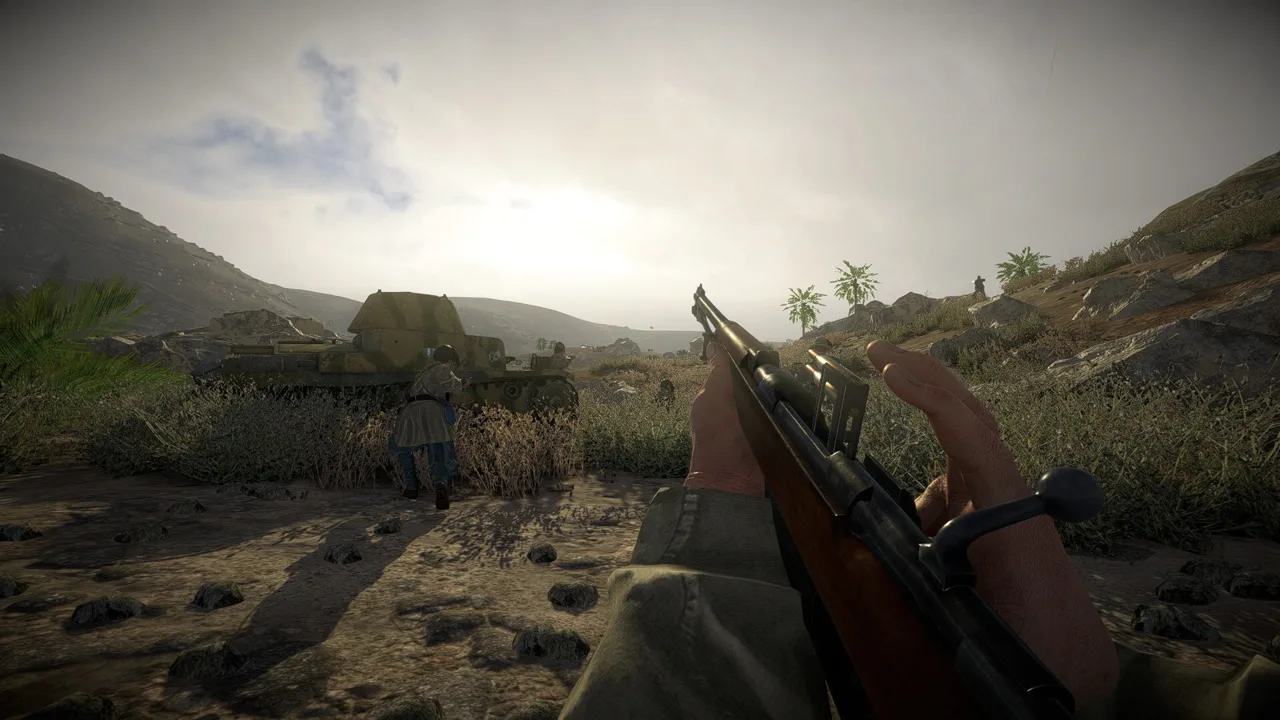 Image: Steam / Marco Amadei
- Download the appropriate BepInEx package. Extract BepInEx-Unity.IL2CPP-win-x64, or the equivalent package for your setup, into the Easy Red 2 game folder.
- Extract the BloodWorks download. Keep its
.DLLand.pngfiles together. - Place the mod files in the plugins directory. The destination is
Easy Red 2\BepInEx\plugins. A dedicated BloodWorks subfolder insidepluginsis also supported. - Launch the game. This generates the configuration files.
- Test the effects and adjust the generated configuration. Change the available options to suit how much blood staining and visual intensity you want.
When placing the files, include the PNG assets alongside the DLL. The installation calls for both file types.
Blood Staining and Configuration Options
Launch the game before looking for generated configuration files. BloodWorks creates them during startup, so configuration comes after installation.
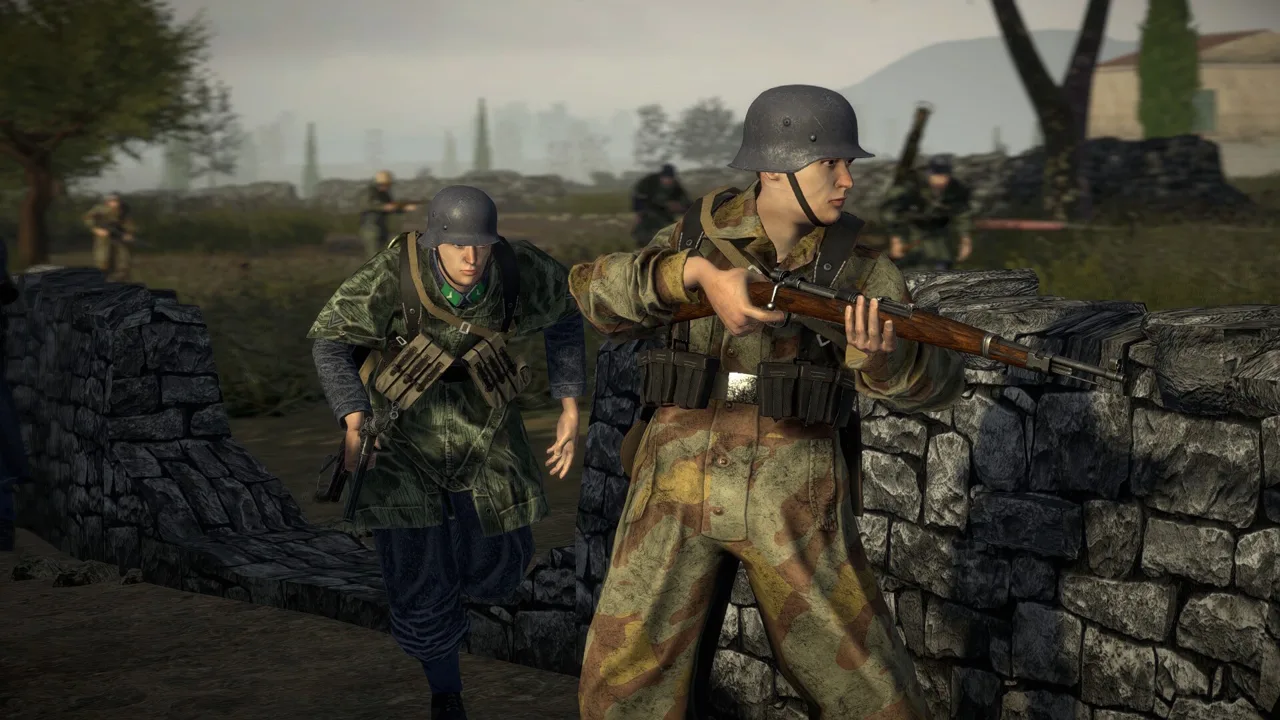 Image: Steam / Marco Amadei
The 1.0 release introduced a no blood stains option. Version 1.0.2 added an option for uniform blood staining on explosion kills, while 1.0.4 expanded RemoveStains behavior with the ability to retain staining from all explosion damage.
Adjust the staining options around the effect you want to keep. If persistent uniform staining is distracting, use the no blood stains option. If you want explosion damage to leave visible marks, review the explosion staining controls.
Fixes for Blurry Uniforms and Missing Effects
Several updates address specific visual problems. Use these version changes to identify the relevant fix:
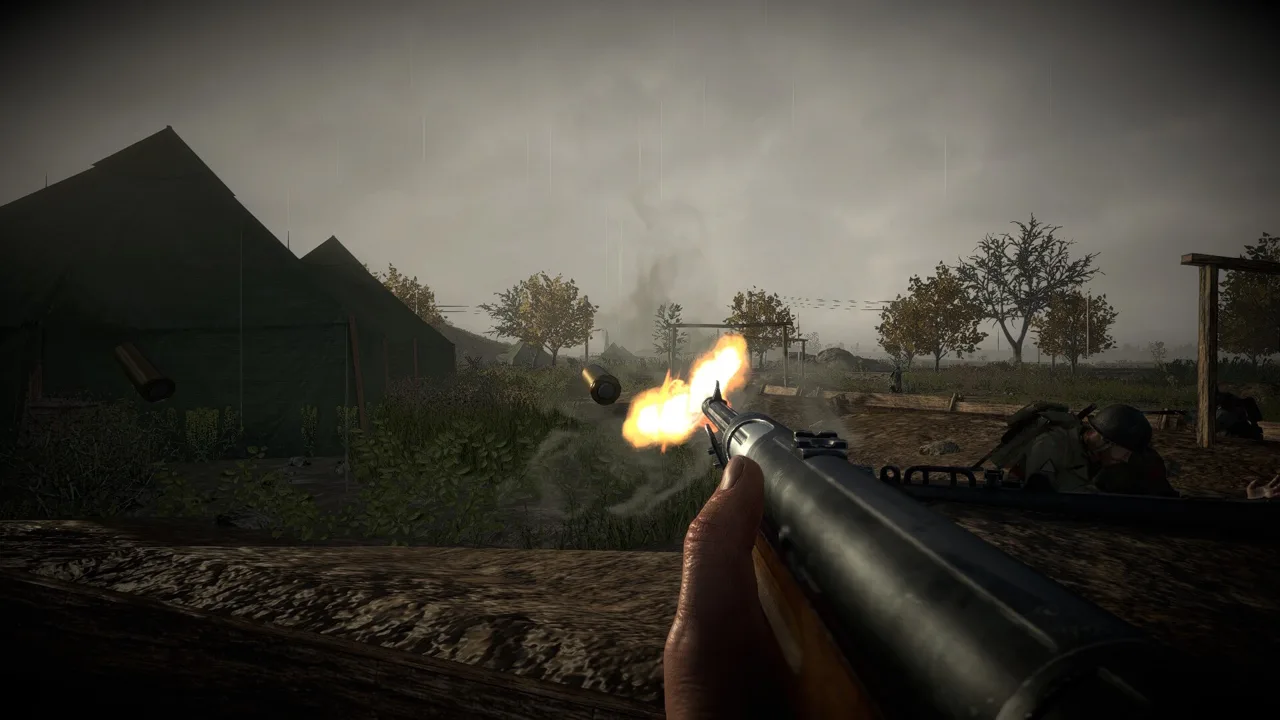 Image: Steam / Marco Amadei
| Problem | Version containing the fix | What changed |
|---|---|---|
| Blurry uniforms with FleshWounds | 1.0.4 | Corrected the uniform blur bug |
| Missing explosion or impact effects with BloodWorks ImpactFX | 1.0.3 | Fixed a bug affecting those effects for some users |
| Missing material error for impact spray under Vulkan | 1.0.1 | Corrected the Vulkan impact spray material error |
Use version 1.0.4 if you are running an older build affected by these issues. It also includes additional performance optimizations.
Keep the rendering range change in mind when evaluating the visuals: BloodWorks extends how far away impact effects can appear. Judge the result during combat at different distances, rather than looking only at nearby targets.
Other Mods and Platform Support
BloodWorks includes a TextureReplacer Historical Uncensor compatibility patch introduced with version 1.0.0. Use that patch when combining those modifications.
Bullet Penetration is also recommended alongside BloodWorks in its installation material. Install and test BloodWorks before adding another plugin so you can identify which change introduces a problem.
Easy Red 2’s modding support is PC exclusive. The game itself is available on consoles, but this BepInEx installation applies to the PC mod setup. Likewise, the base game’s Windows, macOS, and Linux availability does not make the Windows x64 BepInEx package interchangeable across operating systems. Match the loader package to your setup before installing the plugin.
Continue with
 Easy Red 2 Mods: Custom Missions, Maps, and VehiclesExplore Easy Red 2 mods for custom maps, missions, vehicles, and factions. Learn about PC support, Workshop dependencies, and new mission scripting tools.
More in Mods
Easy Red 2 BepInEx: Install Mods and Fix Load Errors
Set up Easy Red 2 BepInEx with the right IL2CPP loader, install gameplay mods, troubleshoot launch errors, and understand multiplayer compatibility on PC.
Easy Red 2 Sound Mod: Features and Installation Guide
Find an Easy Red 2 sound mod for heavier gunfire and new voices. Learn what version 9.2 changes, its BepInEx requirements, and where to install the files.
Continue exploring
Join the community
Official channels for news, updates and player help: