
Easy Red 2 Sound Mod: Features and Installation Guide
Find an Easy Red 2 sound mod for heavier gunfire and new voices. Learn what version 9.2 changes, its BepInEx requirements, and where to install the files.
Jump to
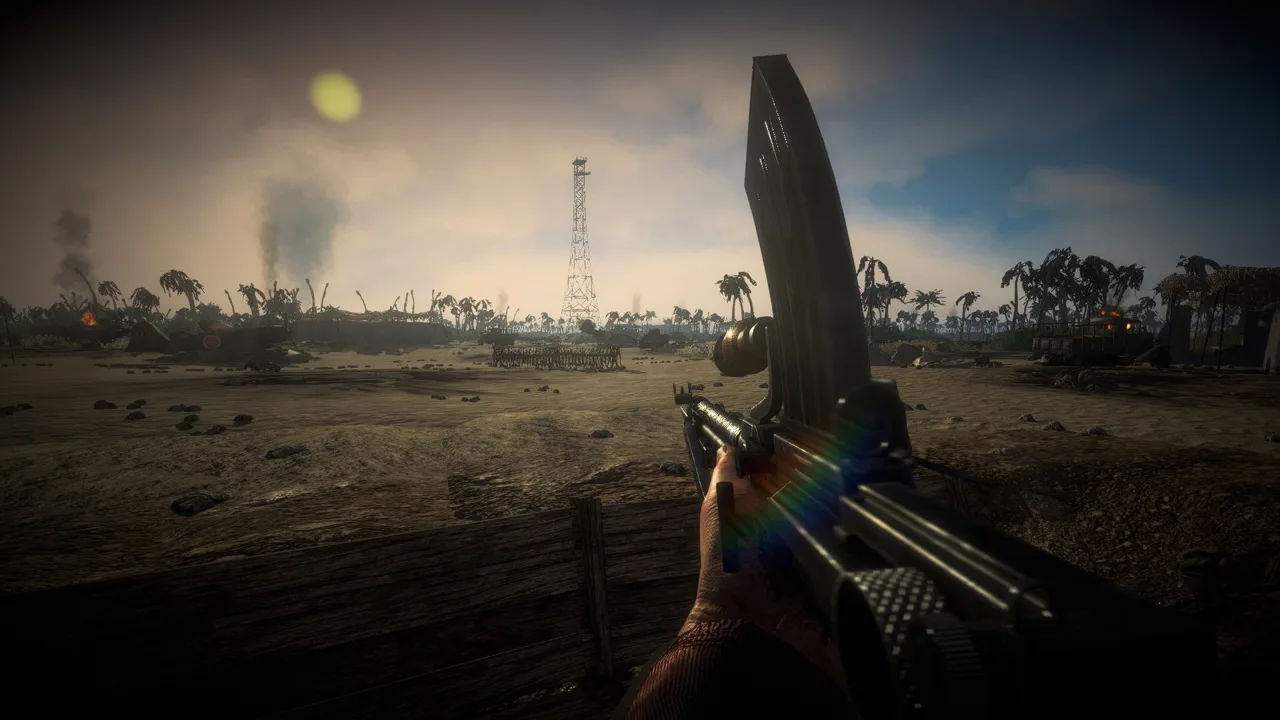
What Does the Sound Mod Change?
The Easy Red 2 sound mod replaces 130+ base-game sounds to give firefights a more intense, overwhelming atmosphere. Gunfire draws inspiration from WWII games, movies, and real-world firearm experience. Version 9.2 also simplifies installation with a BepInEx IL2CPP plugin and a folder-based process.
This is a broad sound replacer, with changes extending beyond the weapon in your hands. Its update history includes vehicle audio, distant gunfire, and new firing sounds for the Bren gun. Some replacements remix existing Easy Red 2 audio, including previously unused sounds.
Version 9.2 adds further sounds and introduces the newer installation method. Version 8.0 already included changes to vehicles, distant shots, and the Bren, so those features belong to the mod’s development history rather than being exclusive additions in 9.2.
Listen for both nearby shots and distant fighting when comparing the mixes. A weapon’s firing sound is only one part of the atmosphere during a combined-arms battle.
Official page: Easy Red 2 (easyred2.com)
How to Install Version 9.2
These instructions apply to PC, where Easy Red 2 supports modding. The required dependency is BepInEx IL2CPP.
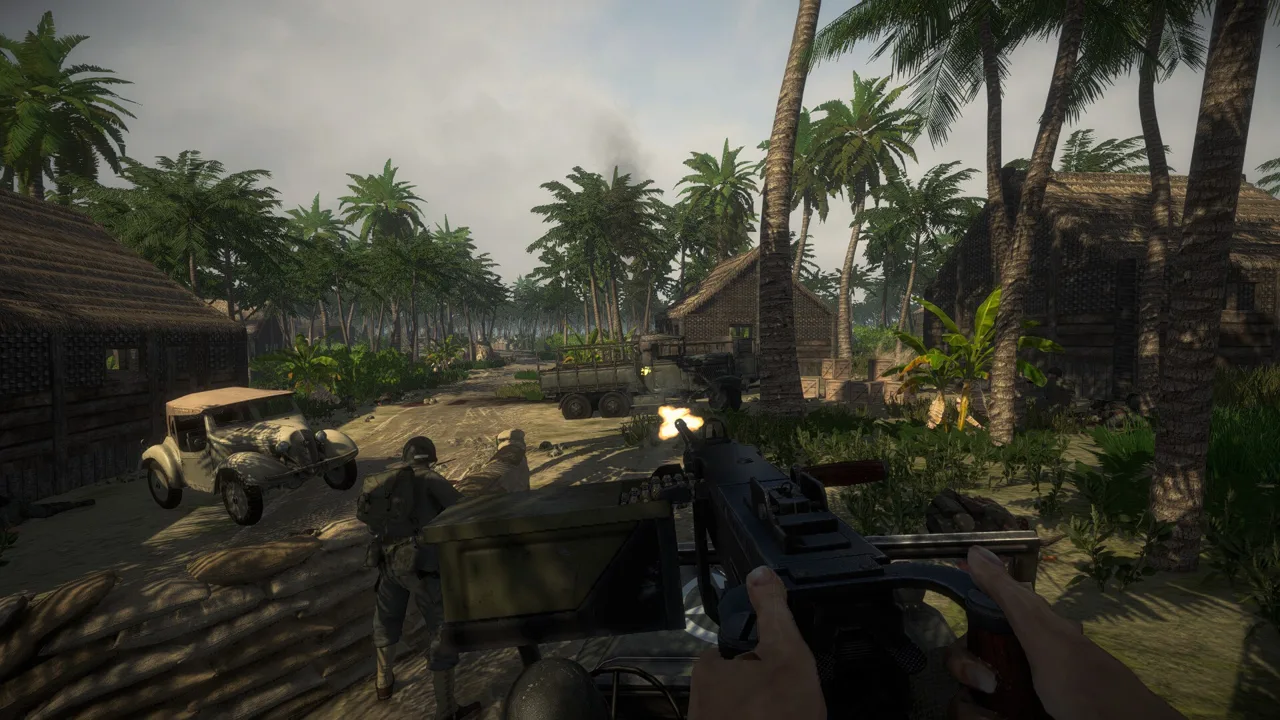 Image: Steam / Marco Amadei
The destination for the mod’s contents is:
Easy Red 2\BepInEx\plugins
Follow this sequence:
- Install BepInEx IL2CPP. Follow the dependency’s installation instructions before adding the sound replacer.
- Get version 9.2 of the sound mod. Use the instructions packaged with that release.
- Open your Easy Red 2 installation folder. Locate the
BepInExdirectory and itspluginsfolder. - Place the mod’s contents inside
BepInEx\plugins. Version 9.2 uses this folder-based installation method.
Use the 9.2 workflow when installing that release. It replaces the older installer process, so an older tutorial can send you through unnecessary steps.
Keep the two components distinct: BepInEx IL2CPP supplies the required plugin framework, while the sound mod supplies the replacement audio and its script. Copying the audio package is the step that follows installing the dependency.
For a useful comparison, replay the same mission and listen to the same weapon, nearby vehicles, and distant gunfire. Keeping the battlefield familiar makes the audio differences easier to judge.
Default Audio Changes in Version 2.1.1
Easy Red 2’s default soundscape also changes with game updates. Version 2.1.1, “Cold Steel,” reworks several sounds that matter during ordinary infantry and vehicle combat.
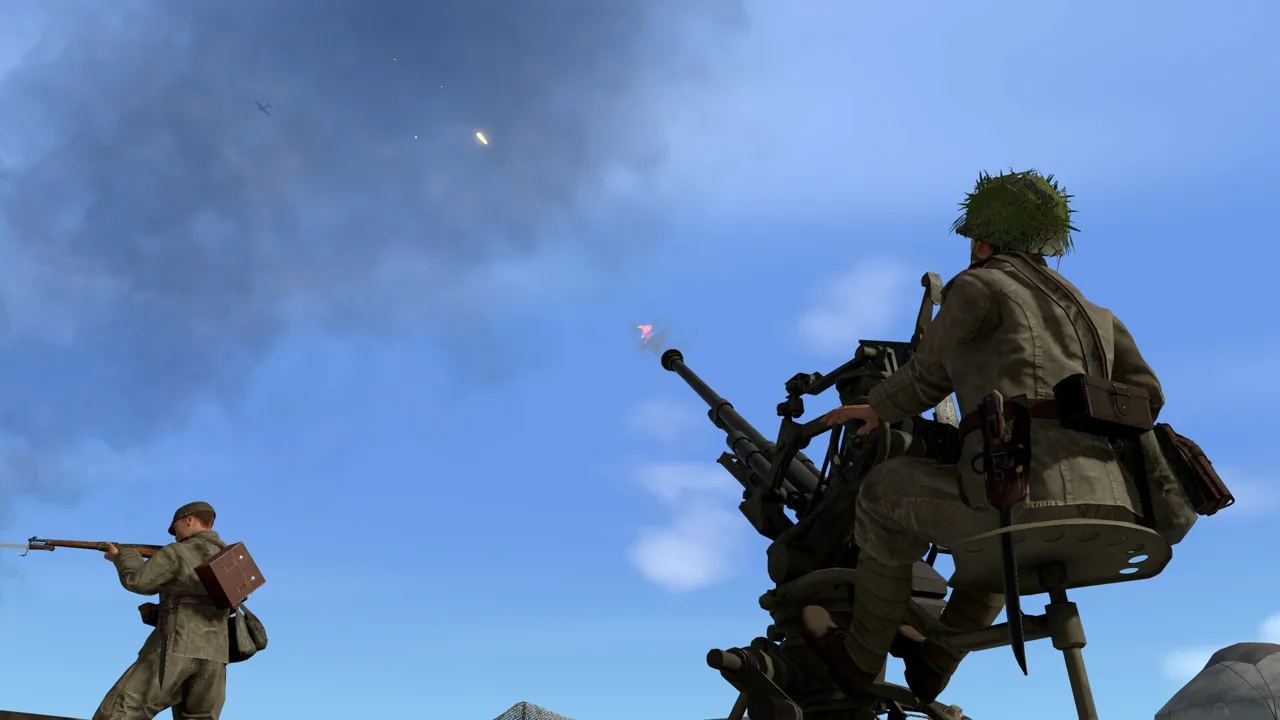 Image: Steam / Marco Amadei
| Audio element | Version 2.1.1 change |
|---|---|
| Bullet passby and medium-caliber cracks | Remade |
| Generic terrain and water footsteps | Remade |
| Tank turret audio | Remade |
| DT and Type 13 Liao firing audio | Added |
| Bipod deployment and retraction | Added sounds |
| Grenade impacts | Remade to make them more noticeable |
Compare the replacer against the default audio in the game version you actually play. In 2.1.1, that includes revised passing bullets, footsteps, and turret sounds—not just weapon firing effects.
Listen separately for impact, movement, and mechanical sounds. Those details help you judge the overall mix alongside the more immediately noticeable gunfire.
World at War Voices Are a Separate Audio Option
For spoken battlefield reactions, the Marine Raiders voice pack brings Call of Duty: World at War dialogue into Easy Red 2 through Steam Workshop.
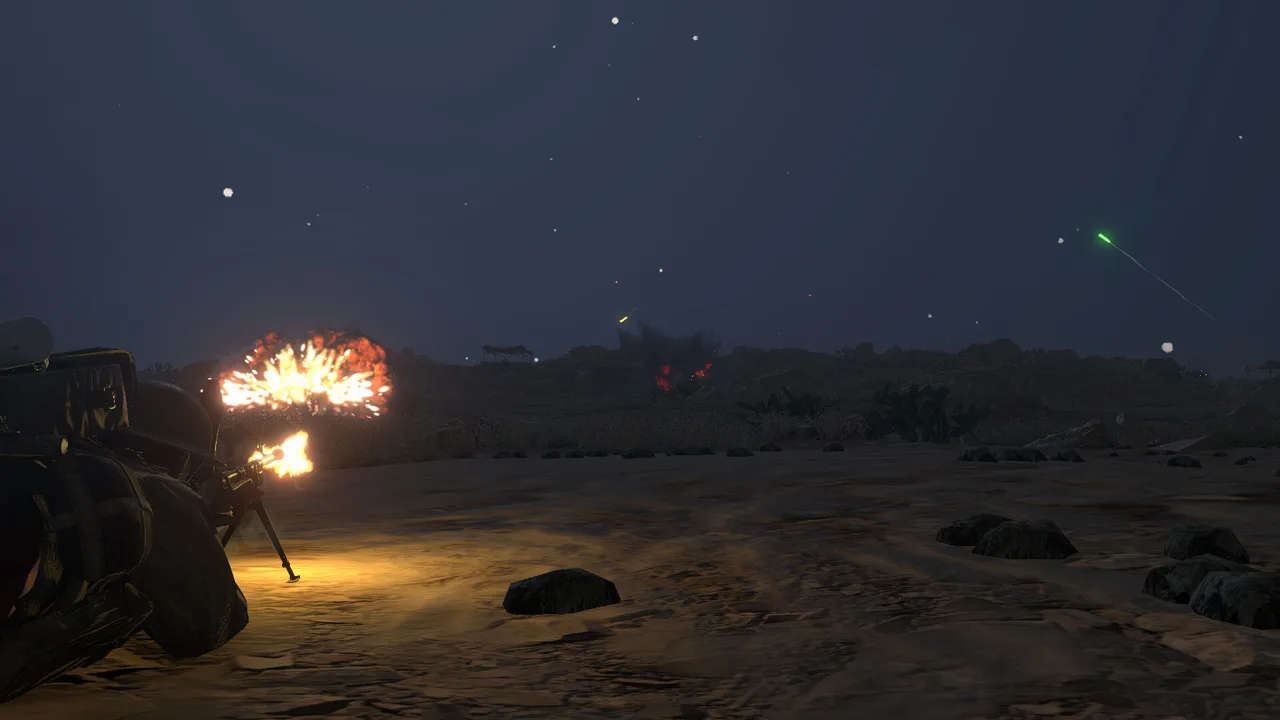 Image: Steam / Marco Amadei
Its focus is squad chatter: reloading calls, medic requests, grenade warnings, attack orders, and reactions under fire. These lines are matched to Easy Red 2’s gameplay triggers, with alternate takes and variations used to reduce repetition.
The second version expands that variation, rearranges dialogue, and adjusts how often particular reactions occur. That work matters because a memorable line can become distracting when it plays too frequently or during the wrong situation.
Choose the gunfire replacer to change weapon and battlefield effects. Choose the Marine Raiders pack to change spoken combat reactions. The broader World at War remaster project also includes planned Soviet, German, and Japanese voice work; the Marine Raiders release covers one part of that project.
Continue with
 Easy Red 2 BepInEx: Install Mods and Fix Load ErrorsSet up Easy Red 2 BepInEx with the right IL2CPP loader, install gameplay mods, troubleshoot launch errors, and understand multiplayer compatibility on PC.
More in Mods
Easy Red 2 BloodWorks Mod: Install Guide and Fixes
Get the Easy Red 2 bloodworks mod with BepInEx, explore wound decals and ragdoll changes, and find fixes for blurry uniforms and missing impact effects.
Easy Red 2 Mods: Custom Missions, Maps, and Vehicles
Explore Easy Red 2 mods for custom maps, missions, vehicles, and factions. Learn about PC support, Workshop dependencies, and new mission scripting tools.
Continue exploring
Join the community
Official channels for news, updates and player help: