
Easy Red 2 Mods: Custom Missions, Maps, and Vehicles
Explore Easy Red 2 mods for custom maps, missions, vehicles, and factions. Learn about PC support, Workshop dependencies, and new mission scripting tools.
Jump to
What Can You Do With Mods in Easy Red 2?
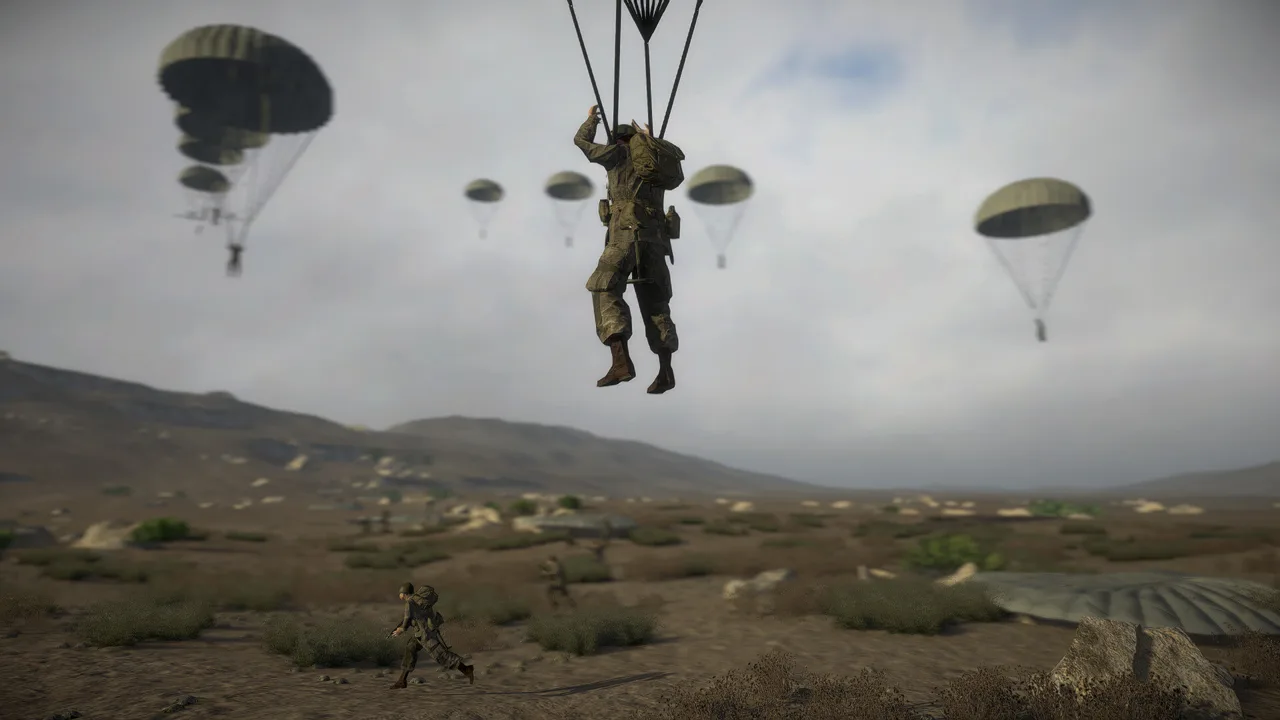
Easy Red 2 mods take the WWII sandbox into custom historical battles, Gulf War combat, and crossover scenarios. Community creations add maps, missions, vehicles, weapons, uniforms, and factions, giving you more ways to build or fight a battle. Modding and the in-game map editor are PC-exclusive, and Steam Workshop creations support online and offline play.
The distinction between a map, a mission, and an asset pack matters when browsing. A map supplies the battlefield, a mission supplies a playable scenario, and an asset pack provides content that other creations can use. Downloading a vehicle pack serves a different purpose from choosing a mission built around those vehicles.
The Workshop separates custom maps and missions from modding categories and includes a Required DLC filter. Start with the kind of content you want to play, then check its requirements before adding supporting packs.
Official page: Easy Red 2 (easyred2.com)
Custom Maps and Missions to Explore
The Workshop includes both standalone battlefields and authored scenarios. These examples give you specific names to search:
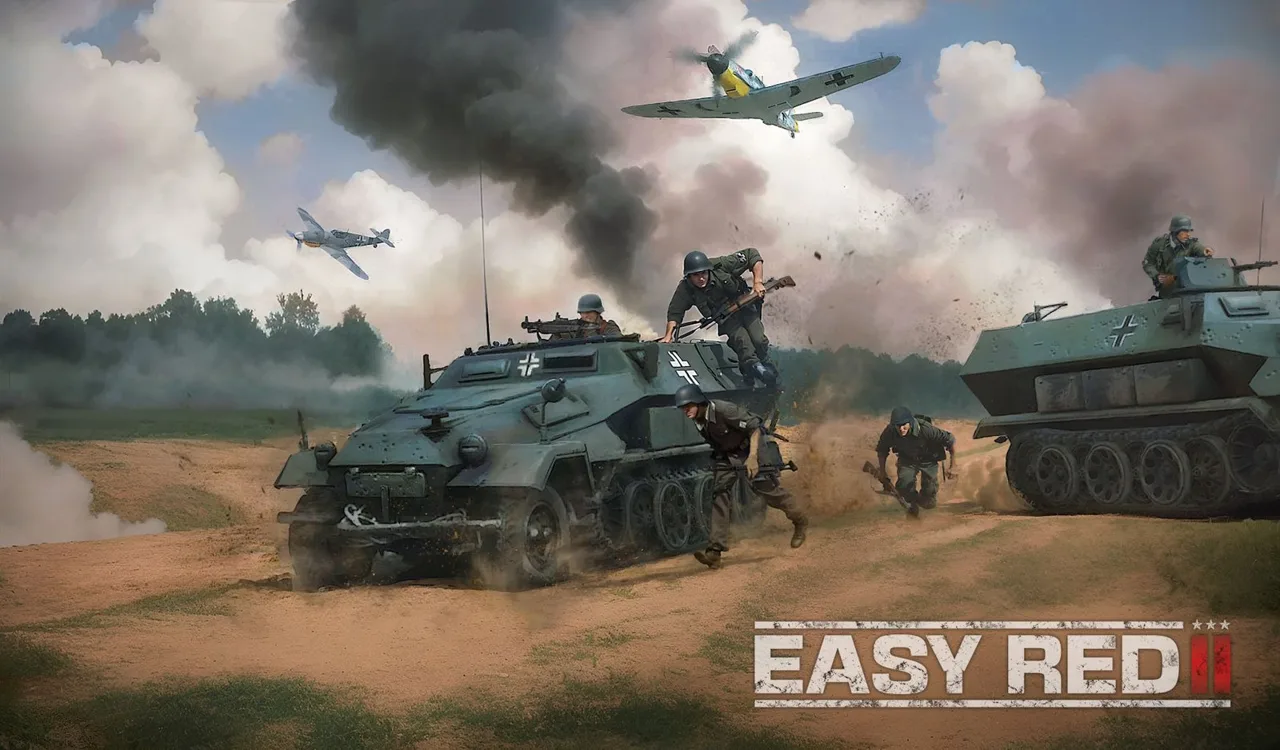 Image: easyred2.com
- Zhengzhou—1941 [Map] — listed under MapEditor.
- Ostfront - Kalach-na-Donu [Mission] — listed under MissionEditor.
- Ostfront - Grain Elevator [Mission] — another MissionEditor entry.
- The Gifu Pt. I - Jan. 1943 [Mission] — a custom mission with its historical setting identified in the title.
- Hellfire Pass [Mission] — another playable scenario in the mission selection.
For a departure from WWII, Rock the Casba moves the action to the Gulf War in 1991. Its battle includes helicopter squads, an M2 Bradley, Abrams tanks, and infantry fighting through urban objectives. The combination of aircraft, armor, and ground troops keeps the focus on combined arms combat while changing the equipment and setting.
Choose a mission when you want a battle to play. Choose a map when you want a battlefield to work with in the editor. For scenarios built around custom equipment, check the supporting asset requirements alongside the mission itself.
Vehicle Packs, Factions, and Equipment
The modding categories cover Vehicles, Weapons & Items, Uniforms, Factions, and Props & Buildings. That range supports everything from adding a particular armored car to assembling a scenario with custom soldiers, equipment, and scenery.
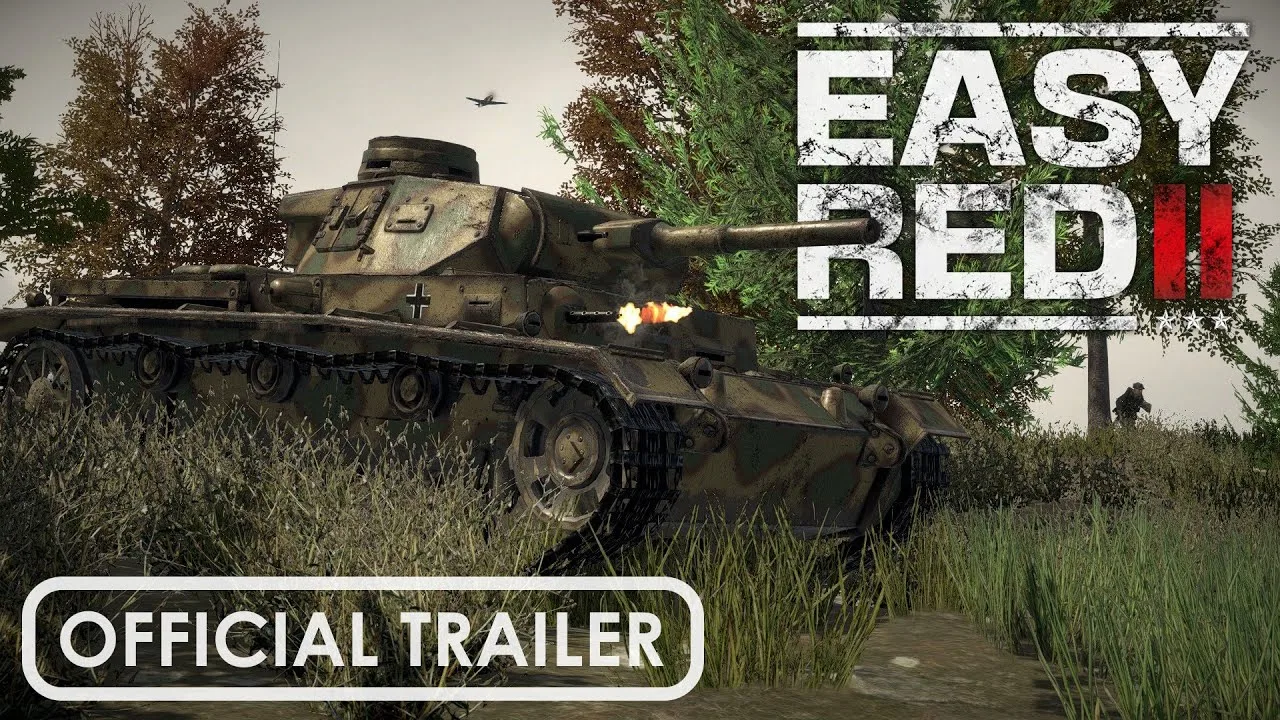
Vehicle entries include Panhard 178 (AMD Panhard 35) and Panzer VIII Maus. Larger packages include Soviet Plane pack (Kuangrejun Mod Repair Project), French vehicle pack(Kuangrejun Mod Repair Project), and US Plane package(Kuangrejun Mod Repair Project).
Faction and uniform content extends beyond the game's standard WWII forces. Examples include Girls und Panzer - Anzio High School, tagged for factions and vehicles, and Gallipoli faction. Other creations span several asset categories: SEAF includes props, weapons, uniforms, factions, and vehicles.
Pay attention to the categories attached to an entry. A uniform mod supplies a different part of your scenario than a faction-and-vehicle package, even when both share the same theme.
Check Dependencies and DLC Requirements
Some creations depend on shared asset packs. Workshop dependency entries include Hot Zone 1970 Assets pack冷战热区资源包weapons tanks helmets jets, Modern Combat, ww1 animated weapons, and WW1 Prop Pack.
Keep the mission and its required content together when choosing what to add. A scenario's dependency list matters more than whether an asset pack's title sounds relevant to the battle.
DLC ownership also affects editor content. In version 2.1.1, items belonging to DLC you do not own are skipped, and a message appears in the F3 console. If a creation uses DLC assets, check those requirements before investigating missing equipment or objects.
The Workshop offers Last Updated, New, and popularity browsing options. Use Last Updated to look for recently maintained content after a game update, then read the individual entry's requirements. An update date helps you narrow the search; the creation's actual requirements determine what else you need.
What Version 2.1.1 Adds for Modders
The November 1, 2026 “Cold Steel” update expands mission scripting, editor controls, and SDK support. Its Dynamic Operations prototype is built entirely through in-game mission scripting: a useful example of how far the existing tools can take a custom scenario.
Dynamic Operations uses seeds to generate battles, with the same seed allowing a specific battle to be reproduced. Captured zones award victory points and reinforcement tickets, which can be spent on better-equipped units.
For your own projects, these additions provide more direct control over battlefield behavior:
| Tool or change | What it enables |
|---|---|
vehicle:moveTo(position, radius) | Orders an AI vehicle crew to move to a position. |
vehicle:holdPosition(radius) | Keeps an AI crew around a position while gunners continue engaging enemies. |
soldier:addItemToInventory(itemID) | Adds weapons, magazines, bandages, helmets, or other items to a soldier's inventory. |
| Lua scripts on placed props | Runs a prop's script once at battle start, with myself referring to that prop. |
er2.setSeason("summer" | "autumn" | "winter" | "auto") | Changes vegetation during play. |
MeleeWeapon class | Adds SDK support for swords and katanas held like knives, with support for custom animation sets. |
The editor also gains rectangular objectives, reorderable objective letters, and keyboard input for slider values. Map makers can prevent selected objects from being destructible and use soldier scale references when sizing scenery.
Build Custom Battles With the Editor and Lua
Use the Map Editor to shape the battlefield and the Mission Editor to arrange the scenario. The sandbox lets you place nations on either side of a conflict, so custom battles can use matchups beyond the alignments found in historical campaigns.
For defensive positions, combine vehicle position orders with objectives that fit the terrain. vehicle:holdPosition(radius) lets gunners keep fighting from their assigned area, while squad:followLeader() releases the crew from its vehicle position orders.
Props can carry their own battle-start scripts, letting you attach scenario behavior to placed objects. The new season command also lets a mission change its vegetation without rebuilding the map.
Keep multiplayer behavior in mind when scripting interactive features. er2.spawnItem(itemID, position, rotation) creates a physical pickup synchronized online, but only the master client can spawn it. Keyboard callbacks through er2.bindKey and er2.bindKeyUp are local and ignored while a menu or chat is open. Build those limits into custom controls and item-spawning logic from the start.
Continue with
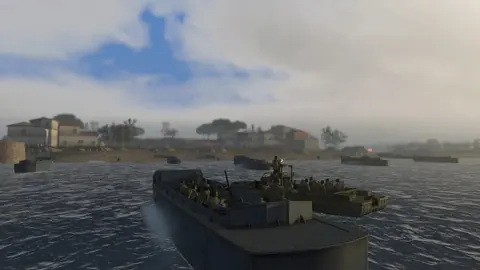 Easy Red 2 BepInEx: Install Mods and Fix Load ErrorsSet up Easy Red 2 BepInEx with the right IL2CPP loader, install gameplay mods, troubleshoot launch errors, and understand multiplayer compatibility on PC.
Continue exploring
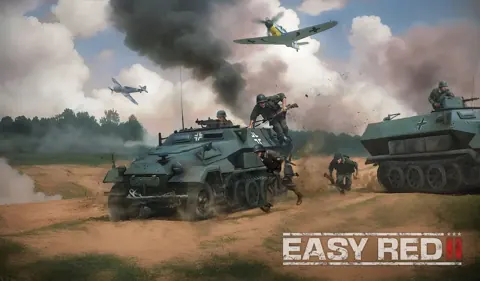
Easy Red 2 Maps: Campaigns, DLC, and Custom Battlefields
Explore Easy Red 2 maps across Tunisia, the Pacific, and Europe. Compare campaign DLC, discover Khalkhin Gol, and start building your own battlefields.
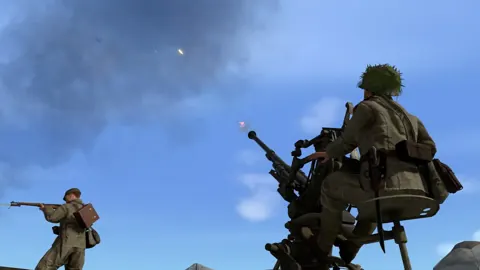
Easy Red 2 Shanghai Nanking: Campaign and DLC Guide
Explore Easy Red 2 Shanghai Nanking with campaign details, Chinese weapons, vehicles, platform differences, and practical tips for fighting through China.
Join the community
Official channels for news, updates and player help: