
Easy Red 2 Vehicles: Tanks, Aircraft, and Crew Guide
Explore Easy Red 2 vehicles, including new tanks, armored cars, and aircraft in version 2.1.1. Learn the key changes and plan your next armored assault.
Jump to
What Vehicles Can You Use in Easy Red 2?
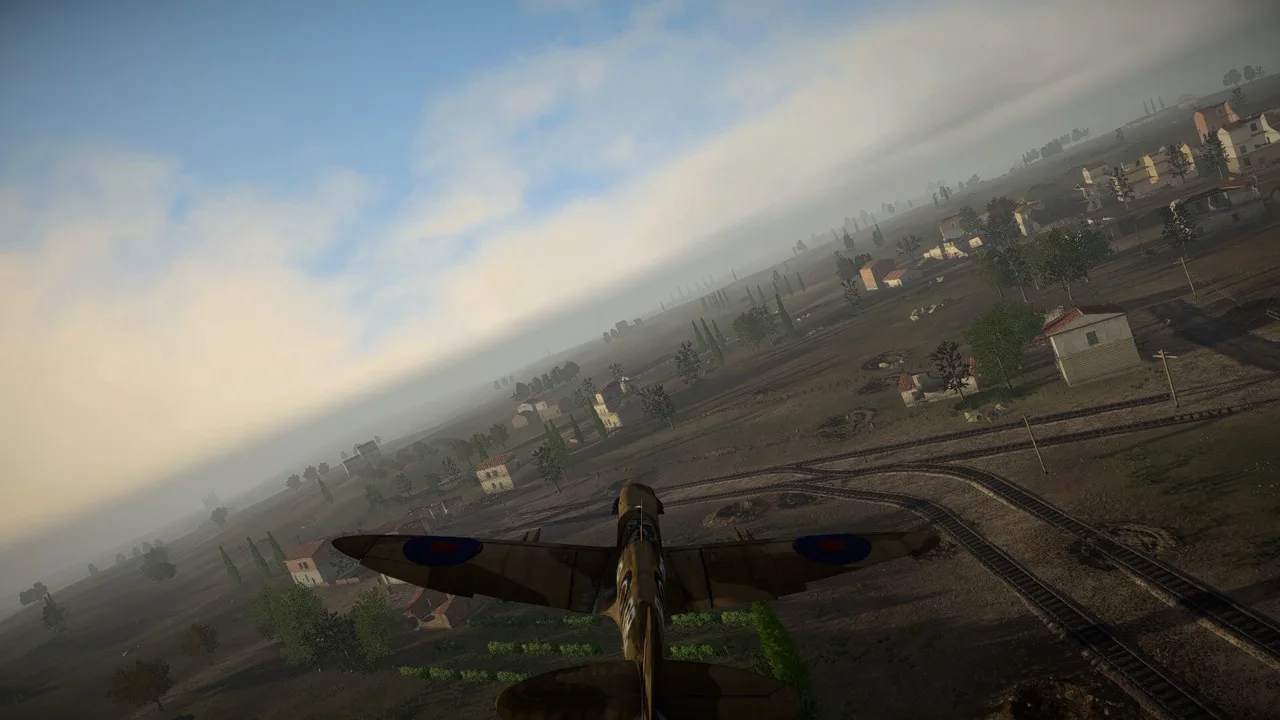
Easy Red 2 vehicles range from tanks and armored cars to trucks, half-tracks, aircraft, and ships across large-scale battles. Your choice puts you in a different battlefield role, with terrain and infantry support shaping how you approach each objective. Version 2.1.1, “Cold Steel,” expands the lineup with early-war armor, additional aircraft, and reworked vehicles.
Vehicle combat is part of the game’s single-player, PvP, and co-op battles. You can drive tanks and other ground vehicles, take aircraft roles, or fight alongside armored units as infantry.
For an armored campaign, Khalkhin Gol brings 9 unique missions across Mongolia’s grasslands. Its battles include the fighting around Bain-Tsagan Hill and Soviet counteroffensives, with Soviet and Japanese forces central to the campaign.
Official page: Easy Red 2 (easyred2.com)
New and Reworked Ground Vehicles in Version 2.1.1
“Cold Steel” adds several ground vehicles while revising existing models and variants. The distinctions matter when you’re choosing between similarly named machines, especially the differently armed Type 97 Te-ke variants.
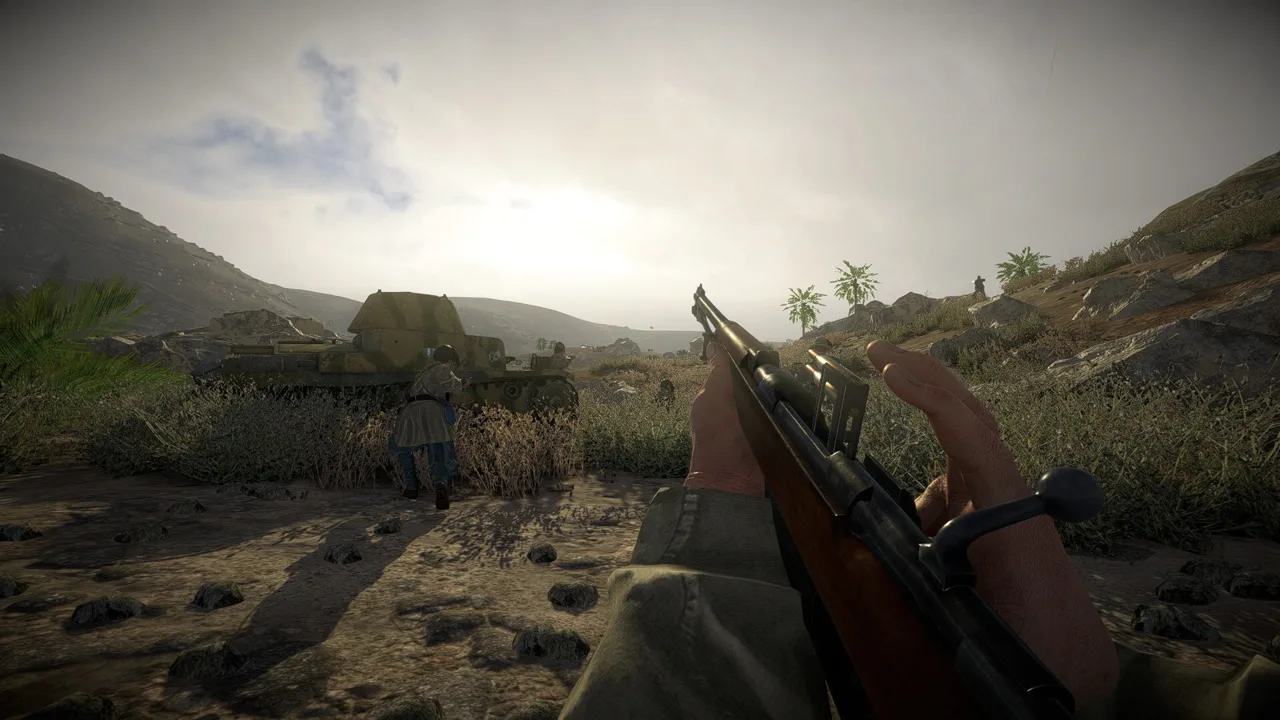 Image: Steam / Marco Amadei
| Vehicle | Version 2.1.1 change |
|---|---|
| BT-5 | Added |
| KhT-26 (OT-26) | Added |
| BA-20 | Added |
| Type 97 Te-ke | Added 37mm cannon and 7.7mm MG variants |
| Humber Mk. II and Humber Mk. IV | Added |
| Centaur Mk. IV | Added |
| M3 Lee & M3 Grant | Reworked; variants include M3 Lee (75mm M2), M3 Lee (75mm M3), M3A5 Lee, and M3 Grant I |
| BT-7 | Reworked; added BT-7 obr. 1937 and BT-7 obr. 1935 |
| Cromwell | Reworked and now designated Cromwell IV Type D |
| Type 94 Truck | Reworked |
| Sdkfz 251/C | Reworked |
| M3 and M3A1 half-tracks | Added variants armed with the M1917 |
Check the variant’s weapon before deploying. The Type 97 Te-ke’s 37mm cannon and 7.7mm MG versions have different armament; the shared vehicle name alone won’t tell you which one you’re selecting.
Several changes also affect the view from inside Soviet armor. BT-7, T-26, KV-2, and BA-10 receive new early-war gunner sights. Soviet tank machine guns switch from the Maxim belt setup to the DT-29 across the T-34 family, KV-1, KV-2, IS-2, BT-5/BT-7, and T-26.
British reconnaissance decals and Japanese vehicle camouflage receive changes, too. The Citroën U23 and Fiat 626 appear more frequently in various missions.
Aircraft Additions and Loadout Changes
The air roster expands alongside the ground forces. Version 2.1.1 adds:
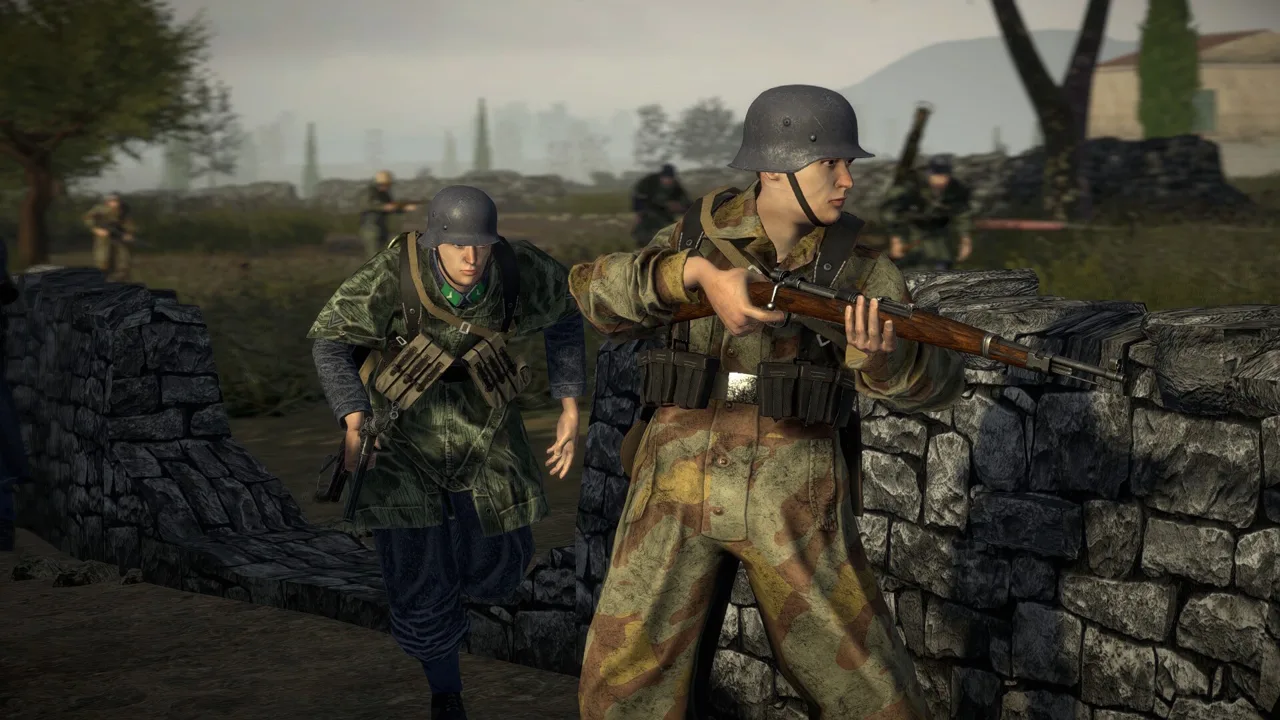 Image: Steam / Marco Amadei
- I-15 and I-15 (RBS-82)
- I-153 and I-153 (RBS-82)
- Mitsubishi Ki-30 Light Bomber
The P-51D now carries bombs, adding a ground-attack option to its loadout. The I-16 receives reworked textures, and the Spitfire Mk.IXe gets a wing texture fix.
Check the aircraft variant and its equipment before committing to a role. The I-15 and I-153 each have separately named RBS-82 versions, so pay attention to the full designation when selecting an aircraft.
Use training mode to get familiar with aircraft roles and controls before joining a mission. The game supports both keyboard and controller play, so practice with the input setup you’ll actually use in battle.
Driving Around Terrain and Supporting Infantry
A tank’s firepower is only useful while it can reach the fight. Rocks, broken fences, tree stumps, and tight urban passages deserve attention when planning a route.
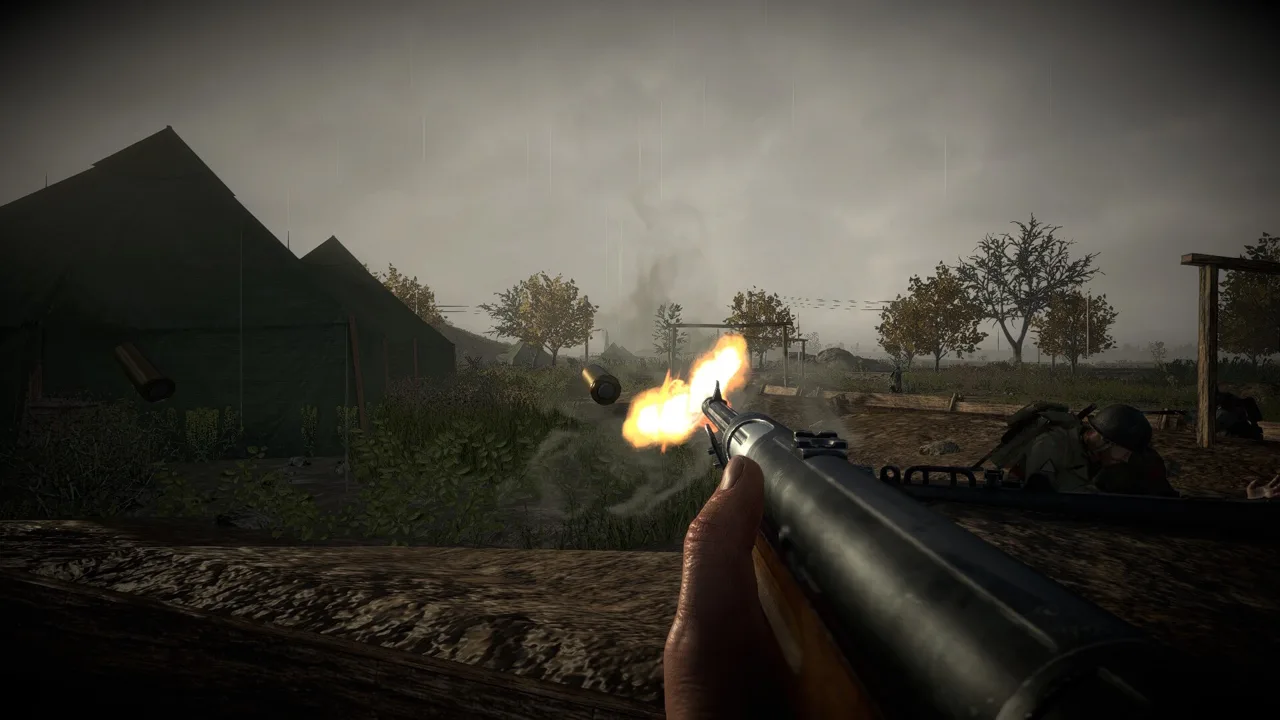 Image: Steam / Marco Amadei
Choose a clear approach before advancing. Steer around cluttered ground, leave room to turn near buildings, and inspect crossings instead of driving straight into every obstacle. Keep your map in view as objectives move the battle across open terrain and built-up areas.
Version 2.1.1 fixes collision issues with trench pieces. That change is particularly relevant when moving armor through defensive positions, where trenches can intersect your route.
Anti-armor weapons remain a threat even when a tank is dominating nearby infantry. Coordinate with your squad and use supporting fire while teammates advance. When fighting on foot, keep clear of moving friendly tanks and leave space around their routes.
For an opening vehicle session:
- Use training mode to learn movement, equipment, and the tank or aircraft role you want to play.
- Choose an available vehicle unit when respawning, then select the crew member you want to control.
- Read the terrain before moving, especially around towns, rocks, and trench networks.
- Coordinate the advance with infantry, using fire and movement to help the squad close on an objective.
Vehicle Orders and Mission Editor Tools
On PC, the map editor and modding tools let you build vehicle battles of your own. Version 2.1.1 adds Lua commands for directing AI crews:
vehicle:moveTo(position, radius)orders a vehicle’s AI crew to move to a position.vehicle:holdPosition(radius)assigns a position to hold, with room for sentry or patrol behavior. Gunners continue engaging enemies.squad:followLeader()releases the crew from its assigned vehicle position orders.
Use movement orders to send armor toward a chosen position, then assign a hold order where you want it to cover an area. Keep the physical route clear when placing vehicles and objectives.
Spread vehicle spawn points apart and reduce rock clutter along intended driving routes. These layout choices give vehicles more room to move through a custom battlefield.
The cargo function, vehicle:addNewItemToCargo, also receives fixes in this version: items have the correct types, cargo contents synchronize online, and items from owned DLCs are accepted. When editing a mission, assets from DLCs you don’t own are skipped, with a message displayed in the F3 console.
Continue with
 Easy Red 2 How to Repair Vehicles: Tanks and PlanesEasy Red 2 how to repair vehicles: learn to use toolboxes, fix damaged tracks, resupply at repair stations, and repair and rearm planes without landing.
Continue exploring
Easy Red 2 Mods: Custom Missions, Maps, and Vehicles
Explore Easy Red 2 mods for custom maps, missions, vehicles, and factions. Learn about PC support, Workshop dependencies, and new mission scripting tools.
Easy Red 2 Gold Dog Tags: Locations and Loadout Guide
Find Easy Red 2 gold dog tags with mission and phase locations, learn how to collect them correctly, and equip special soldier loadouts in singleplayer.
Join the community
Official channels for news, updates and player help: