
Easy Red 2 Reddit Guide: Tips, Co-Op, and PC Features
Searching Easy Red 2 reddit for help? Find practical squad tactics, co-op basics, modding details, and ways to avoid outdated combat tips before you play.
Jump to
How to Find Useful Discussions About Easy Red 2
Tank armor affects penetration, and artillery requests require available artillery and a radio setup. An Easy Red 2 reddit search becomes more useful when you include your platform, game version, and the mechanic giving you trouble. Search for the specific problem, then compare advice against your current controls and mission setup.
Try searches built around the game’s actual systems:
"Easy Red 2" squad orders"Easy Red 2" artillery radioman"Easy Red 2" tank penetration"Easy Red 2" co-opplus your platform"Easy Red 2" mission editorfor PC creation tools
When asking for help, include the campaign, mission, soldier role or vehicle, and what happens when you attempt the action. “Artillery request denied while playing squad leader” gives other players more to work with than “artillery broken.”
Keep purchase questions equally specific. Ask about offline campaigns, infantry controls, tank combat, or cooperative play—whichever matters to you. Those are distinct parts of a game built around large battlefields, AI squads, and combined arms.
Get Comfortable With Squad Commands and Soldier Switching
Easy Red 2 gives you control over individual soldiers while letting you direct a squad. Coordinate with those soldiers and use their equipment when attacking objectives.
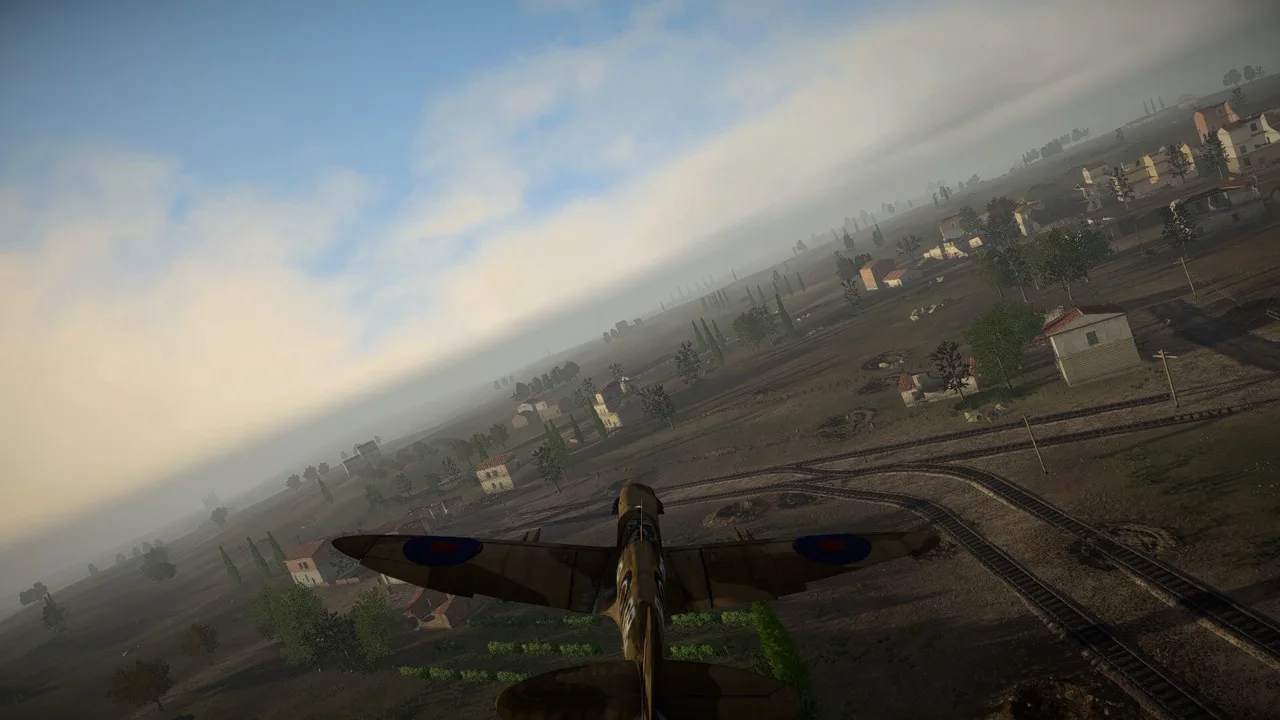 Image: Steam / Marco Amadei
As squad leader, use orders to establish a position before pushing forward. Move and Hold sends your squad to a selected location, while Attack Objective from Direction lets you set an approach toward an objective. Use that directional order to attempt a flank when a direct advance runs into concentrated fire.
On the PC keyboard layout, hold Tab to open the command menu and hold X to open the squad member selection menu.
Build your attacks around the equipment available:
- Switch to an anti-tank soldier when armor blocks the advance.
- Move a machine gunner into cover before engaging.
- Keep a radioman available when you need artillery support.
- Drag wounded soldiers behind cover before treating them.
Avoid crossing directly in front of a friendly soldier who is firing. Friendly fire makes a crowded firing position dangerous even when the enemy cannot see you.
Solve Weapon and Inventory Problems Before Dropping Your Gear
A captured weapon needs compatible ammunition. Picking up a rifle alone does not give you its owner’s ammunition supply, so take the matching ammo when looting the body or replenish it at an ammunition crate.
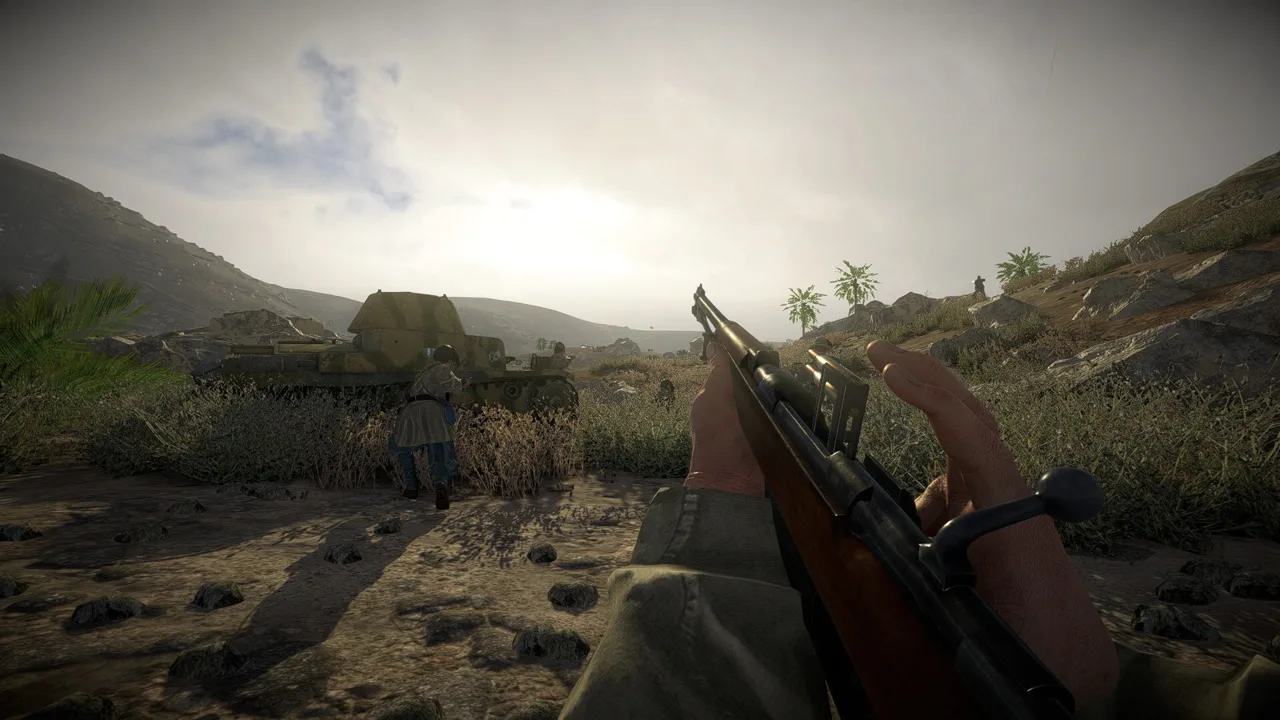 Image: Steam / Marco Amadei
Flamethrowers require more than the weapon itself. Collect the fuel and backpack, wear the backpack, and equip the hose before trying to fire.
Several PC inventory controls make equipment management quicker:
- Hold I for quick actions involving attachments, equipment, food, and medicine.
- Hold R to choose a magazine or clip through the reload menu.
- Check inventory weight when you cannot run; an overloaded inventory prevents sprinting.
Bandages stop bleeding. Use food or medicine to replenish health rather than expecting a bandage to handle both jobs.
Machine guns and anti-tank rifles also deserve a separate check before you assume aiming is broken. Some weapons require a deployed bipod to aim down their sights. Practice positioning the weapon in training before taking it into a contested objective.
Handle Tanks and Artillery With the Right Tools
Against armor, select armor-piercing ammunition and pay attention to the target’s facing. Tank protection differs across components, and the impact angle affects penetration.
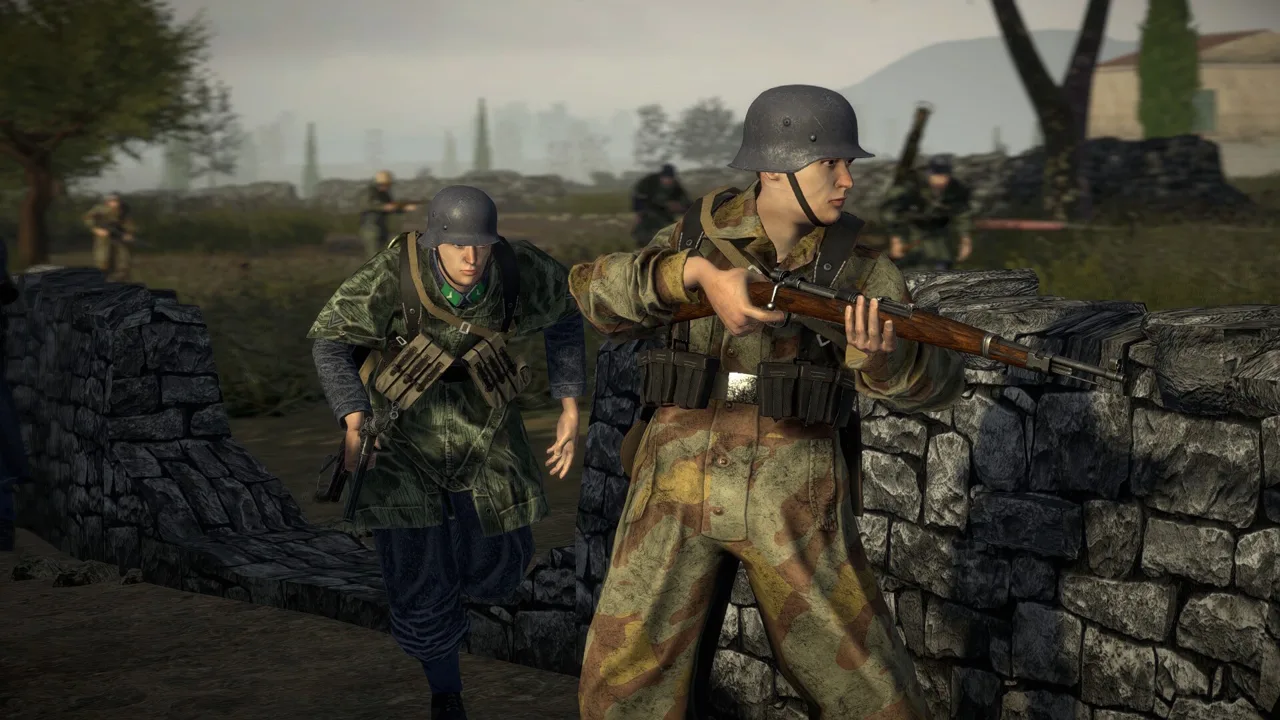 Image: Steam / Marco Amadei
Try to reach a side or rear firing position instead of repeatedly shooting the frontal hull. Use the training range’s penetration display to compare shots against the particular vehicle you are fighting. That gives you a clearer answer than applying one supposed weak spot to every tank.
Use high-explosive shells against infantry and armor-piercing shells for tank engagements. A tank’s machine gun also lets you engage exposed infantry without spending cannon ammunition on individual soldiers.
For denied artillery requests, check two essentials:
- Artillery must be available.
- Your squad needs access to a working radio setup.
A squad leader can carry a looted radio backpack to make requests. Check your current role and equipment before troubleshooting the request itself.
Separate Co-op Questions From Platform Features
Cooperative multiplayer puts players into missions against AI forces. PvP lets players fight on opposing sides, with infantry, vehicles, and aircraft contributing to the same battlefield.
For a co-op help request, state the mission, participating platforms, and whether the problem involves finding the match, joining it, or playing after connection. For gameplay questions, include the squad roles and vehicles involved.
The PC version includes these features:
- Single-player, online co-op, and online PvP.
- Full controller support.
- Windows, macOS, and Linux support.
The map editor and modding tools are PC exclusive. Keep that distinction in mind when following instructions for custom scenarios or community content.
For purchase and platform options, visit the Easy Red 2 official website.
Match Older Advice to the Game Version
Version 2.1.0 changed the interface, infantry and vehicle AI, pathfinding, and tank sights. Include your version when asking about those systems, especially if instructions describe menus or behavior that differ from your game.
Apply the same care to achievement shortcuts. Steam has 36 achievements, but a named achievement and a reliable unlocking method are separate things. For Camp&Dump, avoid building your attempt around simply staying idle; that shortcut has failed to award the achievement.
For collectible questions, give the dog tag’s name, campaign, mission, and phase. Those details are essential when trying to locate a particular soldier, and they keep replies focused on the encounter you are actually playing.
Continue with
 Easy Red 2 Game Modes: Solo, Co-Op, PvP & OperationsExplore Easy Red 2 game modes, from solo campaigns and online co-op to PvP and Dynamic Operations. Learn how objectives, squads, and custom missions work.
More in Beginner Guides
See all Beginner Guides
Join the community
Official channels for news, updates and player help: