
Easy Red 2 Game Modes: Solo, Co-Op, PvP & Operations
Explore Easy Red 2 game modes, from solo campaigns and online co-op to PvP and Dynamic Operations. Learn how objectives, squads, and custom missions work.
Jump to
What Game Modes Can You Play?
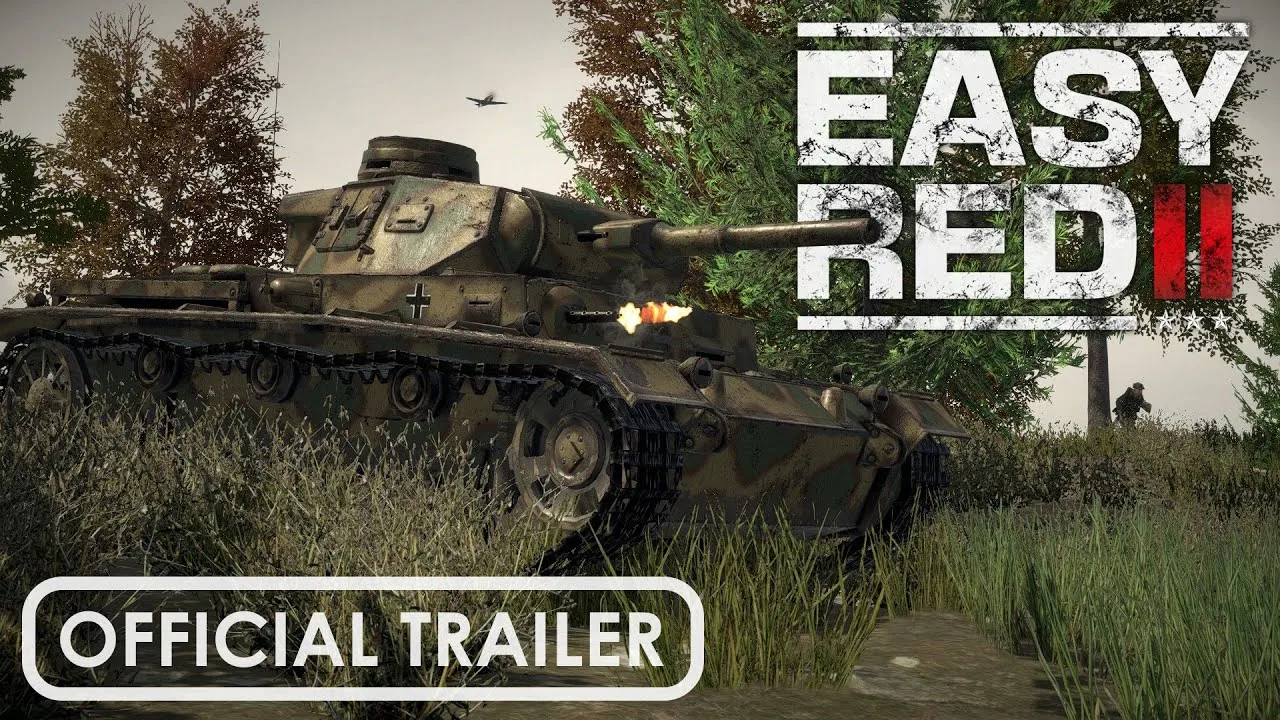
Easy Red 2 game modes put you in large-scale WWII battles through single-player, online co-op, and competitive PvP, with Dynamic Operations adding seed-generated battlefields in version 2.1.1. Your choice determines whether you fight alongside AI, coordinate with friends, or face opposing players. Mission rules then shape the objectives, reinforcements, and flow of each battle.
The main ways to play include:
- Single-player: Fight campaign missions with AI-controlled forces and switch between available soldiers or units.
- Online Co-op: Complete missions together against AI enemies.
- Online PvP: Fight opposing players across combined-arms battlefields.
- Cross-Platform Multiplayer: Supported as a multiplayer feature; check the platform combination before organizing a group.
Campaigns provide the historical setting and mission lineup. Infantry, tanks, and aircraft are battlefield roles within those missions, with availability determined by the scenario.
Official page: Easy Red 2 (easyred2.com)
Single-Player Campaigns and Training
Solo play centers on large battles, squad control, and changing objectives. You can issue orders to AI soldiers and switch between squad roles, giving you several ways to influence the same engagement.
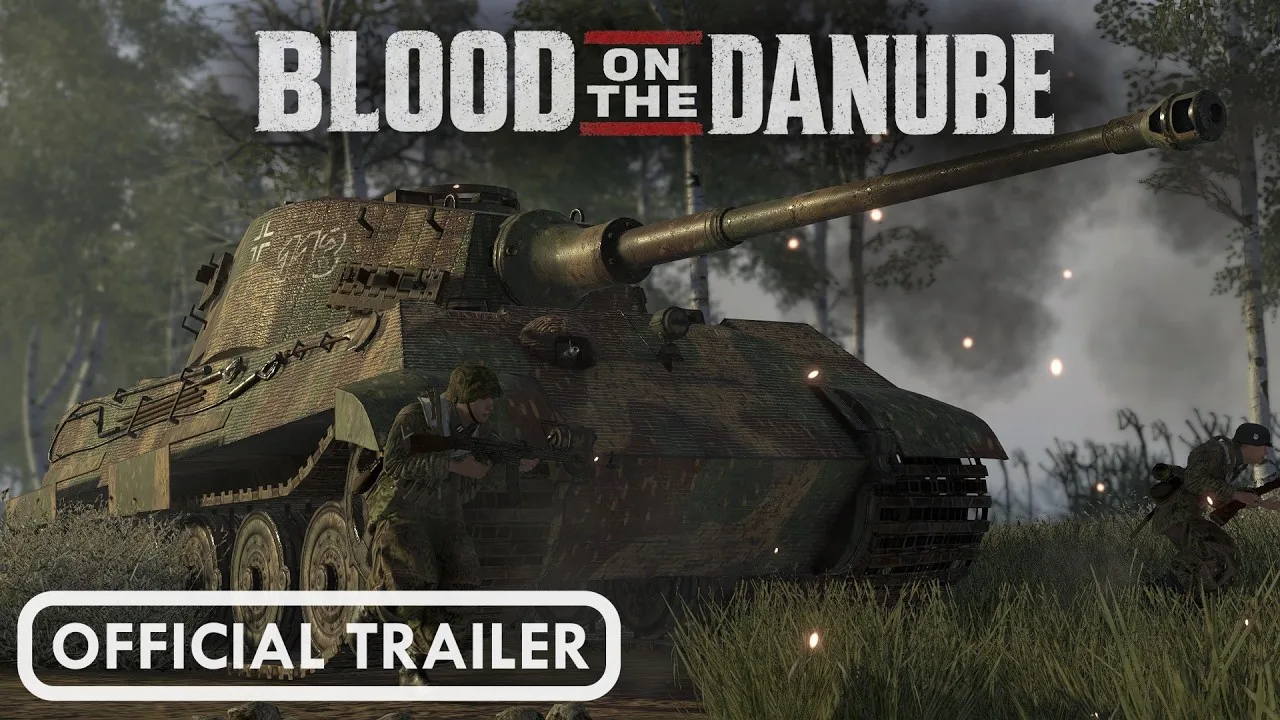
Many campaign missions advance through successive objectives. Capture a strongpoint, farmhouse, or position, and the next goal appears on the map and HUD. Watch those markers after each capture so you can move your squad toward the next fight.
Death can also change your role in the battle. While your side still has manpower available, you can respawn as another soldier or enter an available vehicle or aircraft, depending on the mission.
Start with the training campaign to practice movement, weapon handling, equipment use, and specialist roles. Then try squad leadership once you understand how individual soldiers operate.
The campaign lineup spans multiple fronts, including North Africa, Italy, the Pacific, and DLC settings such as Stalingrad. Version 2.1.1 adds Battles of Khalkhin Gol, featuring 9 unique missions across the 1939 conflict. That expands the historical mission selection alongside the update’s new gameplay systems.
Online Co-op: Fighting Alongside Friends
Co-op lets multiple players tackle missions against AI-controlled forces on the same maps used for single-player. Infantry movement, vehicle operation, and objective completion all give your group something to coordinate.
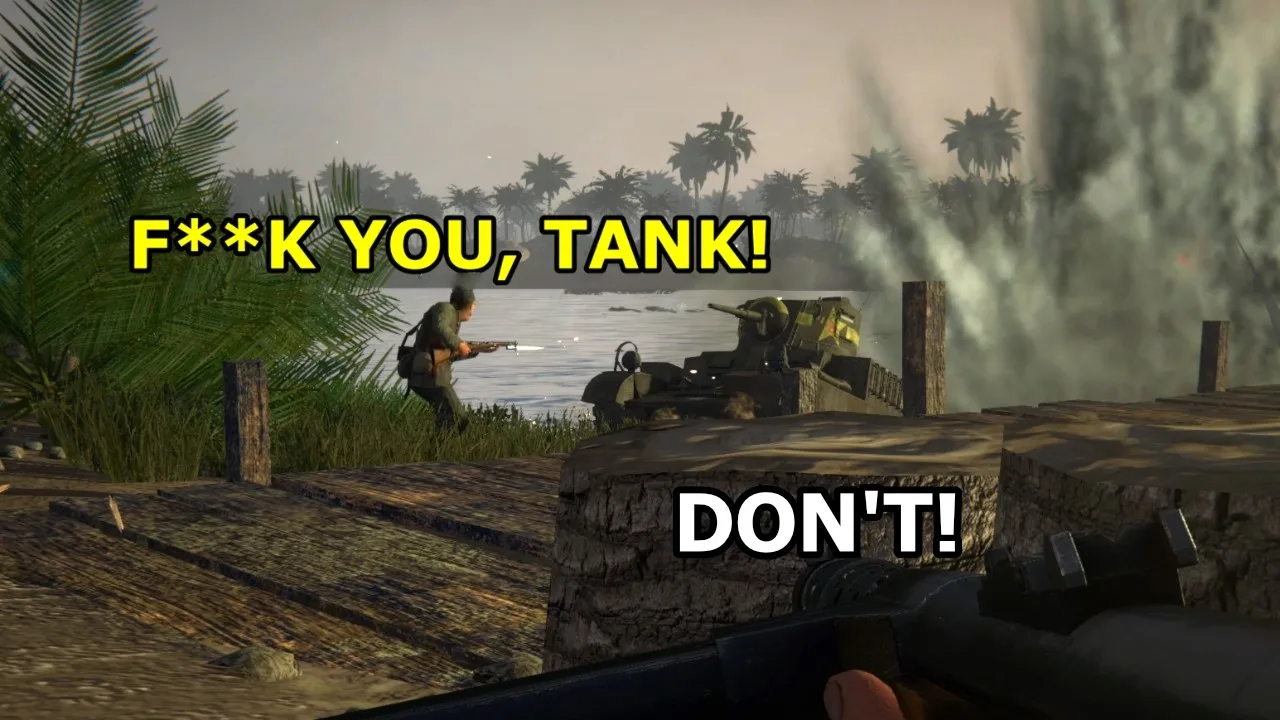
Divide responsibilities before advancing. Have teammates cover a route while others move toward the objective, or assign complementary squad roles instead of having everyone chase the same target.
The squad leader and radioman relationship deserves particular attention. Radio support involves both roles: the leader requests support, and the radioman handles the radio interaction and coordinates.
Keep the radioman close when using those support abilities. Use suppression to cover teammates crossing exposed ground, and flank enemies who are occupied with your squad’s fire.
Xbox supports online co-op. Coordinate with your human teammates while keeping track of the AI soldiers participating in the battle.
Competitive PvP: Objectives and Combined Arms
PvP brings opposing players into battles built around objectives, infantry, armored vehicles, and aircraft. The large maps leave room for different combat roles within the same match.
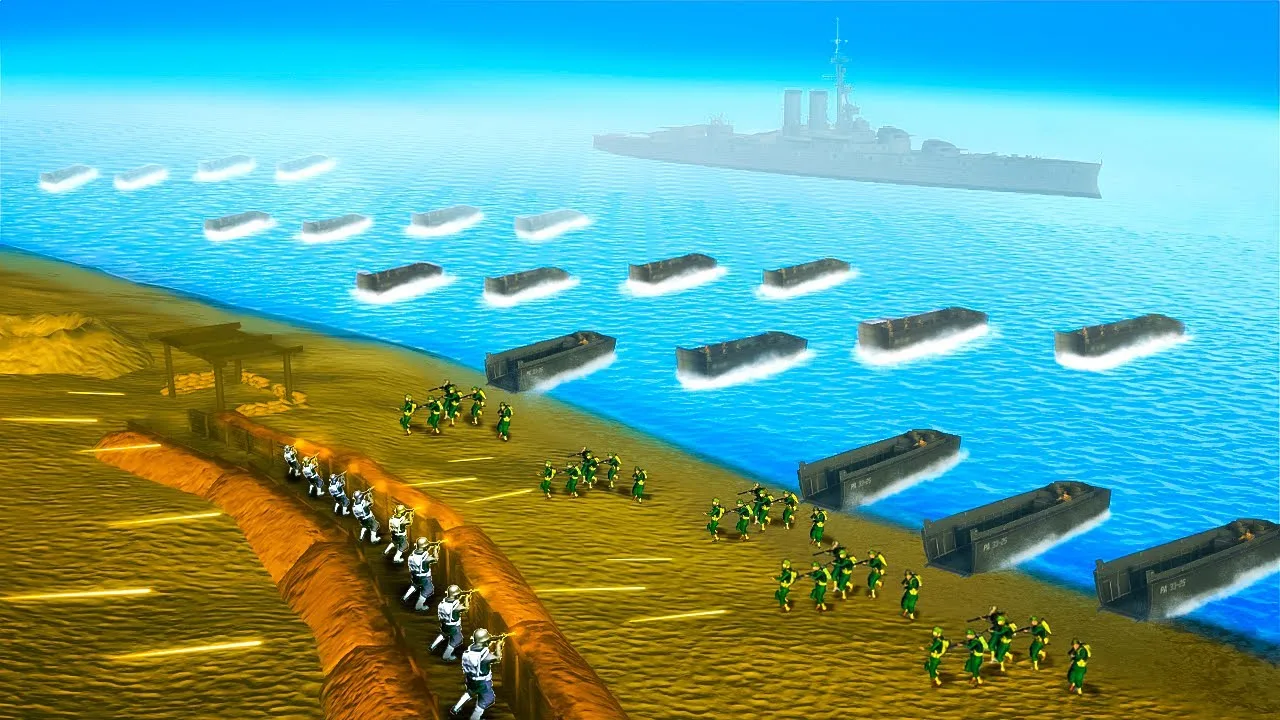
Read the battlefield before choosing a role. Use available armor to support an infantry push, cover an exposed approach with a machine gun, or take an aircraft role when the mission provides one.
Coordinate movement around the objective. A flanking squad still needs teammates applying pressure from another direction, and a vehicle crew needs to pay attention to what nearby infantry are trying to accomplish.
Xbox supports online multiplayer. Coordinate infantry movement and vehicle support with your teammates as you fight for objectives.
Dynamic Operations: Capture Zones and Build Your Forces
Version 2.1.1, “Cold Steel,” introduces Dynamic Operations as a prototype. It uses seed-based generation to create different battlefield experiences, while the same seed allows a particular generated battle to be reproduced.
Capturing zones earns two resources:
- Victory points, which contribute toward battlefield victory.
- Reinforcement tickets, which can be spent to call in better-equipped units.
Zone control therefore affects both the score and your ability to strengthen your forces. Push toward capture zones instead of letting every firefight pull you away from the objective, and use earned tickets to reinforce your force.
Keep a seed when you want to return to a particular generated battle. Reusing it gives you a way to revisit that battlefield setup and try another tactical approach.
The prototype itself runs through the in-game mission scripting system. Its capture-and-reinforce loop also demonstrates how far custom mission rules can extend the game’s existing combat.
Custom Missions and Conquest-Style Rules
On PC, the map editor, modding tools, and scripting system let creators change maps, objectives, mission phases, and AI behavior. Custom scenarios can introduce different battle structures alongside the historical campaigns.
One conquest-style mission script uses three objectives that begin neutral, with both sides’ AI actively attacking areas they do not control. All three objectives remain capturable throughout the battle.
Its rules include:
- Tickets lost when soldiers die.
- Ticket bleed when one side controls two or more objectives.
- Two sentry squads defending the captured middle objective.
- One sentry squad defending the captured objective nearest the enemy spawn.
- Adjustable capture-area sizes, capture times, and defending squad counts.
Those mechanics belong to that custom script. Dynamic Operations has its own zone-control and reinforcement system.
Check a custom mission’s rules and required content before starting it. For a group session, install the same required mods so everyone is ready to join the same scenario.
Continue with
 Easy Red 2 Guide: Squad Tactics, Weapons, and VehiclesUse this Easy Red 2 guide to learn squad commands, manage ammo, call artillery, fight tanks, and handle the new melee system and Dynamic Operations mode.
More in Beginner Guides
See all Beginner Guides
Continue exploring
Join the community
Official channels for news, updates and player help: