
Easy Red 2 Sensitive Content: What the Toggle Changes
Easy Red 2 sensitive content changes German flag symbols. Learn what the toggle does, why restarting can help, and how it works with historical unit mods.
Jump to
What Does the Sensitive Content Setting Do?
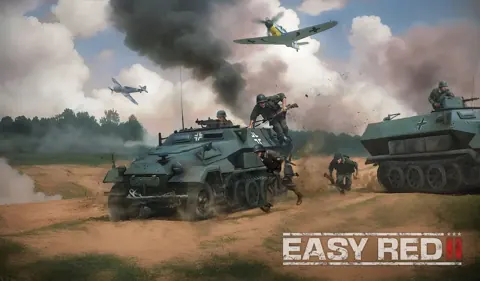
The Easy Red 2 sensitive content setting switches the German flag between a cross and a swastika. It gives you control over the historical Nazi imagery displayed on that flag. If you change the option and see no difference, restart the game before checking again.
The flag change is the specific visual difference to look for. You could easily miss it while concentrating on infantry combat, driving a tank, or playing a mission without a German flag in view.
Choose the setting based on which flag imagery you want displayed. For a useful comparison, inspect the same German flag before and after changing the option.
How to Check the Change After Restarting
On the Steam version, the option has appeared in the pause menu. If it seems unresponsive during a mission, use this sequence:
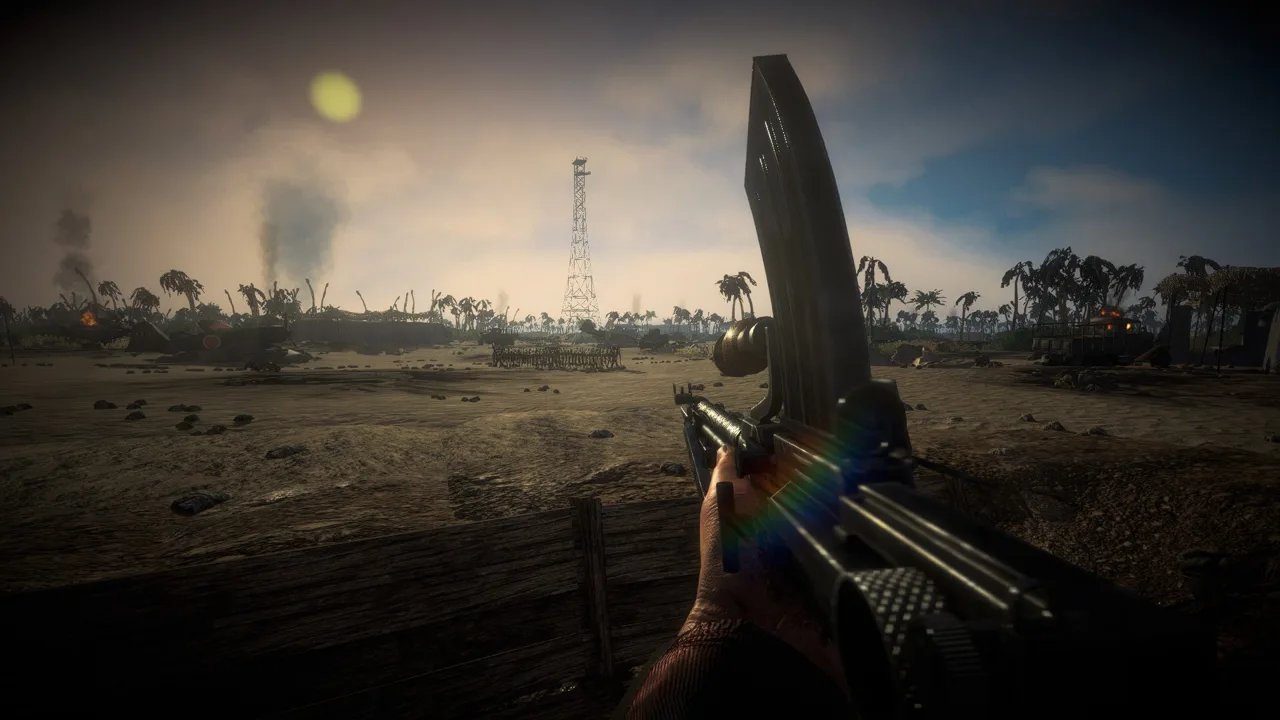 Image: Steam / Marco Amadei
- Open the pause menu and locate Sensitive Content.
- Change the option to your preferred state.
- Fully close and relaunch the game.
- Return to a mission where you can inspect a German flag.
Restarting is worth trying before troubleshooting further: the flag difference can become visible after relaunching.
If the behavior still seems wrong, include your platform, mission, reproduction steps, and installed mods when contacting support through the Easy Red 2 support page. For a PC bug report, reproduce the issue, close the game, and collect Player.log before launching again—the next launch overwrites it.
The log location depends on your operating system:
- Windows:
%USERPROFILE%\AppData\LocalLow\CorvoStudio\Easy Red 2\Player.log - macOS:
~/Library/Logs/Corvostudio/Easy Red 2/Player.log - Linux and Steam Deck:
~/.config/unity3d/CorvoStudio/Easy Red 2/Player.log
On Steam Deck, switch to Desktop Mode and use Dolphin to reach the file. On Windows, enable View > Show > Hidden items in File Explorer if you need to browse into AppData manually. On macOS, use Go to Folder to reach the hidden Library folder.
Include whether you were playing singleplayer or multiplayer, which map or mission you loaded, and whether the problem happens every time or only occasionally. Add your graphics API—DX11, DX12, or Vulkan—and the steps from launching the game to encountering the issue. If the problem occurs in a published custom mission, send its Workshop link so support can load the same content.
Console players cannot access a log file, but they can photograph the in-game console. Hold the left bumper—LB, L1, or L—and enter ↑←↓→ three times without releasing it. Take the photo while the problem is happening, then include it with your reproduction steps in a support message.
How Historical Unit Mods Fit In
The built-in flag option and a historical texture mod have different scopes. Historical Units, for example, adds 70 textures featuring authentic WWII symbols, including changes involving uniforms, equipment, and vehicle markings. It supports the game's sensitive content option.
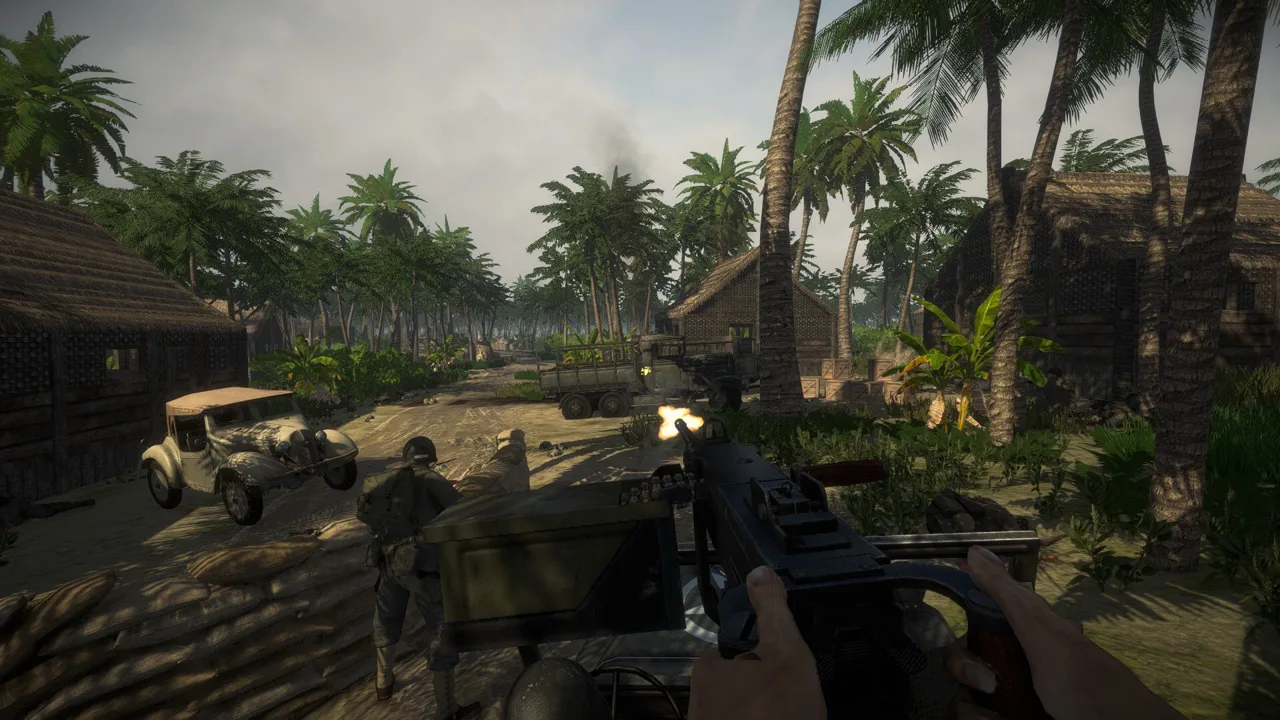 Image: Steam / Marco Amadei
That mod uses BepInEx IL2CPP for Windows x64. Its installation instructions place the extracted files in Easy Red 2\BepInEx\plugins.
Version 1.1, updated February 22, 2026, includes several specific texture and insignia fixes. It corrects headgear that appeared with vanilla textures after falling to the ground or being dropped. It also adjusts the insignia proportions on the Wehrmacht feldmutze and corrects the SS eagle on the SS tanker feldmutze.
Vehicle and scenery changes are part of that version, too. The Opel Blitz displays Deutsches Afrikakorps insignia only in North Africa. The update adds a BF109 mask texture to improve its marking and a texture for Wehrmacht wooden crates. These details give you specific items to identify when describing a visual problem with the mod installed.
Use the built-in toggle when your goal is to change the German flag. If you also install historical texture replacements, check their compatibility instructions and include the mod name in any visual bug report. That gives support the context needed to investigate altered insignia or textures.
Continue exploring
Easy Red 2 Unlock All Missions: Skip Campaign Locks
Easy Red 2 unlock all missions guide: learn the keyboard shortcut, how campaign progress saves, and which settings to watch before your achievement run.
Easy Red 2 Maps: Campaigns, DLC, and Custom Battlefields
Explore Easy Red 2 maps across Tunisia, the Pacific, and Europe. Compare campaign DLC, discover Khalkhin Gol, and start building your own battlefields.
Join the community
Official channels for news, updates and player help: