
Easy Red 2 Resupply Tank Guide: How to Rearm Your Armor
Easy Red 2 resupply tank guide: find wrench-marked repair stations, refill shells and machine gun ammo, and learn what to do when a mission has no station.
Jump to
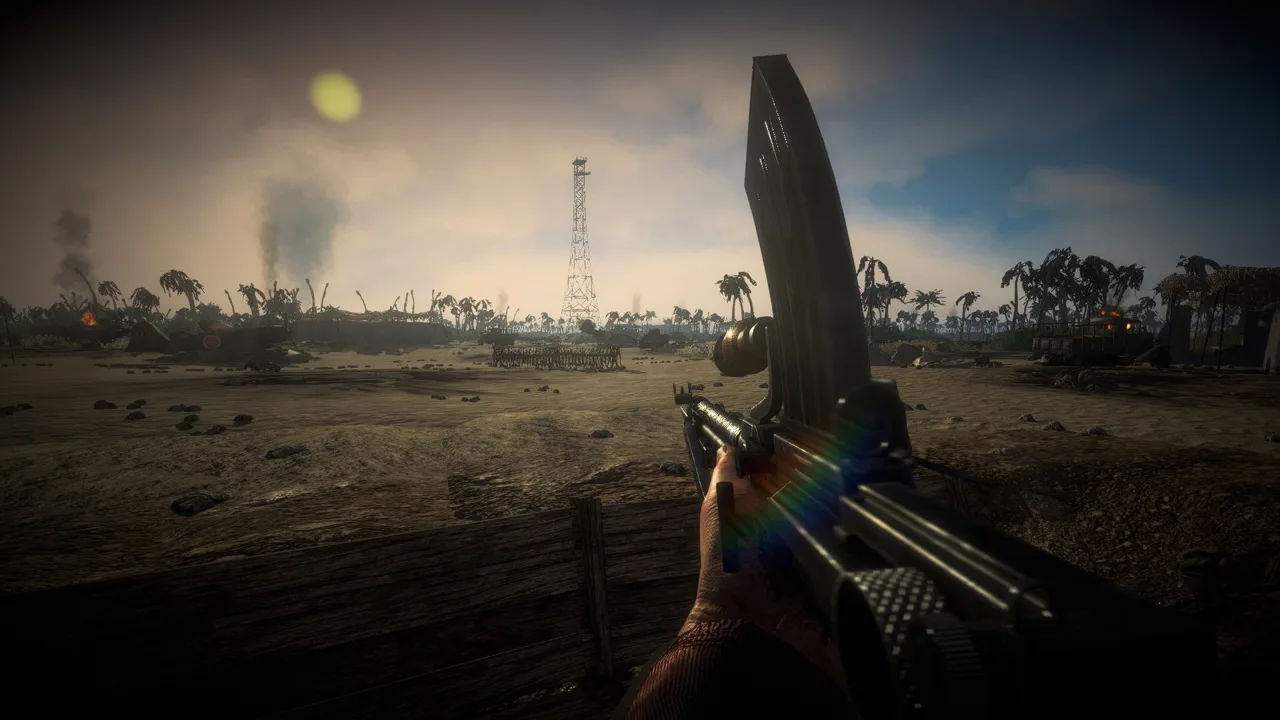
An empty ammo rack can stop your advance even when your tank survives the fighting. The Easy Red 2 resupply tank routine centers on repair stations marked with a wrench icon. Locate one before pushing forward so you have somewhere to return when your ammunition runs low.
How to Resupply a Tank in Easy Red 2
Drive your tank to a repair station marked by a wrench on the map. These stations provide ammunition for ground vehicles, but their availability depends on the mission.
To rearm your tank:
- Open the map and locate a wrench icon. Choose a station you can reach without driving straight through enemy positions.
- Drive into the station area. Move close enough for the station’s rearm or repair prompt to appear.
- Park and wait for ammunition to replenish. Keep the tank stationary while the resupply finishes.
- Check your ammunition before leaving. Look at both your main gun and machine gun reserves.
Tank resupply replenishes ammunition for the main cannon and machine guns. Check both rather than leaving as soon as you see shells return.
The ammunition refill covers coaxial and hull machine guns, plus secondary or special rounds if equipped. Check those additional weapons before returning to the fight.
If nothing happens when you arrive, reposition closer to the station and watch for the prompt. Leave room around the service area instead of crowding it with other vehicles.
Official page: Easy Red 2 (easyred2.com)
Why Some Missions Have No Tank Resupply
Not every mission includes a repair station. A tank can run out of ammunition in a scenario that offers no station to replenish it.
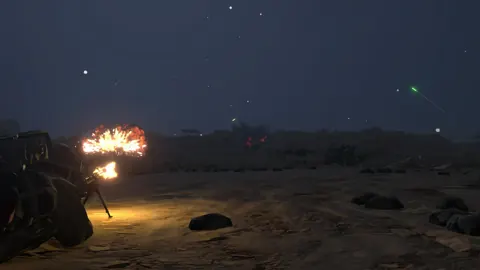
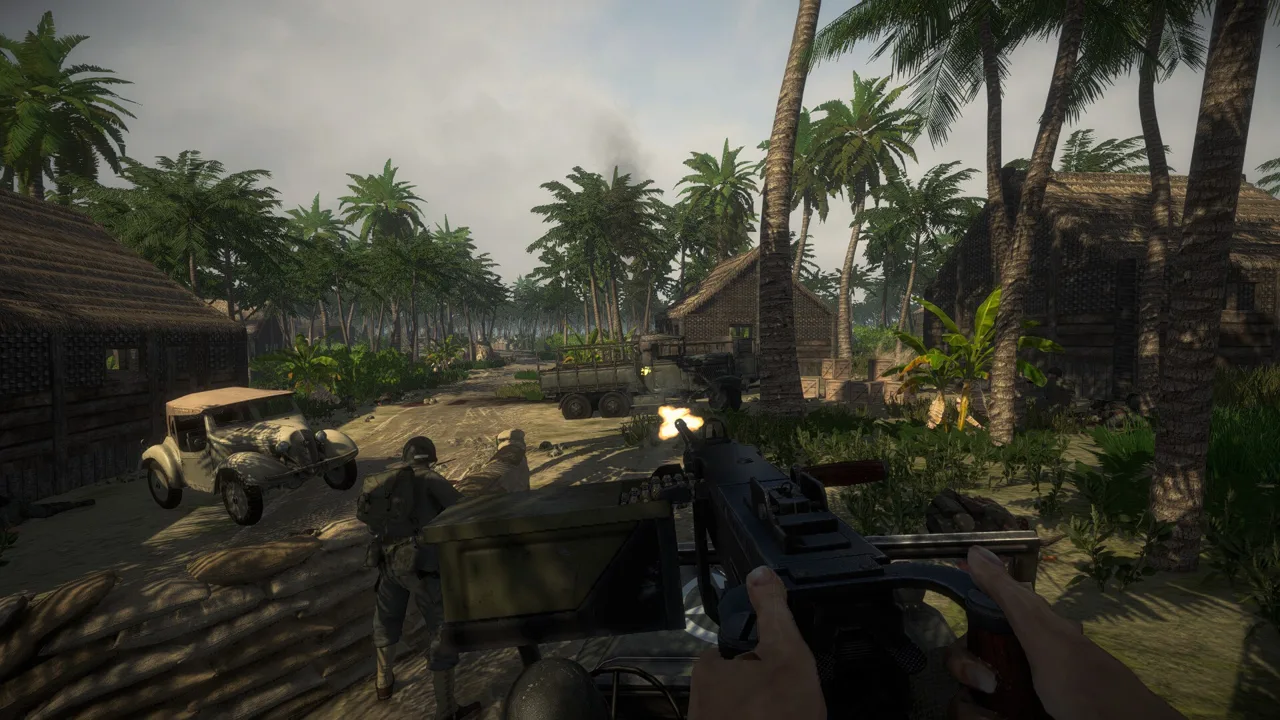 Image: Steam / Marco Amadei
Check the map early. If there is no wrench marker, plan your ammunition use around the possibility of fighting without a resupply stop. In custom scenarios, station availability depends on what the mission creator included.
Keep the vehicle markers straight, too. The white aircraft icon is for replenishing aircraft bombs and machine gun ammunition. For a tank or another ground vehicle, look for the wrench.
When a mission has no station, conserve your remaining rounds:
- Save cannon ammunition for targets that need it.
- Use the machine gun against exposed infantry when appropriate.
- Avoid spending shells on repeated shots that fail to penetrate enemy armor.
Keep Your Tank Mobile Enough to Reach the Station
Ammunition is only one part of keeping a tank operational. Damaged tracks can immobilize the vehicle while leaving its turret usable, and crew members can be killed separately.
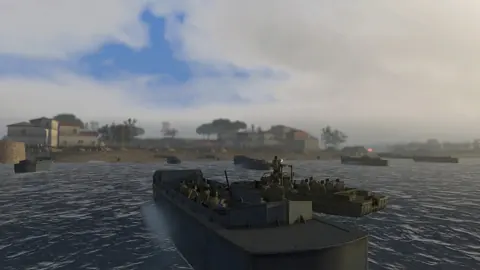
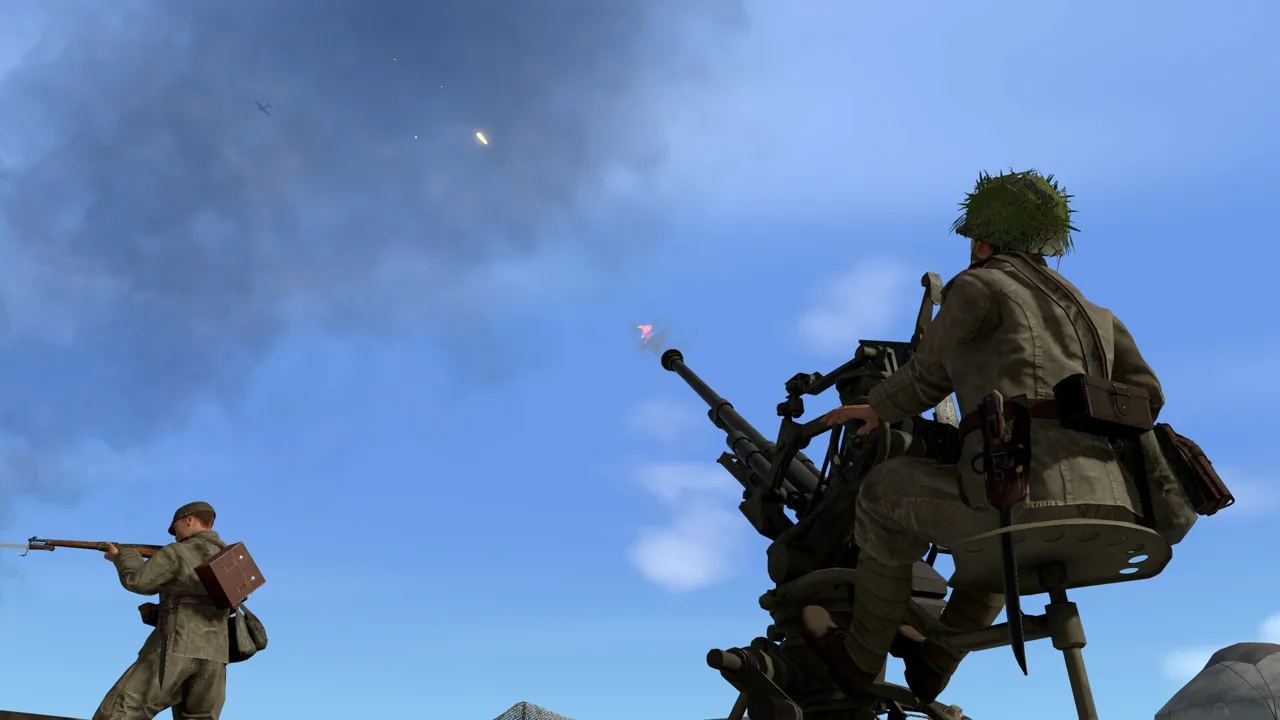 Image: Steam / Marco Amadei
Check mobility before planning a resupply run. If a track is disabled, address the damage before attempting the drive back. Crew members can leave the tank to make repairs, but doing so exposes them to enemy fire.
Larger tanks can have crews of up to four soldiers, with separate commander, driver, machine gunner, and main gunner roles. The commander serves as a spotter, while the other crew positions handle movement and weapons. A hit can kill the driver or main gunner while leaving other crew members alive. Switch between surviving squad members to take the role you need, whether that means driving away from danger or keeping the gun in action.
Vehicle behavior also changed in update 2.1.1:
- Crews ordered to retreat no longer stop along the way to fight, and the update also includes fixes to mechanic behavior.
Pull back before you exhaust your ammunition. Keep enough rounds available to defend the vehicle during the return trip, and use the map to plan that route before leaving your fighting position.
Practice driving and operating ground vehicles in the Shooting range mission, available through Campaign selection under the Training Missions tab. Both tracked and wheeled ground vehicles are available there. Vehicles tied to DLC require ownership of that specific DLC to use on the range, even when those vehicles also appear in some base game campaigns.
Continue with
 Easy Red 2 Vehicles: Tanks, Aircraft, and Crew GuideExplore Easy Red 2 vehicles, including new tanks, armored cars, and aircraft in version 2.1.1. Learn the key changes and plan your next armored assault.
More in Vehicles
See all VehiclesContinue exploring
Easy Red 2 Reddit Guide: Tips, Co-Op, and PC Features
Searching Easy Red 2 reddit for help? Find practical squad tactics, co-op basics, modding details, and ways to avoid outdated combat tips before you play.
Easy Red 2 Achievements Guide: Survive Every Campaign
Use this Easy Red 2 achievements guide to plan campaign survival runs, avoid the respawn screen, manage infantry squads, and work toward full completion.
Join the community
Official channels for news, updates and player help: