
Easy Red 2 WW1 Mod: Passchendaele Setup and Settings
Explore the Easy Red 2 ww1 mod scene with Passchendaele mission details, required packs, bot battle settings, and compatibility tips before you subscribe.
Jump to
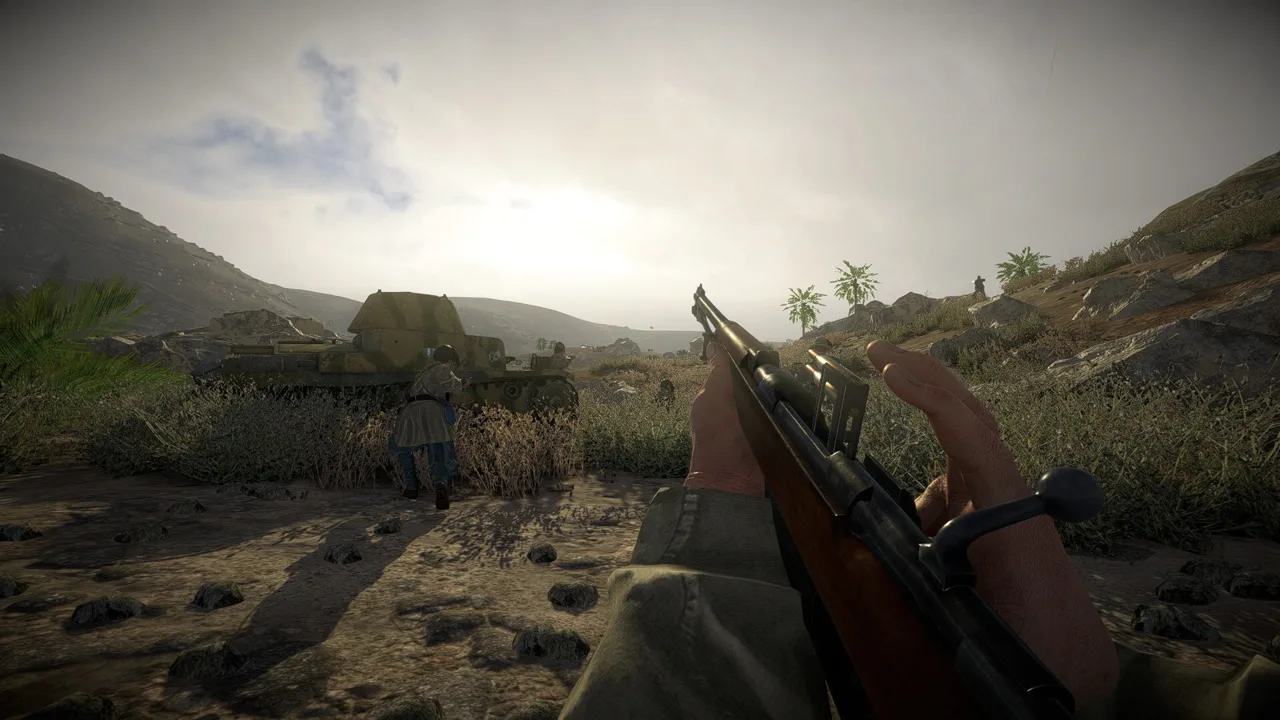
Can You Play World War I in Easy Red 2?
The Easy Red 2 ww1 mod scene brings World War I missions, weapons, uniforms, and factions into the game’s WWII sandbox. Passchendaele offers a concrete example: a three-phase infantry operation built around large assaults. Its compatibility warning matters, though—check that before committing to its extensive dependency list.
WW1 - Assault on Passchendaele [Mission] carries an incompatibility warning for Easy Red 2. Resolve that warning before expecting the mission to work with your installed version.
World War I content here comes through community mods and custom scenarios. The base game remains a WWII shooter, and its map editor and modding features are PC exclusive. Owning the console version does not provide access to this modding setup.
Official page: Easy Red 2 (easyred2.com)
What the Passchendaele Mission Includes
Passchendaele pits the British and French Empires against Imperial Germany in an Operation with three phases. This version removes vehicles to devote more manpower to infantry pushes.
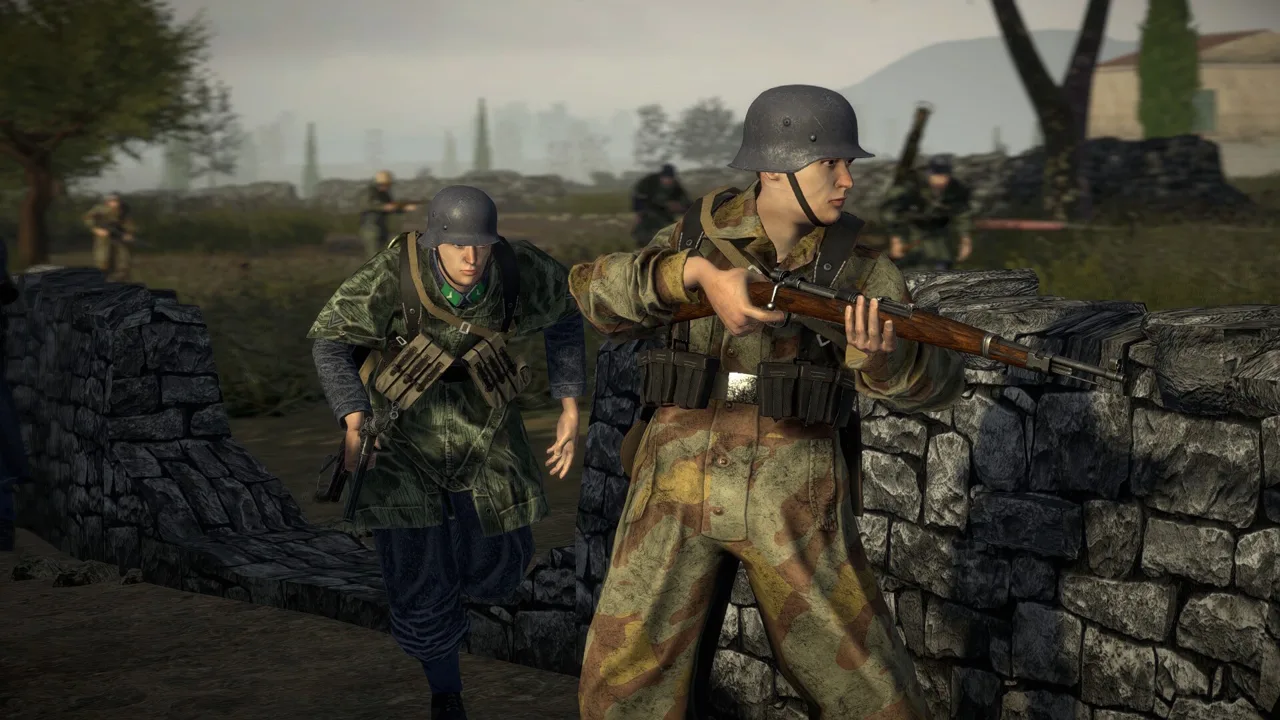 Image: Steam / Marco Amadei
That distinction matters when choosing a mission. The Operation version emphasizes massed infantry attacks; the separate Push the Frontline version includes vehicles. Required vehicle-related assets can still appear in the Operation’s dependency list, so do not assume that an infantry-only mission needs only infantry packs.
The mission favors action over strict historical accuracy. Its faction and equipment combinations draw on numerous separate mods rather than one unified overhaul.
Solo players can use bots. The mission was play-tested with AI armies, so organizing a multiplayer group is not a prerequisite for its intended battle setup.
Passchendaele Battle Settings
Use these settings to match the mission’s intended scale:
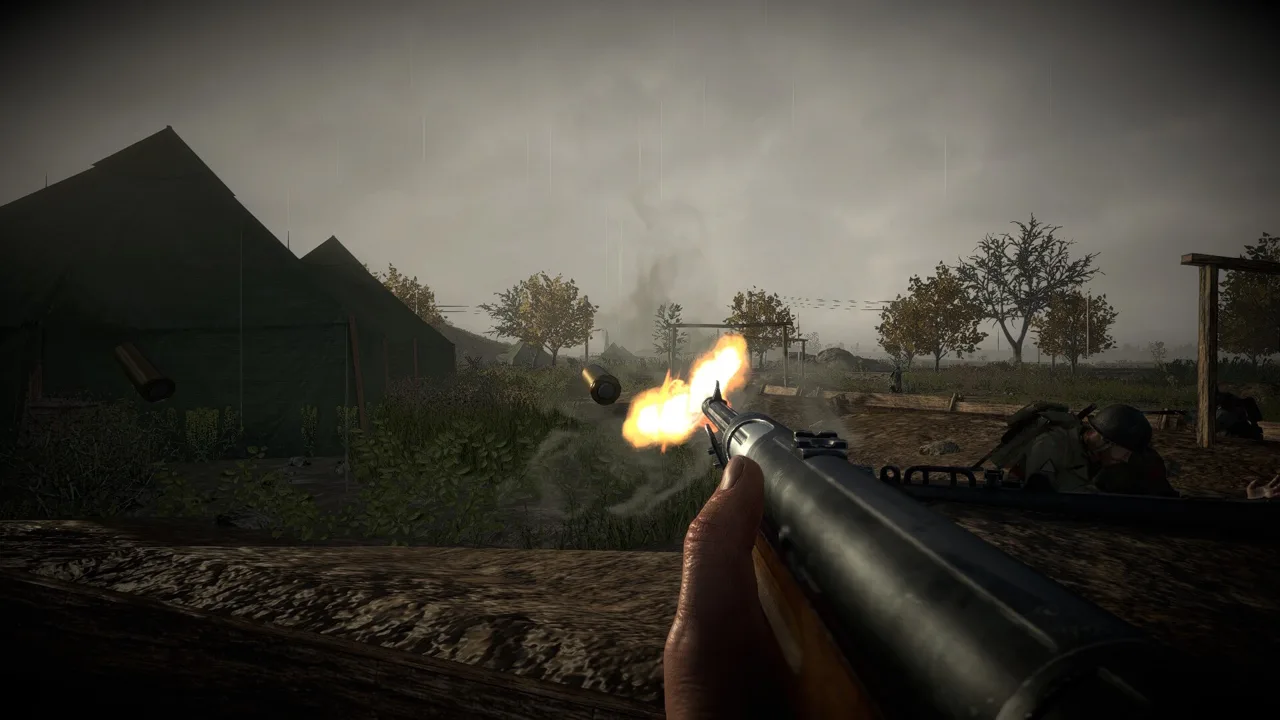 Image: Steam / Marco Amadei
| Setting | Intended configuration |
|---|---|
| Difficulty | Realistic |
| Units | 70 vs 70 |
| Tickets/lives | Maximum, identified as 2.5 tickets/lives |
| Mode | Operation with 3 phases |
| Vehicles | Removed in this Operation version |
The unit count and ticket setting serve different purposes: one establishes the size of the opposing forces, while the other supports sustained fighting through the operation.
Keep the vehicle-free design in mind when selecting a scenario. Choose the Operation version for its infantry setup rather than expecting the combined-arms roster of a standard Easy Red 2 battle.
Required Maps, Weapons, and Uniform Packs
The mission depends on a substantial collection of separate Workshop items. Subscribing to the mission alone does not cover its requirements.
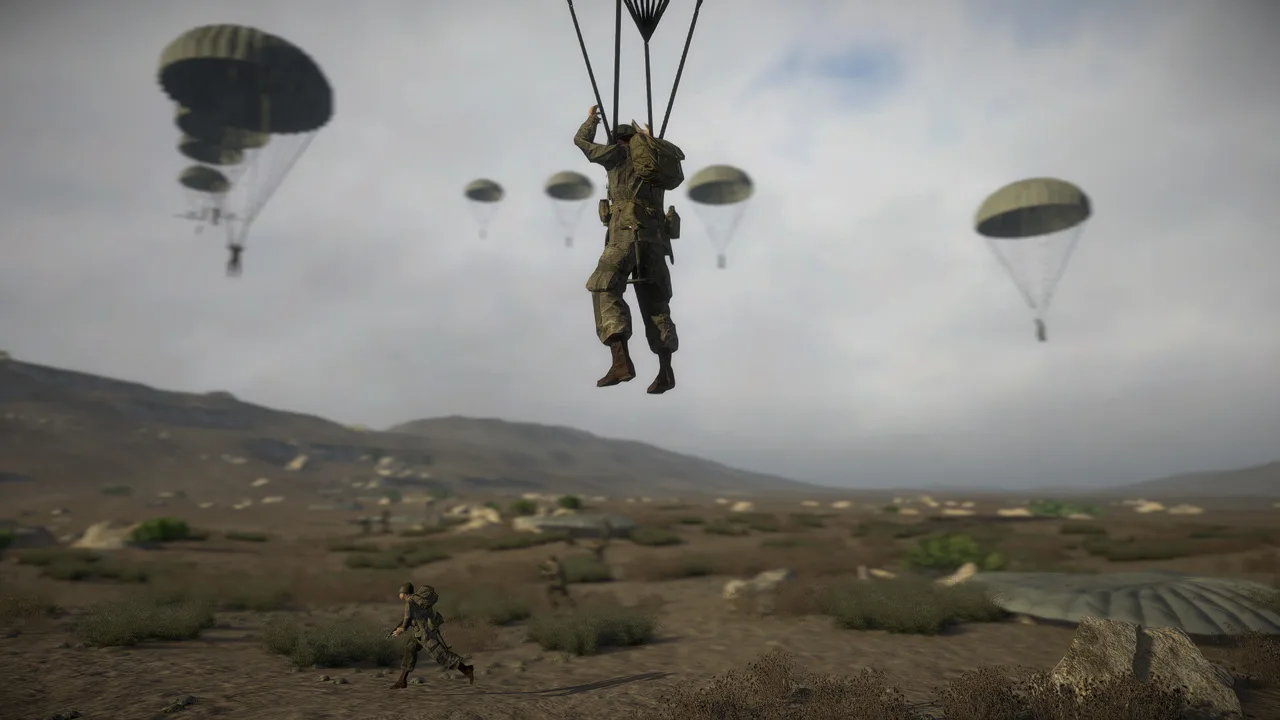 Image: Steam / Marco Amadei
Its dependencies include:
- Terrain and scenery: Passchendaele [Map], WW1 Prop Pack, and Church, Tower and Siren.
- Weapons: WW1 Weapon Pack.
- Headgear and equipment: WW1 Helmet Pack, 1916 stahlhelm, Gas Mask, and Ottoman hats and helmets.
- Uniforms: 1914 Greatcoat Germany ww1, French Uniform and Gear Pack, and German Uniforms Pack.
- Factions and units: Imperial Germany Faction, French Faction, Royal Welsh Fusiliers, and Scottish 51st Highlanders.
These are examples from the requirements, not the complete dependency checklist. Follow the mission’s full Required items list, including assets whose names seem unrelated to its setting. That list also includes M-72 Motorcycle [USSR] (NO LONGER MAINTAINED) and Call of Duty 3 Mod.
Check the mission’s compatibility instructions before subscribing to the full set. Older uniform and helmet combinations have also suffered from clipping, including heads protruding through helmets and bodies intersecting clothing. Treat visual fit and mission compatibility as separate checks: correctly downloaded assets can still have character-model problems.
What Version 2.1.1 Adds for WWI Scenarios
Version 2.1.1, “Cold Steel,” expands tools and combat systems relevant to trench-focused missions:
- 21 new trench pieces expand the Map Editor’s construction options.
- The In-Hand / Melee System adds slashing, stabbing, and blocking animations for supported melee weapons.
- Selected bayonets can be drawn and used as knives.
- The MeleeWeapon class expands SDK support for modded melee weapons.
- Soldier scale references give map makers character-size guides when placing props.
These additions expand what scenario makers can build. They do not remove the need to check an older mission’s compatibility.
Keep supported weapons in mind, too: the new melee system does not automatically give every older modded weapon its own animations. For Passchendaele, start with the mission’s compatibility instructions and complete dependency list before adjusting its battle settings.
Continue with
 Easy Red 2 BepInEx: Install Mods and Fix Load ErrorsSet up Easy Red 2 BepInEx with the right IL2CPP loader, install gameplay mods, troubleshoot launch errors, and understand multiplayer compatibility on PC.
More in Mods
Easy Red 2 BloodWorks Mod: Install Guide and Fixes
Get the Easy Red 2 bloodworks mod with BepInEx, explore wound decals and ragdoll changes, and find fixes for blurry uniforms and missing impact effects.
Easy Red 2 Mods: Custom Missions, Maps, and Vehicles
Explore Easy Red 2 mods for custom maps, missions, vehicles, and factions. Learn about PC support, Workshop dependencies, and new mission scripting tools.
Easy Red 2 Realism Overhaul: Install and Setup Guide
Install Easy Red 2 realism overhaul, explore its AI and combat changes, configure performance presets, and understand Windows and multiplayer requirements.
Easy Red 2 Sound Mod: Features and Installation Guide
Find an Easy Red 2 sound mod for heavier gunfire and new voices. Learn what version 9.2 changes, its BepInEx requirements, and where to install the files.
Join the community
Official channels for news, updates and player help: