
Easy Red 2 Realism Overhaul: Install and Setup Guide
Install Easy Red 2 realism overhaul, explore its AI and combat changes, configure performance presets, and understand Windows and multiplayer requirements.
Jump to
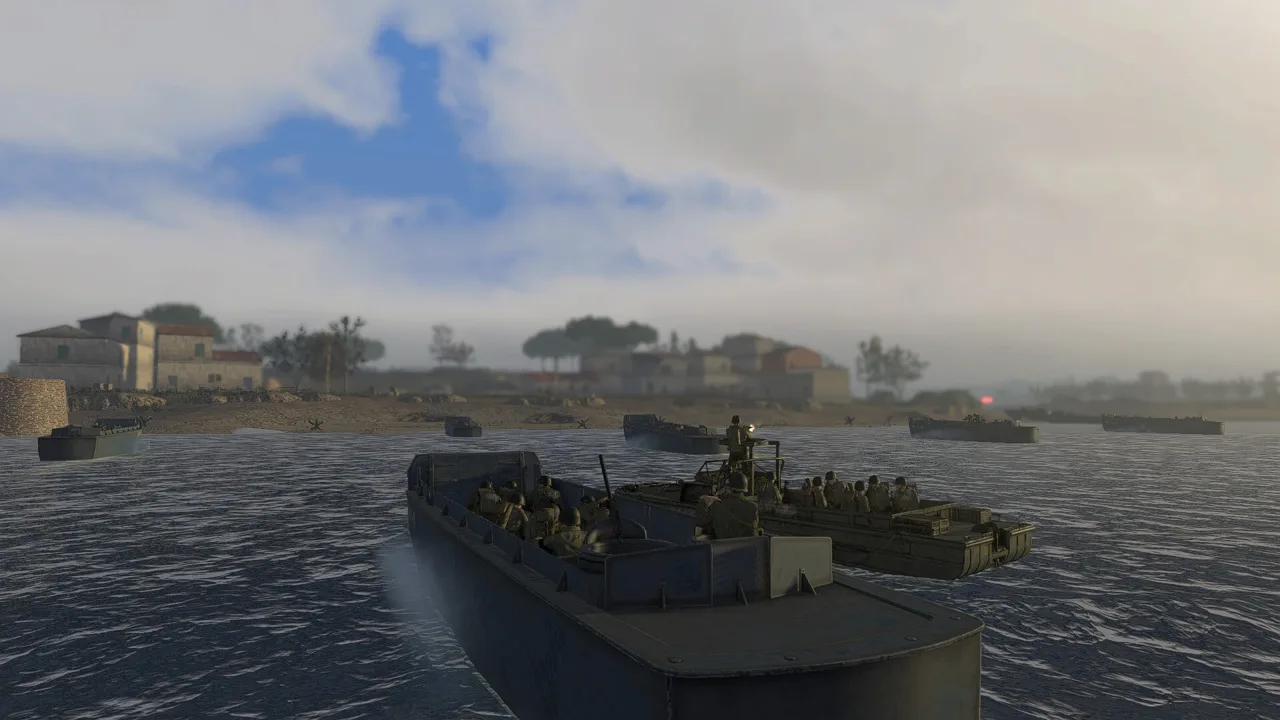
What Does Realism Overhaul Change?
A trench should protect your squad, and a captured objective should stay defended. Easy Red 2 realism overhaul tackles the AI decisions, weapon interactions, and control quirks that can undermine those moments. Its configurable systems aim to make combined-arms battles more believable while preserving the game's missions, armor system, and basic damage model.
ER2RealismOverhaul is a Windows BepInEx mod with changes ranging from infantry cover selection to aircraft handling. You can switch individual systems on or off through an in-game menu rather than accepting every change together.
Version 1.2.0 was tested with Easy Red 2 2.1.0, Steam public-branch build 25255578, the September 11, 2026 patch. Versions 1.1.3 and earlier do not work with 2.1.0.
Match your game build to the mod's supported version before installation. The game's 2.1.1 “Cold Steel” update introduces a new in-hand/melee system and additional AI behavior, making the supported game version especially relevant when installing a mod that changes combat systems.
Official page: Easy Red 2 (easyred2.com)
How Infantry AI Handles Cover and Objectives
The overhaul works at two levels: squads receive coordinated objective orders, while individual soldiers handle movement, positioning, and combat.
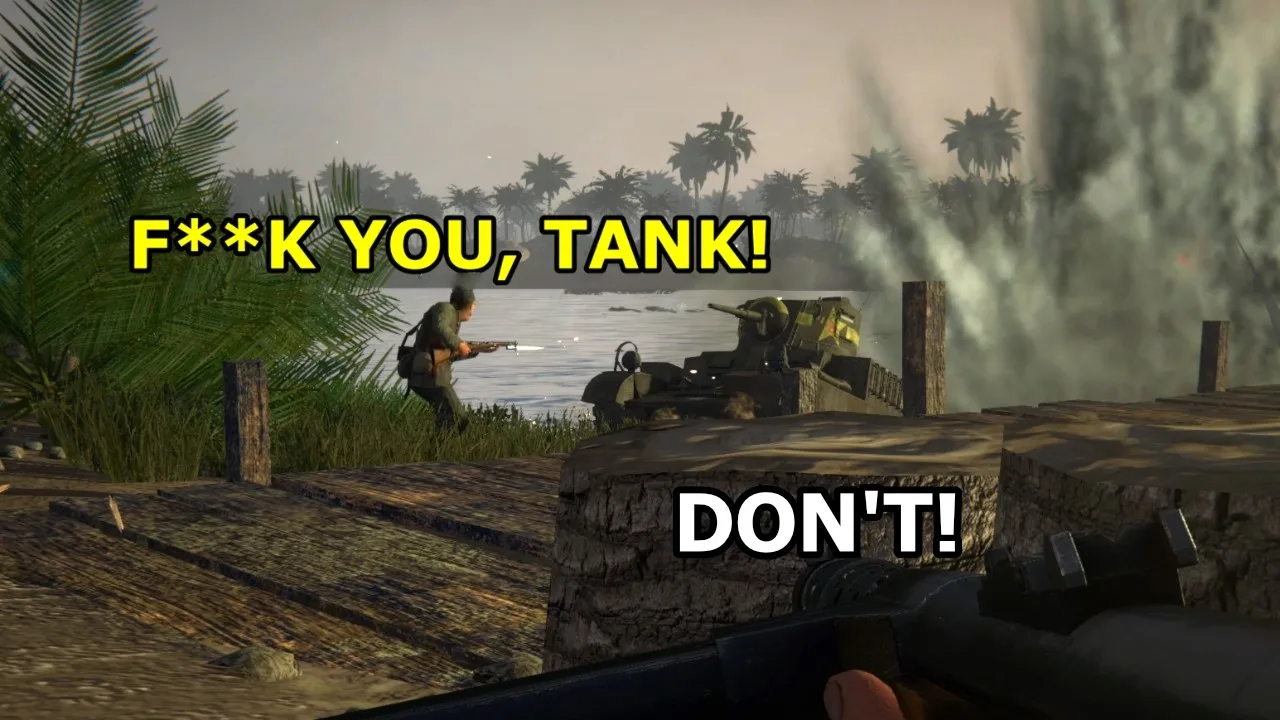
Cover with measurable protection
Infantry evaluate cover using material resistance, thickness, threat direction, firing opportunities, and available space. A substantial wall or earthwork carries more protective value than vegetation, glass, or a thin prop.
Defenders seek separate positions in trenches, buildings, and fortified ground. Once established, they hold useful cover during contact instead of repeatedly exchanging similar positions. During quieter periods, they can move to a nearby slot that offers substantially better protection.
Other changes address familiar movement problems:
- Soldiers separate when they overlap instead of occupying the same position.
- Defensive medics can leave cover to reach casualties, then resume defensive positioning.
- Improvised cover lets infantry consider walls, banks, ditches, and crater edges when placed cover offers insufficient protection.
- Failed emplacement routes return soldiers to ordinary defensive behavior rather than leaving them motionless.
Use substantial terrain and structures when choosing your own position. Thin scenery can conceal a soldier without reliably stopping bullets.
Attacks that retain a foothold
Version 1.2.0 gives attacking infantry a configurable 20% garrison target, rounded down. Squads maintain coverage on captured points when possible, direct surplus guards toward threatened areas, and distribute remaining attackers across unfinished objectives using alternating flanks.
When squads are too scarce to cover everything, at least one continues attacking. After all selected objectives are captured, squads hold them while awaiting the next phase.
Under fire, attackers can use five-second crouched bounds and configurable 5–15 second firing holds. Defensive forces can also use available reinforcements to retake active captured objectives while retaining garrisons elsewhere.
These autonomous systems respect player control and mission-script restrictions. They also preserve assigned objectives through native squad-leader updates.
Local information instead of instant shared knowledge
Confirmed enemy contacts are communicated to nearby friendly AI within 15 meters by default, adjustable from 5–50 meters. The message contains a temporary last-known position.
Receiving that report does not immediately authorize a shot. The recipient still needs to see and acquire the target personally, and a moving soldier does not interrupt its route simply to turn toward the report.
Weapon Handling, Penetration, and Ground Vehicles
The overhaul changes how soldiers use weapons and how certain hits interact with the battlefield. It preserves native vehicle armor and damage systems.
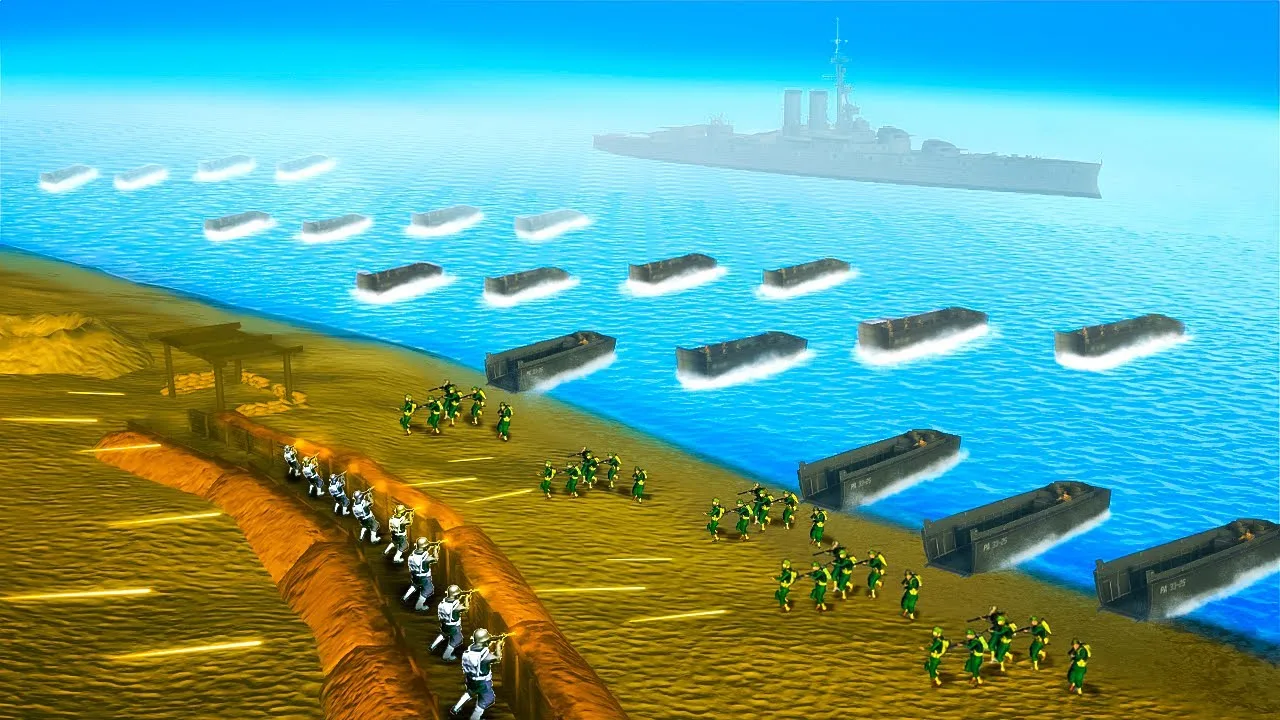
More deliberate infantry combat
Riflemen stop before firing, while SMGs retain limited moving fire at close range. Exposed AI use safer postures for reloading, and crawling soldiers must stop before reloading or bandaging.
Both handheld and mounted weapons check their firing lanes for friendlies. Grenade decisions account for practical range, a clear target area, and a per-soldier cooldown. Eligible infantry can also throw anti-tank grenades at nearby visible tanks while otherwise engaging infantry.
Melee hit checks are longer and slightly wider for players and AI. At default settings, an ordinary strike reaches roughly 1.32 meters, while a bayonet reaches roughly 1.68 meters. Melee damage stays unchanged.
Thin cover can be penetrated
Bullet penetration considers a prop's material and measured thickness. Suitable projectiles can pass through with reduced energy while retaining entry and exit effects, tracers, decals, and ricochet feedback.
Terrain, bunkers, and vehicle armor retain their native defensive role. Shaped-charge rounds from weapons such as the Bazooka, Panzerschreck, Panzerfaust, and PIAT detonate on their first collision rather than passing through thin obstacles and continuing as fresh projectiles.
Keep a clear path between your launcher and the target; a fence or thin wall can trigger the warhead before it reaches armor.
Emplacements and transports become useful defensive assets
Autonomous squads defending an area can staff viable loaded static weapons. Reported enemy armor raises the priority of AP-capable guns.
Squads preserve their leader, another mobile soldier, and their last essential specialists while contributing gunners. Defenders can also occupy the gunner seat of an abandoned armed transport in their area, relinquishing it when a player claims the vehicle. This staffing behavior excludes tanks, assault guns, and aircraft.
Infantry riding in AI-led APCs can dismount when nearby credible contact or incoming fire makes staying aboard more dangerous.
Separate camera aim from gun direction
Third-person ground-gunner controls let the camera aim independently while the turret follows at its native traverse and elevation speeds. Separate indicators show the commanded aim and actual bore direction.
Hold the vehicle-look action—C by default—to look around while retaining the weapon's commanded direction. Releasing it returns the camera toward that aim.
Two independent first-person options handle different views:
- Lock Gunner View Elevation holds local gun elevation in the unzoomed gunner or periscope view while allowing horizontal traversal.
- Unstabilized Gunsight attaches the optical view to the physical gun and applies input directly to the weapon.
Both options default to enabled. Native turret limits, damage-related slowdown, firing, synchronization, and range zeroing remain active.
Aircraft Controls and Flight Physics
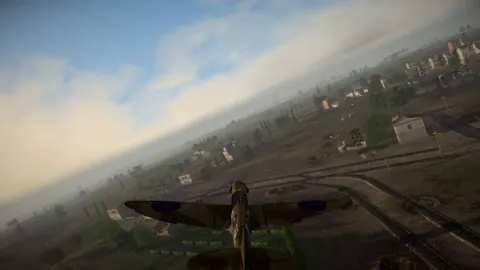
The physical flight model applies to locally controlled human aircraft using Realistic controls. It uses the game's native control surfaces and aerodynamics, preserving momentum, gravity, stalls, and damage behavior.
 Image: Steam / Marco Amadei
The tuned defaults include:
| Setting | Default |
|---|---|
| Aircraft Speed | 0.714x |
| Pitch | 1x |
| Roll | 1.225x |
| Rudder | 2x |
| Engine Power | 4.87/10 |
| Aerodynamic Drag | 1.423x |
Additional energy loss applies during hard pitch and yaw maneuvers without penalizing straight flight or pure rolls. The compact instrument HUD is optional and disabled by default.
Third-person mouse point aiming applies to the local player's mouse-and-keyboard Realistic controls. A separate keyboard-only option adds bound-key manual roll to Simplified controls. Neither option intercepts physical-controller input.
Aircraft freelook also retains pitch and roll control on the left stick while the right stick moves the view. Check the game's aircraft control mode before adjusting the flight settings.
AI aircraft and aircraft controlled by other players retain native flight physics. Older descriptions of an experimental AI flight option do not apply to this release's player-only flight model.
How to Install on Windows
The base game supports Windows, macOS, and Linux, but this mod requires Windows x64. Its installation uses BepInEx rather than the game's in-game map editor.
You need:
- Easy Red 2 on Windows.
- BepInEx 6 for Unity IL2CPP, Windows x64.
- The release file
ER2RealismOverhaul.dll.
Choose a BepInEx build with Unity.IL2CPP-win-x64 in its filename.
- In Steam, right-click Easy Red 2, then choose Manage > Browse local files.
- Extract BepInEx into the game directory beside
Easy Red 2.exe. - Launch the game once, then close it. This first launch can take longer while BepInEx generates its files.
- Open
BepInEx\pluginsand create anER2RealismOverhaulfolder. - Place
ER2RealismOverhaul.dllinside that folder.
The final plugin path is Easy Red 2\BepInEx\plugins\ER2RealismOverhaul\ER2RealismOverhaul.dll.
Do not put the DLL in Easy Red 2_Data. After launching with the plugin installed, use F10 to open its settings menu.
The mod permits personal, noncommercial use and private modification. Redistribution, reuploads, mod-pack inclusion, sales, and distribution of modified copies are prohibited.
Settings, Performance Presets, and Diagnostics
The F10 menu includes individual feature switches, Apply, Cancel, reset controls, and Enable All / Disable All system controls.
Its three presets offer different starting configurations:
| Preset | What it changes |
|---|---|
| Quality | Restores the recommended experience |
| Balanced | Retains gameplay systems with lighter presentation costs |
| Large Battle | Preserves core AI and fire-safety systems while reducing expensive supplemental effects |
Use Large Battle to reduce supplemental effects during large engagements. Change individual options afterward if you want specific presentation features restored.
HUD, audio, and immersion
World markers can be hidden while tactical-map markers remain visible. Nearby squad labels and allied multiplayer names remain configurable, and an optional stamina bar exposes the player's remaining native stamina.
Other presentation controls include:
- Machine-gun tracer frequency, brightness, thickness, and streak length.
- Impact-decal lifetime, battle chatter, weapon audio, and vehicle sounds.
- Rain and snow particle size, quantity, and fall speed.
- A compass tape displayed for five seconds with K, using NATO mils by default with optional degree bearings.
- A spectator HUD toggled with F.
- Headshot-only blackout and muted combat audio, with death information remaining readable.
The simultaneous automatic-weapon sound limit defaults to 24. Startup audio capacity is raised to at least 256 audible voices and 512 virtual voices, without reducing higher native values.
Inspecting AI behavior
The visual diagnostics distinguish a soldier's actual movement destination from proposed tactical positions. That distinction helps when investigating an AI soldier that appears to ignore nearby cover.
- F7: Freeze or resume the diagnostic snapshot.
- F6: Cycle all, allied, and enemy AI.
- Backslash: Focus the soldier nearest screen center.
- Left bracket / Right bracket: Cycle sampled soldiers.
- Backspace: Clear focus.
- Minus / Equals: Decrease or increase temporary viewing distance by 50 meters.
- Delete: Clear captured events and timing history.
How Multiplayer Works
Only the host needs the mod for host-authoritative gameplay systems. Unmodded players can join and experience synchronized battlefield results, including host-controlled AI behavior.
Local features work differently:
| Feature | Who receives it |
|---|---|
| Host-controlled AI changes | Players in the hosted session |
| F10 menu and local presentation options | Players with the mod installed |
| Host settings for the session | Players running the same mod version |
| Physical aircraft flight model | Each modded player's personally controlled aircraft in Realistic mode |
| Joining another player's infantry squad | The joining player must have the mod |
Players running the same version receive the host's settings for that session. Their settings menu is read-only while connected, and their personal configuration returns after disconnecting.
To join an allied infantry player's squad, open the multiplayer player list, select that player, and choose Join [player]'s squad. Only your current soldier moves; your former AI squadmates stay in their original squad.
Vehicle crews are excluded, and joining applies only to the current life. Respawning does not automatically return you to the shared squad.
Keep a player running the same mod version as host. If an unmodded player takes over hosting, the host-authoritative overhaul systems stop running.
Updating, Troubleshooting, and Removal
To update, close the game and replace the existing ER2RealismOverhaul.dll. Your saved settings remain in BepInEx\config\ca.antoi.er2.tacticalai.cfg.
After a game update, individual features can fail to attach if the underlying game code changes. The F10 menu header displays how many features could not attach, while BepInEx/LogOutput.log records the affected modules.
Search the log for Compatibility summary for Easy Red 2 when diagnosing missing functionality. Reproduce the problem in a session, then retain that session's log for a bug report. For multiplayer problems, include which player hosted and which mod versions were installed.
To uninstall, close the game and delete ER2RealismOverhaul.dll. Delete BepInEx\config\ca.antoi.er2.tacticalai.cfg too if you also want to remove the saved configuration.
Continue with
 Easy Red 2 Sound Mod: Features and Installation GuideFind an Easy Red 2 sound mod for heavier gunfire and new voices. Learn what version 9.2 changes, its BepInEx requirements, and where to install the files.
More in Mods
Easy Red 2 BepInEx: Install Mods and Fix Load Errors
Set up Easy Red 2 BepInEx with the right IL2CPP loader, install gameplay mods, troubleshoot launch errors, and understand multiplayer compatibility on PC.
Easy Red 2 BloodWorks Mod: Install Guide and Fixes
Get the Easy Red 2 bloodworks mod with BepInEx, explore wound decals and ragdoll changes, and find fixes for blurry uniforms and missing impact effects.
Easy Red 2 Mods: Custom Missions, Maps, and Vehicles
Explore Easy Red 2 mods for custom maps, missions, vehicles, and factions. Learn about PC support, Workshop dependencies, and new mission scripting tools.
Easy Red 2 WW1 Mod: Passchendaele Setup and Settings
Explore the Easy Red 2 ww1 mod scene with Passchendaele mission details, required packs, bot battle settings, and compatibility tips before you subscribe.
Continue exploring
Easy Red 2 Reddit Guide: Tips, Co-Op, and PC Features
Searching Easy Red 2 reddit for help? Find practical squad tactics, co-op basics, modding details, and ways to avoid outdated combat tips before you play.
Easy Red 2 Xbox: Price, Crossplay, and Console Guide
Easy Red 2 Xbox supports solo battles, online co-op, and crossplay. Explore console compatibility, pricing, DLC, controls, performance, and beta access.
Join the community
Official channels for news, updates and player help: