
Easy Red 2 Controller Not Working: Settings to Check
Easy Red 2 controller not working? Review button rebinding, action prompts, Steam Deck support, and Windows gamepad features to narrow down the problem.
Jump to
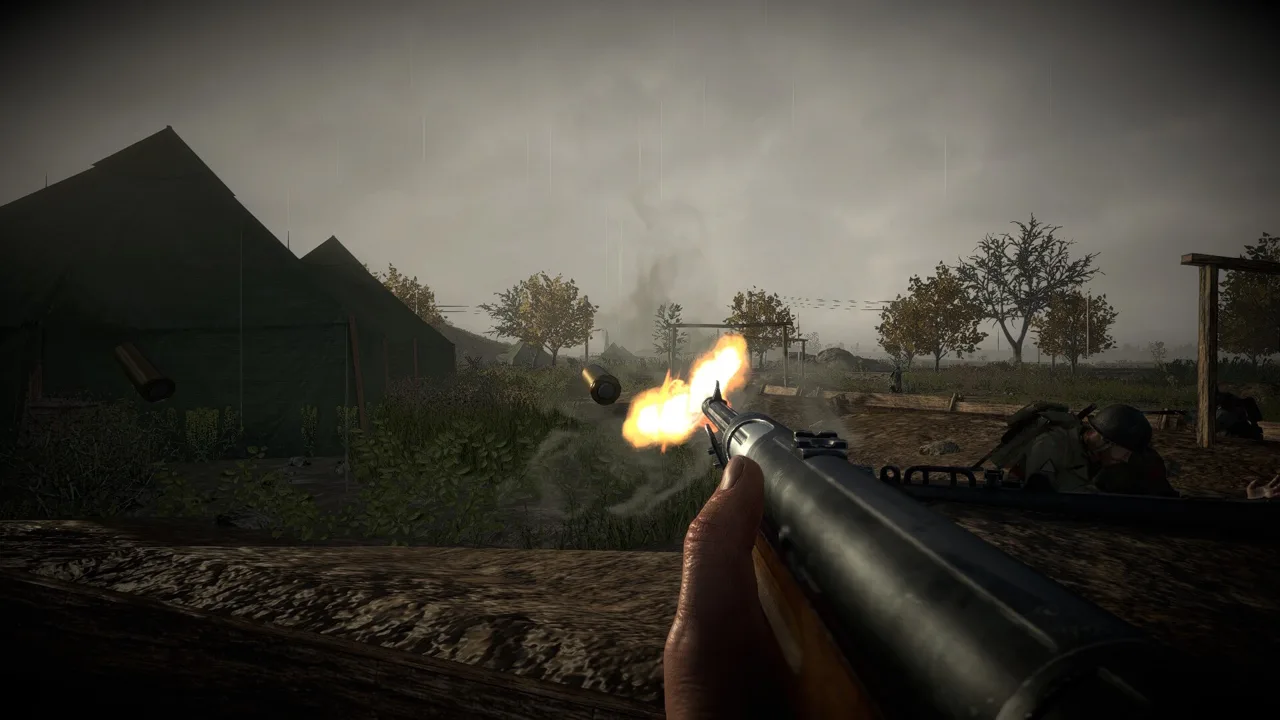
Check Controller Bindings and Action Prompts
Easy Red 2 controller not working? Start with the controller bindings in the pause settings, especially if movement works but a combat action doesn’t respond. Turn on the available-actions display to help identify the command you need during play.
Easy Red 2 has full controller support. Its May 19, 2024 update added controller button rebinding through the pause settings, improved on-screen input prompts, and introduced an optional display of available actions.
If your gamepad responds but individual commands are giving you trouble:
- Inspect the affected binding in the pause settings. Use controller rebinding to change the button assigned to that action.
- Enable the available-actions display. Use the prompts to identify actions available in your current situation.
- Check whether the action requires holding a button. In version 2.1.1, holding the melee button draws or puts away a bayonet used as a knife.
That last distinction matters: a quick press and a hold can serve different purposes. For the bayonet interaction, use the hold behavior before changing its binding.
Version 2.1.1 also introduced dedicated slashing, stabbing, and blocking animations for supported melee weapons, including the Japanese Gunto and selected bayonets. Switching between two melee weapons through the inventory or quick menu no longer brings out your firearm between selections. That change affects what happens after a weapon selection, even when the selection input itself works.
Rebinding is useful when the game registers your controller but an action needs a different assignment. If nothing responds, move on to the details for your platform below.
Windows: Separate Basic Input From Gyro and Trigger Features
For DualShock 4 and DualSense users, button input, motion aiming, and adaptive triggers need separate attention. Version 2.1.1 expanded PlayStation controller features on Windows and improved the gamepad gyro system.
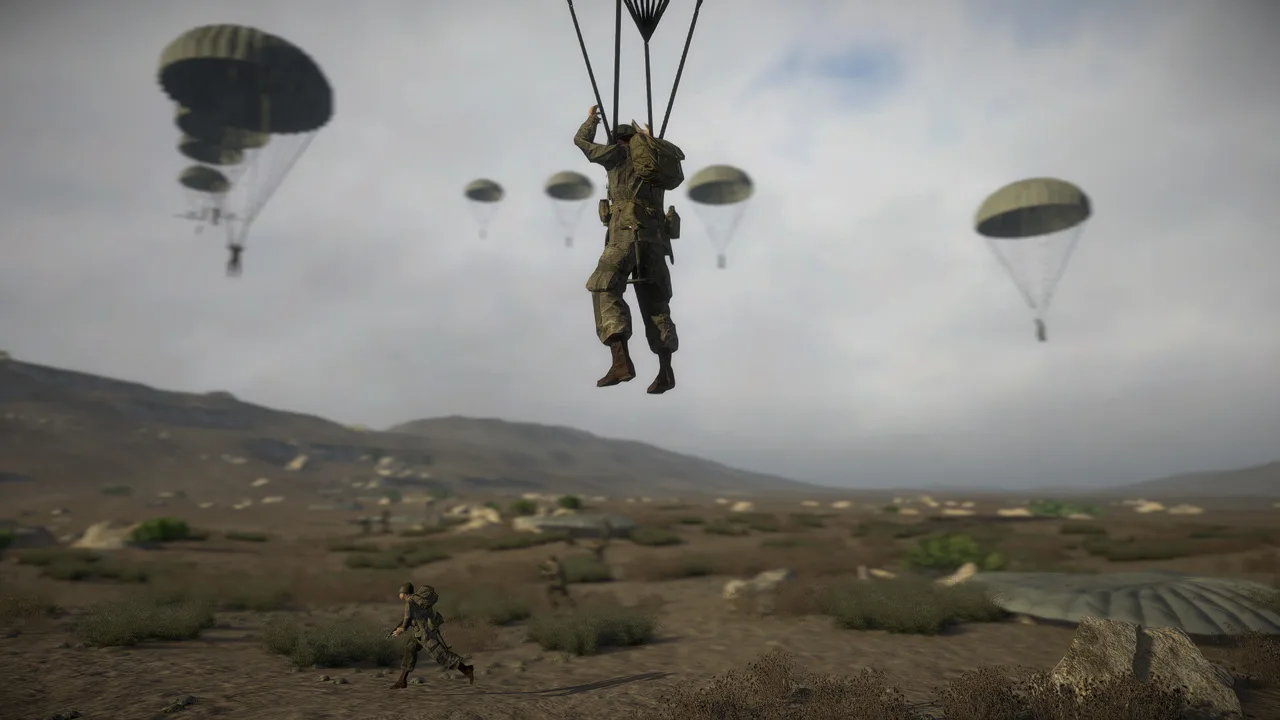 Image: Steam / Marco Amadei
| Controller feature | Supported setup |
|---|---|
| Controller button rebinding | Pause settings; added May 19, 2024 |
| DualSense Adaptive Triggers | Windows, through Steam Input and Direct Input in version 2.1.1 |
| DualShock 4 gyro controls | Through Direct Input in version 2.1.1 |
| DualSense gyro controls | Through Direct Input in version 2.1.1 |
If you’re troubleshooting motion aiming, focus on the Direct Input support described for your controller. DualSense adaptive triggers have broader input-mode support on Windows, covering both Steam Input and Direct Input.
Gamepad vibration also changed in version 2.1.1 to better match each weapon’s rate of fire. Those weapon-specific vibration changes are separate from the update’s additions to adaptive triggers and motion controls.
Keep the platform distinction in mind: version 2.1.1 does not provide adaptive triggers on PlayStation. That feature requires a native PS5 build because of the PlayStation Crossgen SDK limitation. Missing adaptive trigger effects on that version therefore call for a different diagnosis than buttons failing to respond.
Steam Deck and Xbox Cloud Gaming
Easy Red 2 is Steam Deck Verified, and the game supports Windows, macOS, and Linux. A Steam Deck configuration used with version 2.0.9 ran through Steam Linux Runtime 1.0, with no launch options and a Steam controller configuration.
 Image: easyred2.com
Use that version-specific setup as a comparison if you’ve been changing compatibility settings. Keep your attention on controller behavior: whether menus respond, movement works, or only a particular action fails gives you a more useful description of the problem than “the controls are broken.”
For Xbox Cloud Gaming, Easy Red 2 supports both controllers and mouse and keyboard. Launch through the Easy Red 2 Xbox Cloud Gaming page; the Windows input modes above apply to the PC game.
If you still need help, use the community contact options on the Easy Red 2 official website. Include your platform, controller model, game version, and the exact action that fails so the development team can address the specific behavior.
Continue with
 Easy Red 2 Increase FOV: Limits and Zoom Settings GuideLooking for Easy Red 2 increase fov options? Explore what 65 vertical FOV means, how aiming zoom differs, and what to know before using PC camera mods.
More in Settings
Easy Red 2 Best Settings: AI, Aiming, and Steam Deck
Find Easy Red 2 best settings for tougher AI, clearer iron sights, and Steam Deck troubleshooting. Tune difficulty and controls before your next mission.
Easy Red 2 Sensitive Content: What the Toggle Changes
Easy Red 2 sensitive content changes German flag symbols. Learn what the toggle does, why restarting can help, and how it works with historical unit mods.
Easy Red 2 Total Units: Battle Size and Mod Limits Guide
Easy Red 2 total units explained: compare soldiers and player slots, explore the 3,200-unit PC mod, and avoid battle-size problems that stall your attacks.
Continue exploring
Easy Red 2 Stalingrad: Campaign, Weapons & DLC Guide
Explore Easy Red 2 Stalingrad with a campaign guide covering Soviet weapons, vehicles, combat tips, DLC requirements, and platform options before you play.
Easy Red 2 Reddit Guide: Tips, Co-Op, and PC Features
Searching Easy Red 2 reddit for help? Find practical squad tactics, co-op basics, modding details, and ways to avoid outdated combat tips before you play.
Join the community
Official channels for news, updates and player help: