
Easy Red 2 Total Units: Battle Size and Mod Limits Guide
Easy Red 2 total units explained: compare soldiers and player slots, explore the 3,200-unit PC mod, and avoid battle-size problems that stall your attacks.
Jump to
How Many Units Can You Have in Easy Red 2?
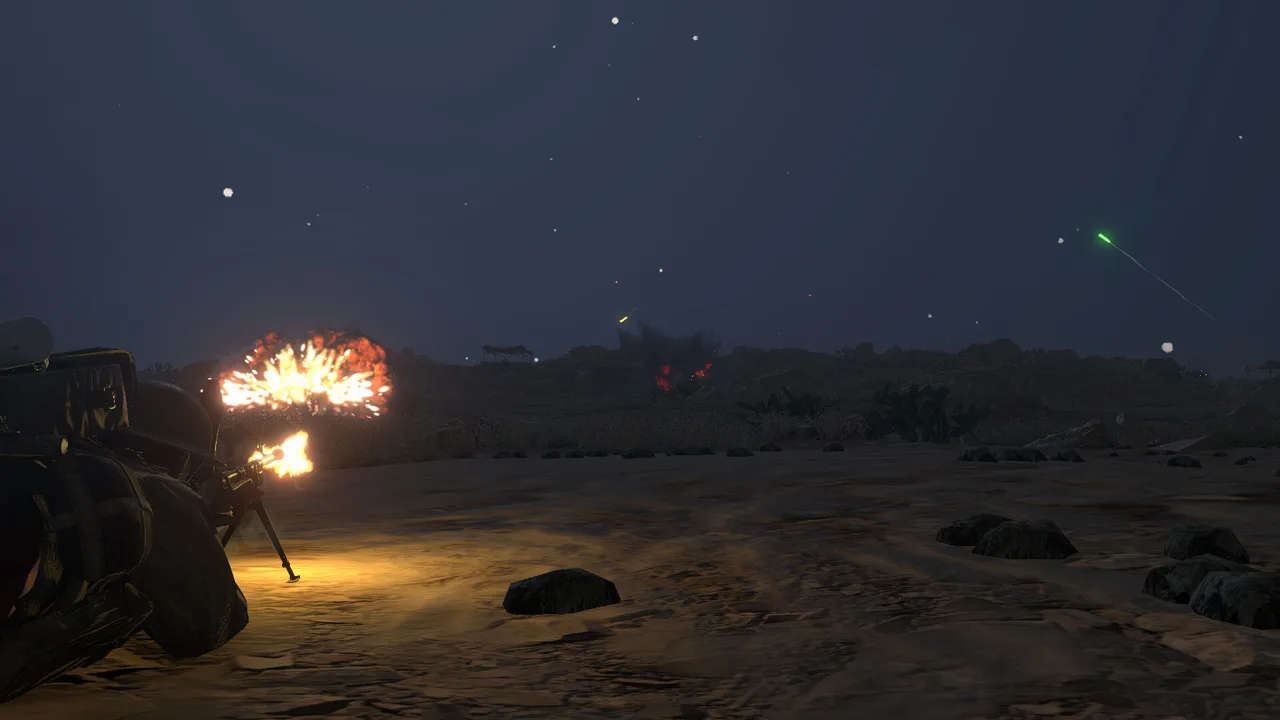
Easy Red 2 total units can far exceed the number of human players in a battle. AI squadmates add soldiers to the fighting, which makes the distinction matter when you’re judging battlefield scale. On PC, the BIG BATTLES Max Unit Increase mod allows a maximum-unit setting of 3,200.
That number belongs to the mod. Keep it separate from multiplayer player slots, squad size, and reinforcement tickets: each describes a different part of a mission.
- Human players are the people participating in a match.
- Squad size includes the soldiers within an individual squad.
- Reinforcement tickets support the flow of replacement forces during a battle.
- The mod’s maximum-unit setting raises the limit available for configuring larger battles.
Easy Red 2 combines infantry, armored vehicles, artillery, and aircraft across large maps. A player count alone doesn’t capture how much fighting those maps can hold.
Official page: Easy Red 2 (easyred2.com)
How AI Squads Change the Soldier Count
An eight-soldier squad can contain one human-controlled character and seven AI squadmates. Using that composition, a match with 20 human players would account for 160 soldiers: 20 human-controlled characters plus 140 AI squadmates.
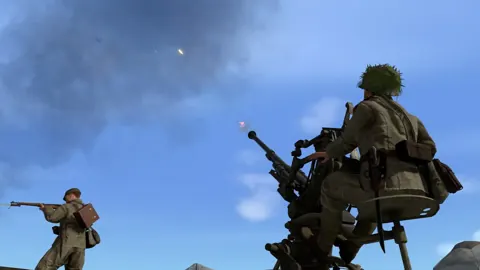
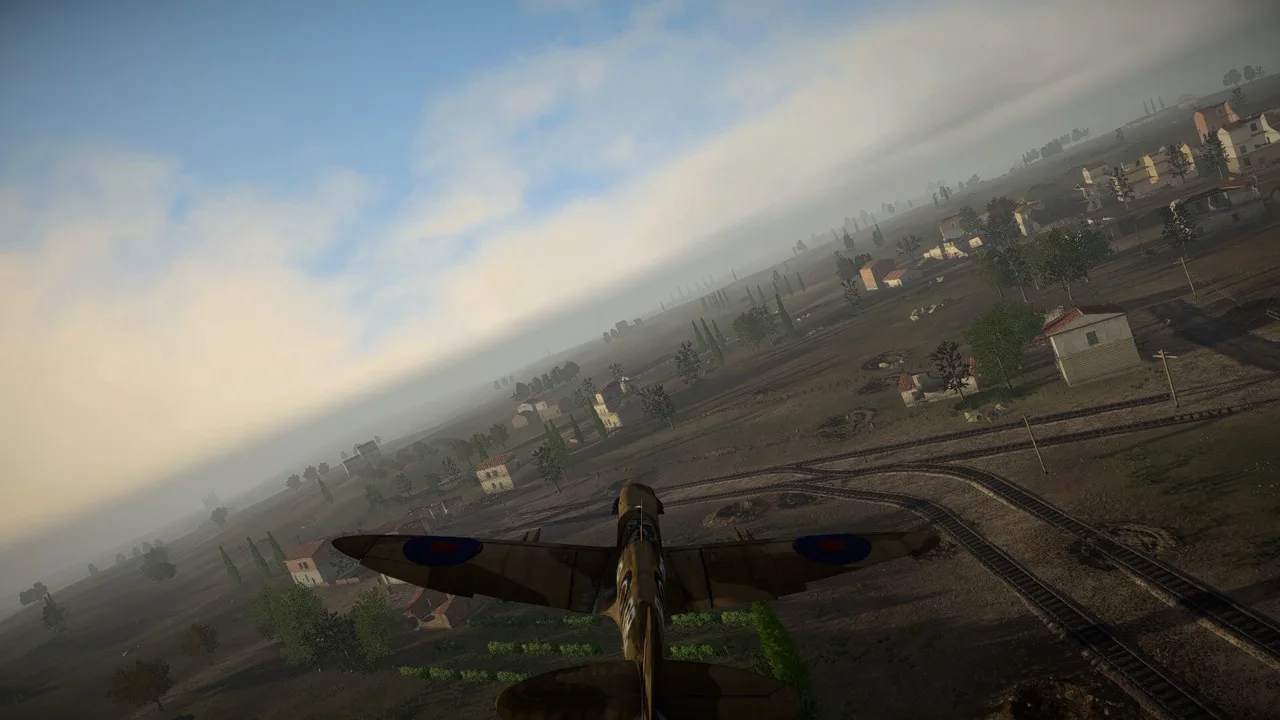 Image: Steam / Marco Amadei
The arithmetic matters because “160 soldiers” and “160 bots” describe different populations. It also explains why a relatively small human lobby can still produce crowded objectives.
Use that calculation for eight-soldier squads only. Squad composition varies, and specialized formations can be much smaller.
Smaller Squads in Update 2.1.1
The “Cold Steel” update adds a Japanese grenadier formation built around the Type 89 Grenade Discharger:
- Each dedicated Japanese grenadier squad contains 3 grenadiers.
- Each grenadier carries 8 Type 91 grenades for ammunition.
Those grenadiers can respond to artillery orders from their squad leader. They can also engage autonomously when their squad has spotted enemies outside their direct line of fire.
Account for the formations participating in a mission when estimating its scale. Multiplying every squad by eight will give you the wrong picture when smaller support squads are involved.
Raising the Maximum to 3,200 on PC
BIG BATTLES Max Unit Increase expands the maximum-unit setting to 3,200 and scales invader tickets proportionally to the selected attacker count.
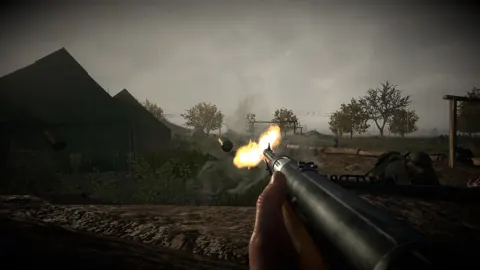
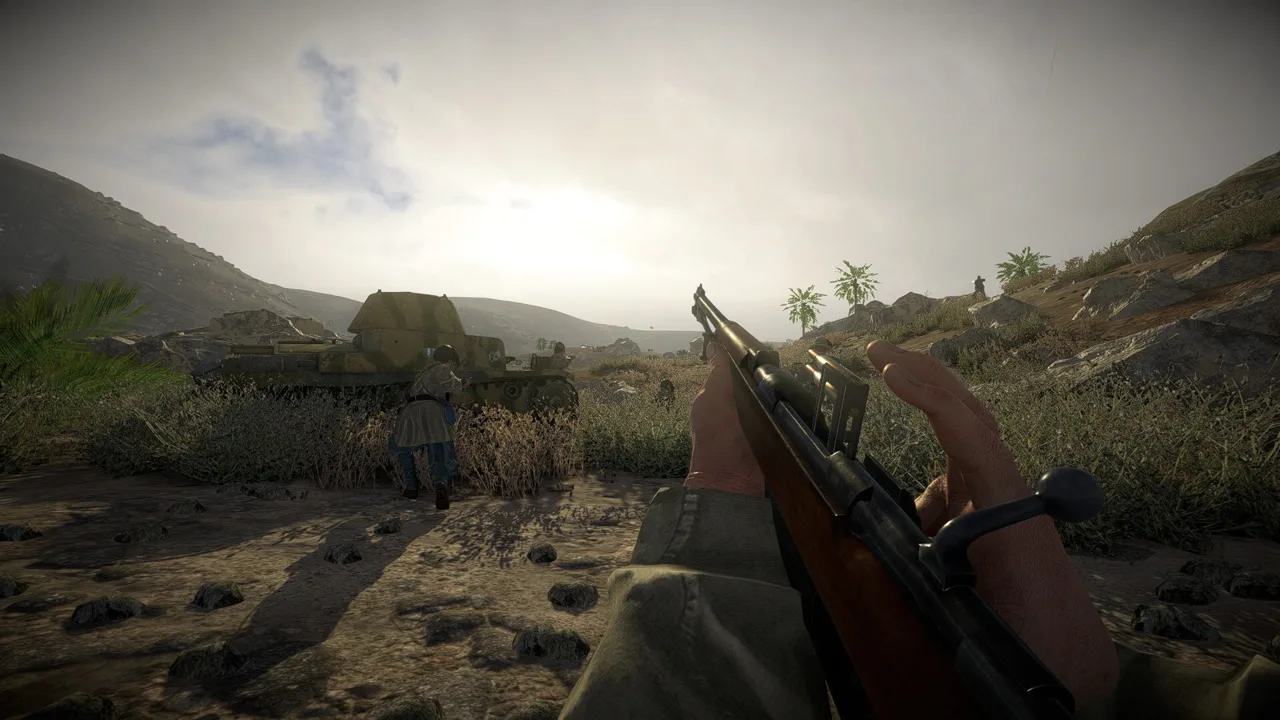 Image: Steam / Marco Amadei
Its installation requires BepInEx 6 IL2CPP. With that prerequisite installed, place ER2MaxUnits_v1.1.0.dll in:
Easy Red 2\BepInEx\plugins
The plugin’s unit limit and ticket scaling work together: raising the attacker count also increases the associated invader ticket allocation. This changes more than the visual density of a battle, so consider both the fighting around objectives and the reinforcements feeding into it.
Keep the installation instructions tied to the PC plugin. Easy Red 2 also has console versions, while modding is a PC feature.
Why Pushing Above Roughly 500 Can Stall an Attack
The mod has a specific balance problem at high settings: above roughly 500 total units, defenders can accumulate enough soldiers to prevent invaders from reaching the first objectives. Parachute-insertion missions are particularly susceptible.
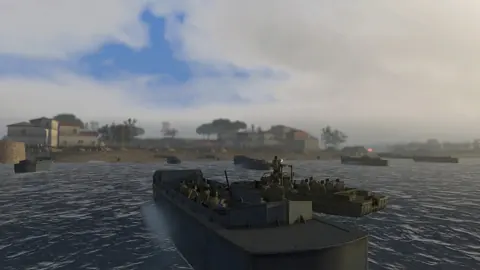
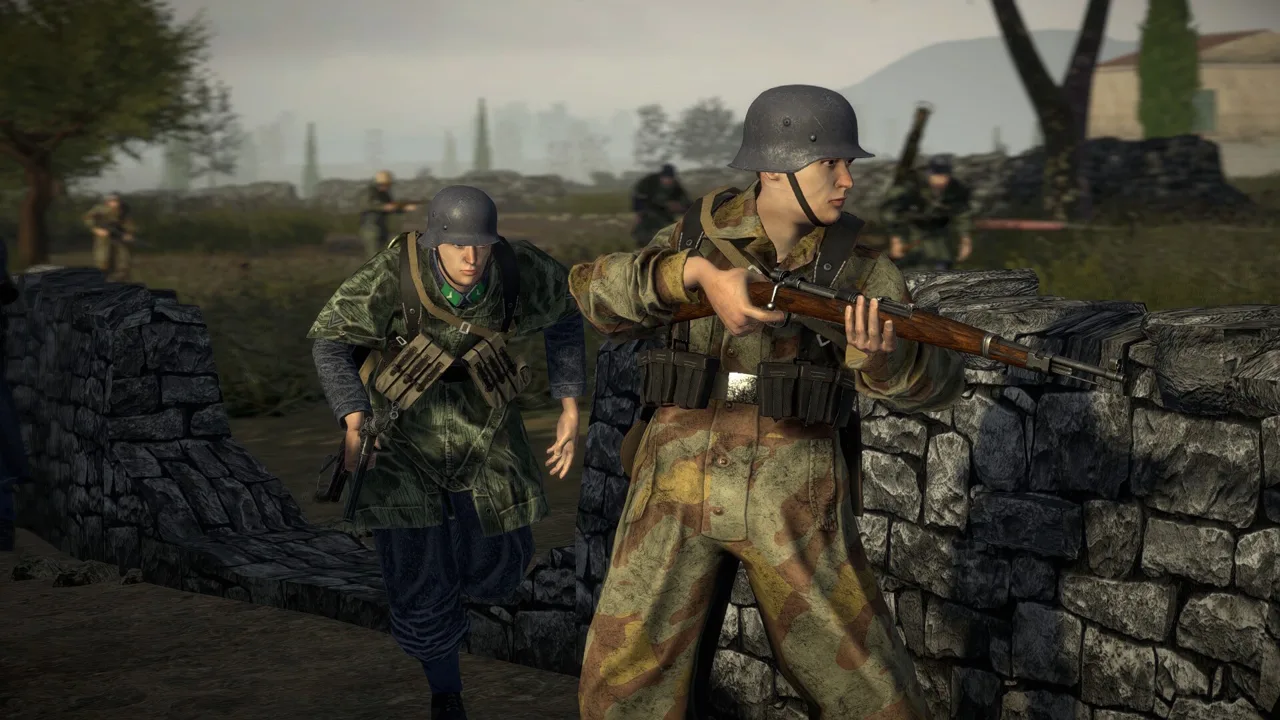 Image: Steam / Marco Amadei
This creates a practical limit separate from the advertised 3,200 maximum. A setting can be selectable while producing an attack that struggles to get started.
When increasing battle size:
- Raise the count gradually. Watch whether attackers can reach and contest the opening objectives.
- Pay attention to parachute arrivals. Check whether arriving troops can establish a foothold against the defending force.
- Reduce the count if defenders overwhelm the opening phase. Don’t keep increasing it simply because the plugin allows a higher value.
- Evaluate each mission separately. The mod’s expanded limits have not been tested across every map and DLC.
Ticket scaling gives invaders more reserves, but reserves alone don’t solve an overcrowded first objective. Judge the setting by whether both sides can keep the battle moving through its intended objectives.
Continue with
 Easy Red 2 Best Settings: AI, Aiming, and Steam DeckFind Easy Red 2 best settings for tougher AI, clearer iron sights, and Steam Deck troubleshooting. Tune difficulty and controls before your next mission.
More in Settings
Easy Red 2 Controller Not Working: Settings to Check
Easy Red 2 controller not working? Review button rebinding, action prompts, Steam Deck support, and Windows gamepad features to narrow down the problem.
Easy Red 2 Increase FOV: Limits and Zoom Settings Guide
Looking for Easy Red 2 increase fov options? Explore what 65 vertical FOV means, how aiming zoom differs, and what to know before using PC camera mods.
Easy Red 2 Sensitive Content: What the Toggle Changes
Easy Red 2 sensitive content changes German flag symbols. Learn what the toggle does, why restarting can help, and how it works with historical unit mods.
Continue exploring
Easy Red 2 Xbox: Price, Crossplay, and Console Guide
Easy Red 2 Xbox supports solo battles, online co-op, and crossplay. Explore console compatibility, pricing, DLC, controls, performance, and beta access.
Easy Red 2 Achievements Guide: Survive Every Campaign
Use this Easy Red 2 achievements guide to plan campaign survival runs, avoid the respawn screen, manage infantry squads, and work toward full completion.
Join the community
Official channels for news, updates and player help: